Overview
Module: Module 1: Infrastructure & Addressing
Activity type: Lesson (Orient → Recall → Learn → Explain → Reflect)
Learning objective: Given a host and a guest requirement, the learner can choose Type 1 vs Type 2 virtualization, create a working Linux guest (VirtualBox or Proxmox), and prove networking, DNS, and SSH with recorded evidence.
Bloom level: Apply
Mastery unlock for this topic: reading done + Feynman complete + quiz ≥80% (when scored) + lab gate + homework submitted
Learning objective
Given a host and a guest requirement, the learner can choose Type 1 vs Type 2 virtualization, create a working Linux guest (VirtualBox or Proxmox), and prove networking, DNS, and SSH with recorded evidence.
Why this matters
Without a safe practice machine, every later Docker, ARR, Home Assistant, and voice experiment risks your daily desktop. Virtualization is the sandboxed foundation the rest of the Academy builds on.
Prior-knowledge check
Answer briefly before reading Instruction. Wrong answers are useful: they show what to review.
- What is the difference between an operating system and an application?
- What does CPU, RAM, and disk do for a computer?
- Have you ever installed software that broke something on your main PC? What did you wish you had?
Learn
Complete the module reading first:
Then review the worked example inside that reading (I do).
Guided practice (We do)
We do: hints allowed. Check your reasoning against Instruction.
With instructor/notes open, complete one of these (hints allowed):
- Name whether VirtualBox on a laptop is Type 1 or Type 2: and why.
- List three pieces of evidence that prove a guest is useful for later Docker work (not “it boots”).
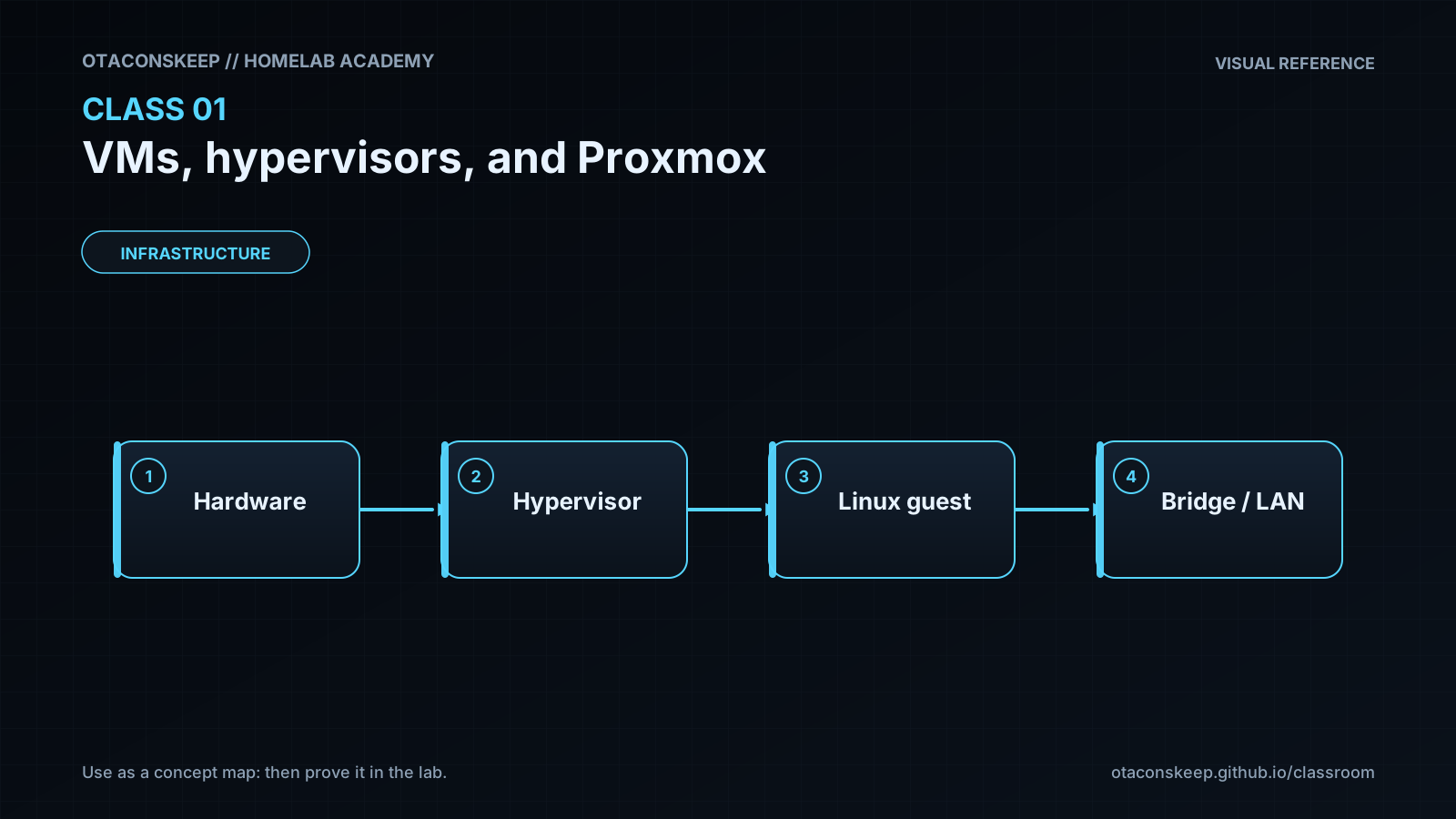
- Sketch: Hardware → hypervisor → guest → network path to your LAN.
Feynman teach-back: required
Required. Do not skip.
Explain
Describe what a virtual machine is, and why hypervisors exist in your own words. No copying the lesson verbatim.
Simplify
Explain the same idea to a 12-year-old. If you use a technical word, define it.
Example
Explain a VM using an everyday analogy (for example: a playhouse in your backyard vs remodeling your only house).
Weak spot
What part was hard to explain? That is where your understanding is thin.
Retry
Return to that part of Instruction, restudy it, then rewrite a clearer explanation below.
Mastery note: a completed Feynman teach-back is required before the next class unlocks: “I get it” without explanation does not count.
Answers save in this browser (localStorage). Completing all five fields is part of the mastery unlock.
Reflection
Which virtualization path did you choose (VirtualBox vs Proxmox), what almost went wrong, and how does isolation protect later labs?
Also answer:
- What did I learn?
- What did I struggle with?
- How does this connect to earlier classes?
Spiral hook
You will reuse guests and snapshots in Class 2 (Docker inside a Linux VM), Class 3 (networks), Class 4 (ops), and every service class afterward. When voice or ARR “randomly breaks,” ask: did I change the guest, the bridge, or only the container?