Overview
Module: Module 1: Infrastructure & Addressing
Topic: 02: Docker Compose & persistence
Activity type: Reading / reference (Learn)
Bloom focus: Apply / Create
Links to outcome: Given a multi-step docker run intent, the learner can write a Compose file with services, ports, environment, and persistent mounts, then recreate the stack without data loss.
Why this matters
Shell history is not a system design. If your stack only exists as remembered commands, you cannot rebuild after failure: and every later ARR/HA/voice service will be fragile.
Vocabulary
You will distinguish image, container, registry, service, volume, and bind mount; read YAML; convert docker run intent into Compose; manage environment values; publish ports; add healthchecks; and prove data persistence.
| Term | Meaning |
|---|---|
| Image | Immutable application filesystem and metadata |
| Container | Running or stopped instance created from an image |
| Registry | Image distribution service |
| Compose project | Related services described in one YAML model |
| Bind mount | Host path mapped into a container |
| Named volume | Docker-managed persistent storage |
| Environment variable | Runtime configuration passed as key/value data |
| Port publish | Mapping from host port to container port |
| Healthcheck | Command that reports application readiness/health |
Core reading
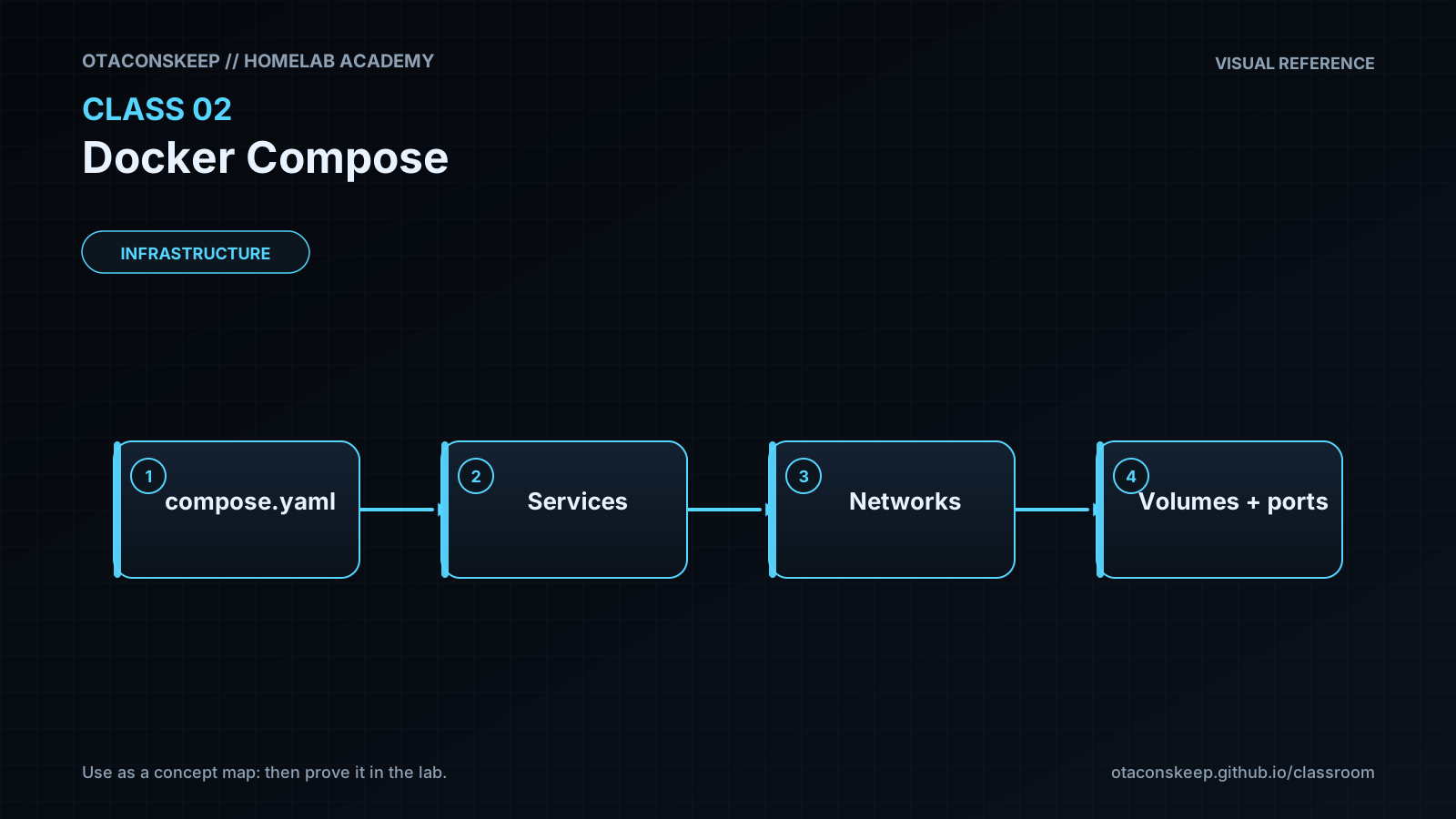
A long docker run command records configuration only in shell history and human memory. Compose stores the desired state in a file that can be reviewed, versioned without secrets, validated, and redeployed.
flowchart TD
    Y["compose.yaml"] --> C["Docker Compose"]
    C --> W["web service"]
    C --> D["database service"]
    C --> N["project network"]
    C --> V["persistent storage"]
YAML uses indentation to express structure. Spaces matter; tabs and misalignment can change or invalidate the model. A minimal service declares an image, name or project identity, restart behavior, storage, networks, ports, and environment.
services:
  demo:
    image: nginx:stable
    ports:
      - "8080:80"
    restart: unless-stopped
The left side of 8080:80 is the host port; the right side is the port inside the container.
Persistence
Containers are replaceable. Persistent state must live outside the writable container layer.
services:
  app:
    image: example/app:1.2.3
    volumes:
      - ./config:/config
Destroying and recreating the container should not destroy ./config. This is a requirement to test, not an assumption.
Paths and identity
Linux container processes use numeric user and group IDs. A container can see a bind-mounted path yet fail to write if the host permissions do not match the container identity. Record PUID/PGID or equivalent ownership decisions in the service contract.
Windows students should run the production-like lab inside the Linux VM from Class 1. Windows path syntax, Desktop file sharing, WSL filesystems, and case sensitivity add variables that distract from the container model.
Secrets
An .env file can reduce repetition, but it is not encryption. Do not commit API keys, passwords, or tunnel tokens. Prefer purpose-built secrets mechanisms where supported, restrict file permissions, and keep a safe recovery record.
Lifecycle
docker compose config
docker compose pull
docker compose up -d
docker compose ps
docker compose logs --tail=100
docker compose down
config validates and renders the model. pull downloads declared images. up -d reconciles running resources to the file. down removes project containers and networks; adding -v can remove volumes and is therefore not used casually.
Worked example (study this)
I do: study the reasoning, not just the final answer.
Bad Compose intent: No volumes; data lives in the container filesystem; recreate = wipe.
Better: Bind-mount or named volume for /config (or app data path), pin an image tag you can roll back, declare ports and env in YAML, and prove docker compose down + up keeps the data.
Use docker compose (Compose v2 plugin) in current environments. Old tutorials may use the standalone docker-compose command or obsolete schema keys. Validate against current Docker Compose documentation.
Next
- Open the Lesson for prior-knowledge check, guided practice, and required Feynman teach-back.
- Then complete Lab, Homework, and Quiz for this topic.