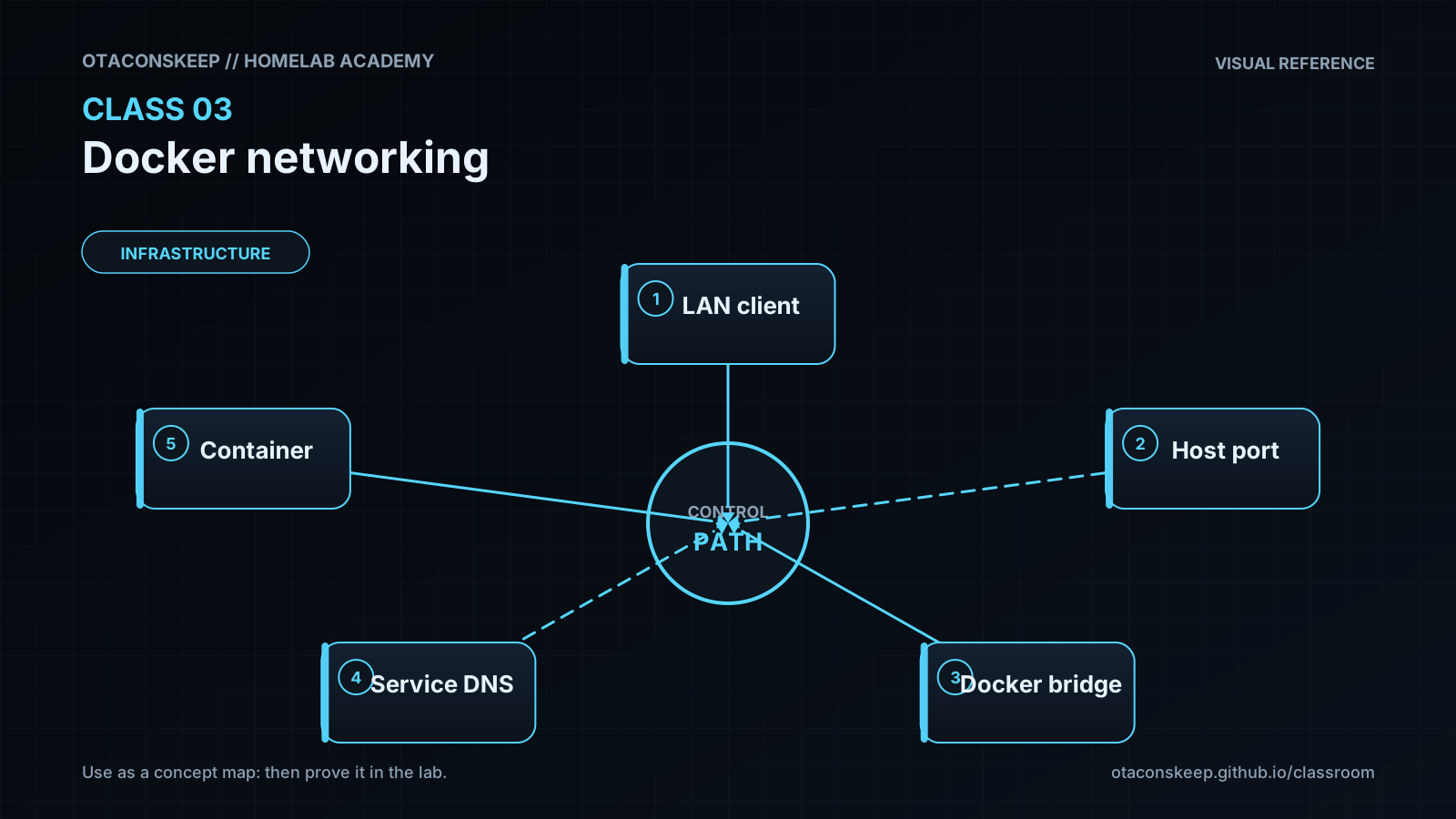
Overview
Module: Module 1: Infrastructure & Addressing
Topic: 03: Docker networking
Activity type: Reading / reference (Learn)
Bloom focus: Analyze
Links to outcome: Given two Compose services, the learner can place them on an isolated user-defined network, call one service by DNS name from the other, and explain host-port publish versus container-to-container traffic.
Why this matters
Wrong networking is the #1 silent failure in ARR and Home Assistant stacks: ‘it works in the browser on the host’ but containers cannot see each other: or everything is published to the LAN by accident.
Vocabulary
Add terms as you encounter them in Instruction.
Core reading
Originally: Outcomes
You will understand default and user-defined bridges, embedded DNS, port publishing, host networking, none, MACVLAN, IPVLAN, overlay networks, and why the ARR stack normally starts with a user-defined bridge.
Core model
Docker networking has two separate jobs:
- Let containers communicate with each other.
- Decide which services are reachable from the host or other networks.
flowchart TD
    L["LAN client"] -->|"host:8989"| H["Docker host"]
    H --> S["sonarr:8989"]
    S -->|"prowlarr:9696"| P["Prowlarr"]
    S -->|"qbittorrent:8080"| Q["qBittorrent"]
Inside a container, localhost means that container. Sonarr calling localhost:9696 attempts to reach Sonarr, not Prowlarr. On a user-defined bridge, call http://prowlarr:9696 using the Compose service name.
Drivers
| Driver/mode | Purpose | Beginner position |
|---|---|---|
| Default bridge | Legacy automatic network | Understand, but do not build the stack around it |
| User-defined bridge | Single-host application networking with DNS | Default for the course |
| Host | Shares host network namespace | Use only with a documented reason |
| None | No external networking | Useful for isolation tests |
| MACVLAN | Gives containers LAN-facing MAC/IP identities | Advanced; switch/AP behavior matters |
| IPVLAN | Alternative L2/L3 attachment model | Advanced routing design |
| Overlay | Multi-host/swarm networking | Not required for one Docker host |
User-defined bridges provide predictable grouping and automatic name resolution. Port publishing is still needed for LAN users to access a service, but container-to-container calls do not need a published host port when both services share the network.
Exposure and isolation
Do not publish every internal service simply because you can. A database used only by one application can remain reachable only on its Docker network. ARR web interfaces normally remain LAN-only or VPN-protected.
Worked example (study this)
I do: study the reasoning, not just the final answer.
Bad: Publish every container port to 0.0.0.0 on the host and point services at localhost.
Better: Put related services on media_net (or similar), use service DNS names for container-to-container calls, and publish host ports only for the UIs you intentionally open.
The lecture's driver survey is valuable, but a single-host ARR stack rarely needs MACVLAN, IPVLAN, or overlay networking. Start with a user-defined bridge and adopt advanced drivers only from an explicit requirement.
Next
- Open the Lesson for prior-knowledge check, guided practice, and required Feynman teach-back.
- Then complete Lab, Homework, and Quiz for this topic.