Overview
Module: Module 2: ARR Media Automation
Activity type: Lab (Practice)
Objective: Given a known-good profile backup, the learner can choose one authoritative sync path, run dry-run/apply/rollback, and produce a drift report that matches the live apps.
Before you start
- Reading complete
- Lesson Feynman teach-back drafted (you may refine after the lab)
Guided lab
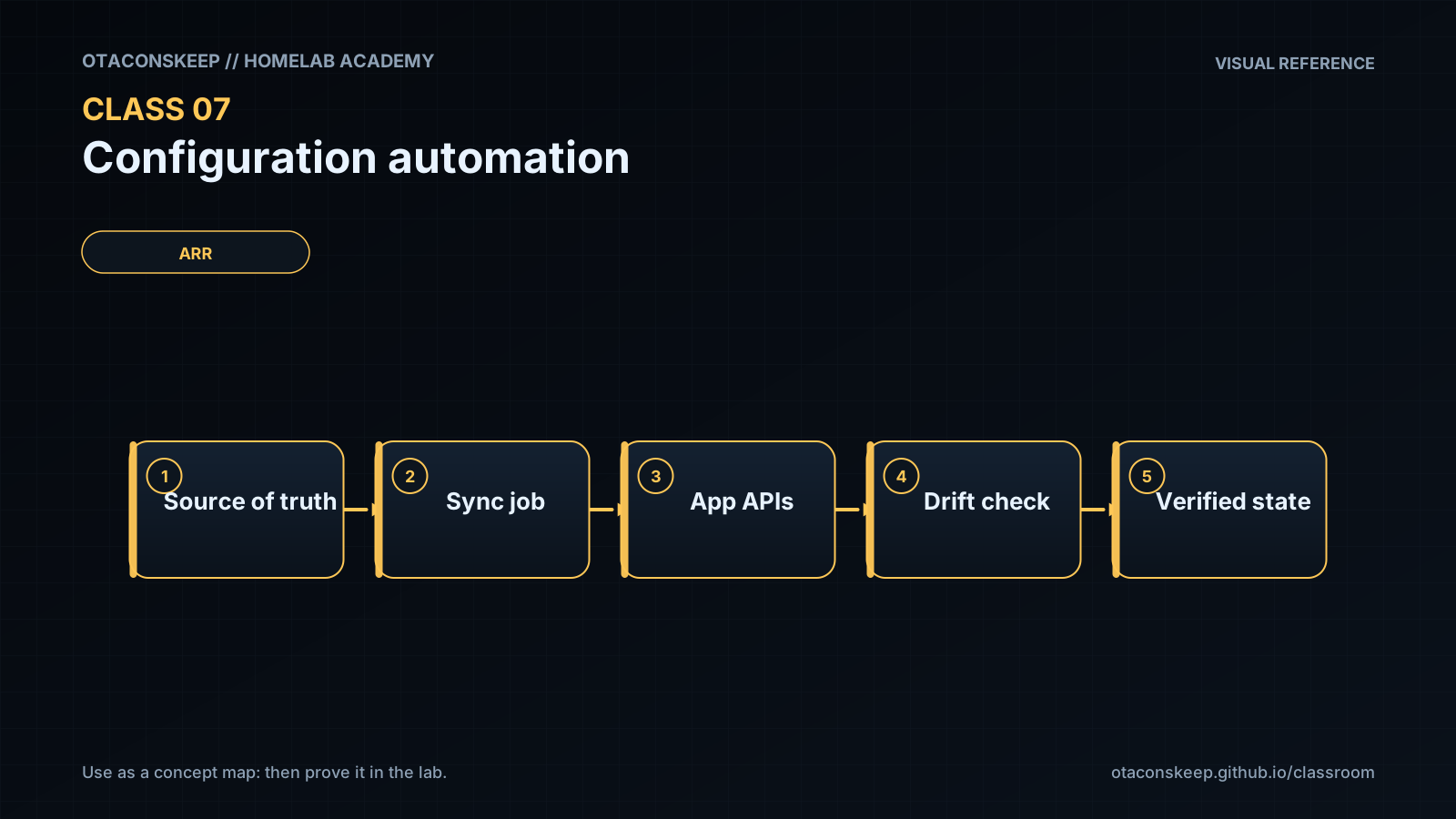
Pick one supported sync approach you actually run (recyclarr, Notifiarr profiles, manual export/import, or another maintained tool). Pin its version. Use a disposable test profile, not your only production profile.
Create a disposable test profile in Sonarr or Radarr (UI). Name it otacon-test-profile. Record initial qualities/cutoff/CF list.
Pin the tool version and show it.
# Example if using recyclarr via docker:
docker compose exec recyclarr recyclarr --version
# Or local binary:
recyclarr --version
docker compose exec recyclarr recyclarr --version 2>/dev/null || recyclarr --version
command -v recyclarr; type recyclarr
Point config at the test profile only. Validate / dry-run without applying.
# Pattern: exact subcommands depend on current tool docs:
recyclarr config list
recyclarr sync --dry-run
# or: docker compose exec recyclarr recyclarr sync --dry-run
docker compose exec recyclarr recyclarr sync --dry-run
Capture the proposed diff/log to a private file (redact secrets):
recyclarr sync --dry-run 2>&1 | tee ~/backups/recyclarr-dryrun-$(date +%Y%m%d).log | tail -n 40
Apply once to the test profile. Re-open the UI and compare to the dry-run.
Apply a second time (idempotency). Expect no duplicate CFs / no destructive churn. Save both logs.
Create intentional drift: manually change one CF score in the test profile UI.
Dry-run again and confirm the tool detects the drift. Decide: overwrite from source of truth, or update the declaration.
Apply the chosen resolution. Re-run Class 6’s five-candidate behavior check on a controlled title.
Rollback proof: restore ARR backup from Class 6/7 start; confirm test profile gone or restored; record commands/UI steps used.
docker compose stop sonarr
# restore config backup
docker compose start sonarr
curl -sf "http://127.0.0.1:8989/ping" && echo SONARR_UP
Break / fix
Break/fix
-
Run sync twice; prove idempotency in logs.
-
Point two tools at the same profile (or simulate conflicting ownership), observe fight; pick one owner.
-
Break YAML/config syntax; show validator failure; fix.
-
Restore backup; prove scores match the pre-lab export.
Feedback / common mistakes
- Skipping evidence and calling it done.
- Changing multiple variables before retesting.
- Moving on without completing Feynman teach-back.
Lab gate
All boxes must be true before the next class unlocks. If you fail: feedback → targeted review → new practice → reassess.
- [ ] One source of truth is named.
- [ ] Secrets are not embedded in tracked files.
- [ ] Validation/preview is reviewed before apply.
- [ ] A second run creates no unwanted duplicate state.
- [ ] Intentional drift is detected and resolved.
- [ ] Candidate behavior still matches Class 6 requirements.
- [ ] Rollback is demonstrated.
- [ ] Prior-knowledge check answered
- [ ] Feynman teach-back completed (Explain, Simplify, Example, Weak spot, Retry)
- [ ] Independent practice completed
- [ ] Retrieval check attempted (target ≥80% when scored)
- [ ] Evidence recorded in workbook / verification matrix