Overview
Module: Module 3: Home Assistant & Secure Access
Activity type: Lab (Practice)
Objective: Given a threat model for admin UIs, the learner can choose VPN vs tunnel vs dangerous port-forward patterns, implement an authenticated remote path (or document VPN-only), and prove unauthorized denial plus rollback.
Before you start
- Reading complete
- Lesson Feynman teach-back drafted (you may refine after the lab)
Guided lab
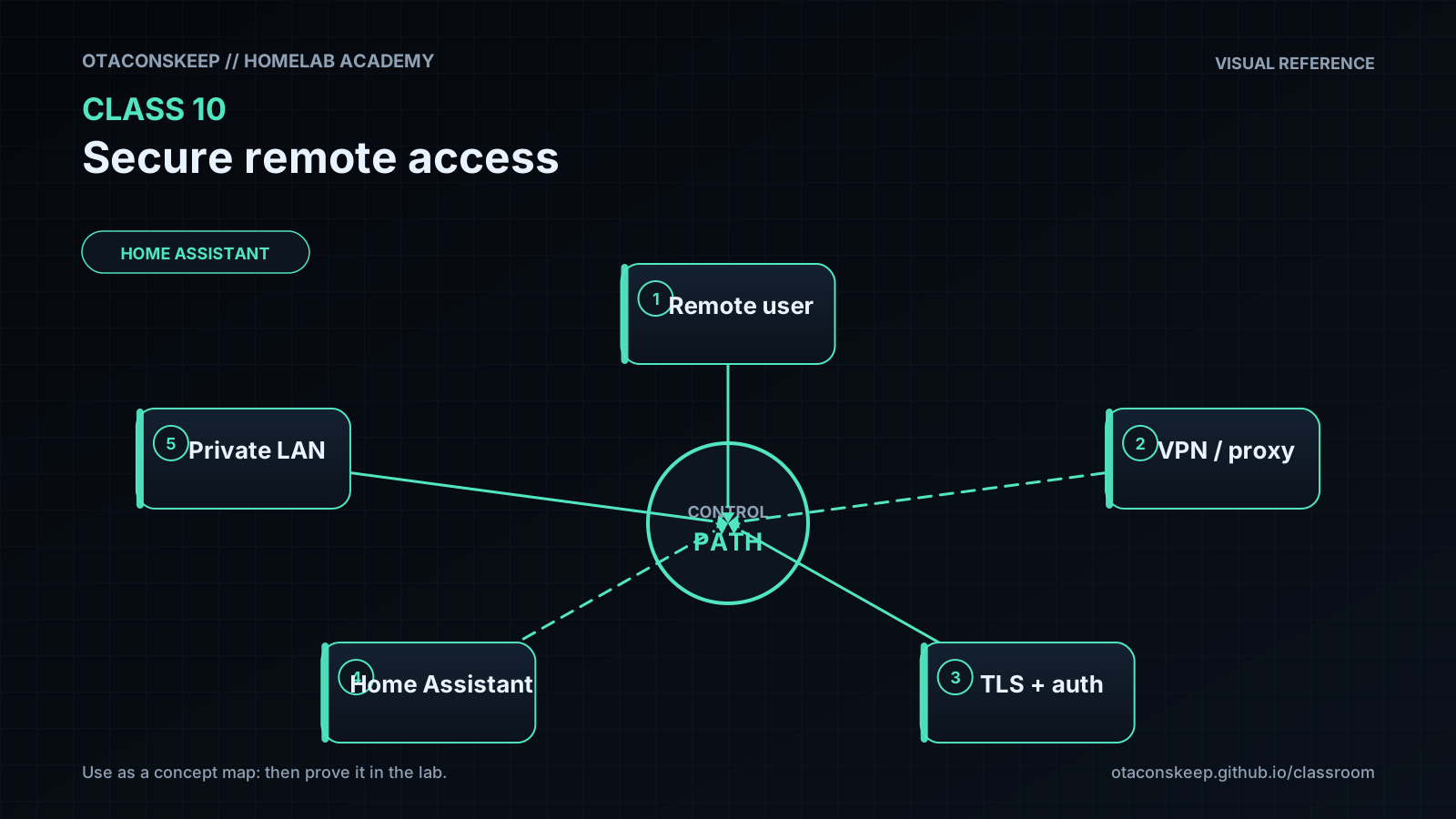
Security objective: remote access without opening ARR/HA admin ports to the whole internet. Pick one path: outbound tunnel + Access policy or VPN/mesh. Do both only if you have time.
Common preparation
Back up the target service (HA backup or reverse-proxy config copy).
Record origin details in the workbook: internal URL (http://HA-IP:8123), port, TLS or not, expected hostname.
Prove you are not already exposed.
# From the HA/Docker host: list listeners (look for 8123/8096/8989 published on 0.0.0.0 unexpectedly)
ss -lntp | egrep '8123|8096|8989|7878|9696' || true
# From an external network (phone LTE), try http://PUBLIC-IP:8123: expect failure
netstat -ano | findstr "8123 8989 7878"
# External test from cellular network browser to your public IP: expect fail
Define allow/deny identities (who may authenticate; who must fail).
Tunnel path (example: Cloudflare Tunnel + Access)
Follow current official tunnel docs for connector install. Then:
Create tunnel; run connector with least privilege (dedicated user/service).
# Pattern after install: service name varies by distro/docs:
sudo systemctl status cloudflared --no-pager
sudo journalctl -u cloudflared -n 50 --no-pager
Get-Service cloudflared -ErrorAction SilentlyContinue
# Or check the connector logs from the vendor's install path
Map one test hostname → one origin (http://HA-IP:8123 or localhost connector side).
Access policy: allow only your identity + MFA.
External signed-out browser: must deny or redirect to auth.
Allowed identity: must succeed.
Disallowed identity / other account: must fail.
Fail closed: stop connector; external access fails; LAN http://HA-IP:8123 still works.
sudo systemctl stop cloudflared
curl -sI --max-time 5 https://YOUR-TUNNEL-HOST/ || echo EXPECTED_EXTERNAL_FAIL
curl -sI http://HA-IP:8123/ | head
sudo systemctl start cloudflared
VPN path
Enroll one remote client with its own identity/key.
Authorize only required subnets (HA LAN), not “full house flat”.
Connect VPN; prove curl http://HA-IP:8123 works.
ping -c 2 HA-IP
curl -sI http://HA-IP:8123/ | head
ping -n 2 HA-IP
curl.exe -sI http://HA-IP:8123/
Prove an excluded service/IP fails.
Revoke device/identity; confirm access ends; remove test grants you no longer need.
Break / fix
Break/fix and security tests
-
Stop connector / disconnect VPN → external fail, LAN ok.
-
Remove MFA temporarily in a controlled test only if policy allows, then restore MFA immediately.
-
Attempt access with a second account that should be denied.
Feedback / common mistakes
- Skipping evidence and calling it done.
- Changing multiple variables before retesting.
- Moving on without completing Feynman teach-back.
Lab gate
All boxes must be true before the next class unlocks. If you fail: feedback → targeted review → new practice → reassess.
- [ ] One documented remote-access pattern is selected.
- [ ] MFA or equivalent strong identity control protects human access.
- [ ] Signed-out and disallowed-user tests fail.
- [ ] Allowed access works from an external network.
- [ ] Connector/device revocation is demonstrated.
- [ ] No direct public ARR/downloader/Proxmox port exists.
- [ ] Rollback removes the external path without breaking local use.
- [ ] Prior-knowledge check answered
- [ ] Feynman teach-back completed (Explain, Simplify, Example, Weak spot, Retry)
- [ ] Independent practice completed
- [ ] Retrieval check attempted (target ≥80% when scored)
- [ ] Evidence recorded in workbook / verification matrix