Overview
Module: Linux Foundations
Activity type: Reading (Learn)
Objective: Distinguish programs, processes, threads, jobs, services, and systemd units
Vocabulary
| Term | Meaning |
|---|---|
| Program | Executable instructions stored in a file or supplied to an interpreter. A program becomes a process when it is executed. |
| Process | A running instance of a program with a process ID, credentials, address space, open file descriptors, and execution state. |
| PID | A process identifier assigned by the kernel. PIDs are finite and can be reused after a process exits. |
| PPID | The process identifier of a process's parent. |
| Thread | An execution context within a process. Threads normally share the process address space and other resources. |
| Job | A shell-managed command or pipeline associated with the current shell session and identified by a shell job number. |
| Signal | An asynchronous notification sent to a process or thread. A signal may invoke a handler, be ignored, stop execution, continue execution, or terminate the process. |
| Signal disposition | The action associated with a signal: the default action, an application-defined handler, or ignore where permitted. |
| Zombie | A process that has exited but still has a process-table entry because its parent has not collected the exit status. |
| Orphan | A process whose parent has exited. It is subsequently adopted by an appropriate subreaper, commonly the service manager or another designated process. |
| Unit | An object managed by systemd, such as a service, socket, timer, mount, path, target, or device. |
| Cgroup | A kernel control-group hierarchy used to organize processes and apply accounting, delegation, and resource controls. systemd places managed services into cgroups. |
| MainPID | The process systemd currently considers the main process of a service, when the service type and runtime state provide one. |
Instruction
A program is passive code, while a process is a live kernel-managed execution context. Each process has a PID, a parent relationship, credentials, memory mappings, open file descriptors, and one or more threads. Shell job identifiers such as %1 are not kernel PIDs; they are conveniences maintained by a particular interactive shell. Process state letters reported by ps summarize conditions such as runnable, sleeping, stopped, or zombie, but they are observations that can change immediately after inspection.
Signals are numbered notifications with symbolic names. The kill command is named for historical reasons and can send signals that do not terminate a process. SIGTERM requests orderly termination and may be caught so an application can close files, release locks, notify peers, and remove temporary state. SIGHUP traditionally reports terminal disconnection, although many daemons interpret it as a request to reload configuration. SIGSTOP always suspends execution and cannot be caught or ignored; SIGCONT resumes a stopped process. SIGKILL causes kernel-enforced termination and cannot be caught, blocked, or ignored. SIGKILL is therefore a last resort: it prevents application cleanup and can leave incomplete transactions or stale external state even though the kernel reclaims process-local resources.
A PID file is not proof of identity. After a process exits, its PID can eventually be assigned to an unrelated process. Before signaling a PID read from a file, inspect the current owner and command line and, where practical, use a service manager that tracks the process through cgroups. Permissions also matter: an unprivileged user generally may signal only processes permitted by kernel credential checks. Elevated privileges should not be used merely to bypass uncertainty about process identity.
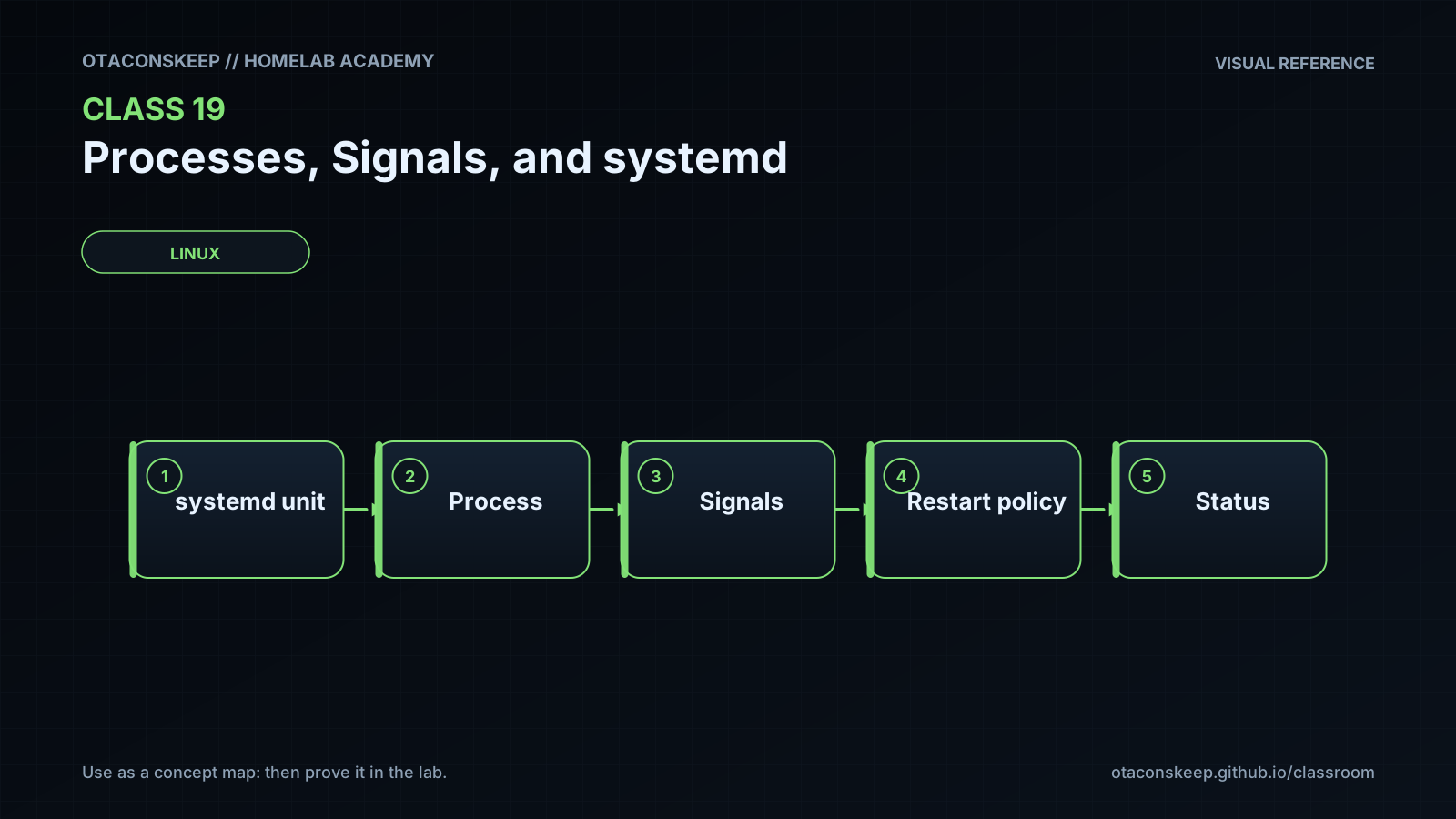
systemd is commonly PID 1 on modern Linux distributions. It manages units rather than treating every PID as an independent service. A service unit can have a main process, helper processes, and descendants grouped in a cgroup. This allows systemd to reason about the service as a collection instead of trusting only a PID file. Unit state and process state are related but not identical: a service may be activating while a process initializes, active with several processes, failed after an unsuccessful exit, or inactive with no remaining processes. systemctl status provides a human-oriented summary, while systemctl show exposes machine-readable properties such as ActiveState, SubState, MainPID, ControlGroup, and FragmentPath. Reading these properties is safe, but changing or restarting production units requires a separate change plan. In this class, systemd inspection is read-only; all processes created by the lab are ordinary user processes, and all persistent lab artifacts stay inside the approved class directory.
Architecture
components
The Linux kernel creates processes, schedules threads, enforces credentials, and delivers signals.
The proc filesystem exposes live process information used by tools such as ps.
The interactive shell starts commands, tracks shell jobs, and exposes the PID of a newly backgrounded command.
The lab worker installs signal handlers and records observable events in its own laboratory directory.
systemd, when running as PID 1, manages units and organizes service processes into cgroups.
systemctl reads unit state and properties through the systemd manager interface.
process_flow
The shell starts worker.sh and records the resulting PID.
The kernel schedules the worker and its child sleep commands.
The administrator verifies the live PID's owner and command line.
A signal is requested with kill and delivered by the kernel subject to credential checks.
Catchable signals invoke the worker's Bash trap when the shell can process it.
Uncatchable stop, continue, and termination actions are applied by the kernel.
Read-only systemctl commands separately inspect an existing system-managed service and its cgroup.
boundaries
The lab does not install, edit, enable, disable, start, stop, or restart any systemd unit. Persistent creation, logging, PID files, and cleanup are restricted to /opt/lab-classroom/class19/.
Required reading
- Read the local manual pages with: man ps, man kill, man 7 signal, man systemctl, and man systemd.service
- Review the systemd documentation section describing unit states and service process tracking
- Review the proc filesystem documentation for process-specific directories such as /proc/PID/
References
- Linux man-pages signal(7): https://man7.org/linux/man-pages/man7/signal.7.html
- Linux man-pages kill(2): https://man7.org/linux/man-pages/man2/kill.2.html
- Linux man-pages proc_pid_status(5): https://man7.org/linux/man-pages/man5/proc_pid_status.5.html
- procps-ng ps(1): https://man7.org/linux/man-pages/man1/ps.1.html
- systemctl manual: https://www.freedesktop.org/software/systemd/man/latest/systemctl.html
- systemd.service manual: https://www.freedesktop.org/software/systemd/man/latest/systemd.service.html
- systemd unit manual: https://www.freedesktop.org/software/systemd/man/latest/systemd.unit.html
- systemd control group delegation documentation: https://systemd.io/CGROUP_DELEGATION/