Overview
Module: Linux Foundations
Activity type: Lab (Practice)
Lab risk: low
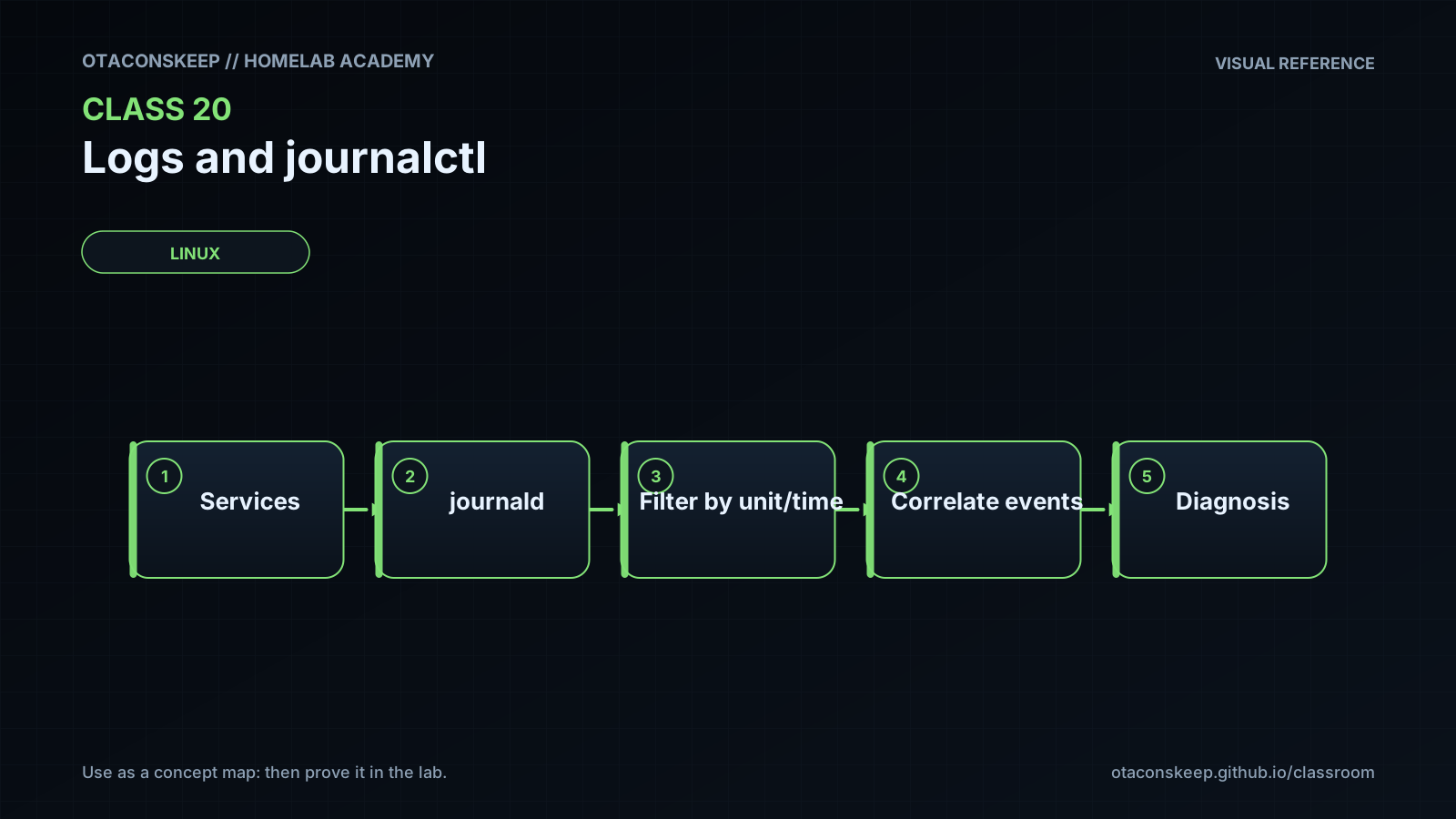
Objective: Explain the relationship between applications, systemd units, systemd-journald, and journalctl.
Before you start
- Basic Linux command-line navigation
- Familiarity with services and systemd units
- A Linux host or virtual machine using systemd and systemd-journald
- Permission to read at least the current user's journal entries
- An existing writable directory at /opt/lab-classroom/class20/
Guided lab
name
Build a Read-Only Journal Evidence Set
constraints
Run all commands from a single shell session.
Do not change journal configuration, restart services, rotate journals, or remove journal data.
All files created or changed by this lab must remain under /opt/lab-classroom/class20/.
The journal commands in this lab are read-only; shell redirection creates only the specified evidence files.
steps
step
1
instruction
Confirm that the classroom directory already exists, is the expected path, and is writable. Stop if any check fails.
command
cd /opt/lab-classroom/class20/ && test "$(pwd -P)" = "/opt/lab-classroom/class20" && test -w . && printf 'Lab directory verified: %s\n' "$(pwd -P)"
step
2
instruction
Set a restrictive file-creation mask for this shell so exported logs are not broadly readable.
command
umask 077
step
3
instruction
Record the boots known to the local journal.
command
journalctl --list-boots --no-pager > /opt/lab-classroom/class20/boots.txt
step
4
instruction
Export the latest 100 records from the current boot in an ISO-like timestamp format.
command
journalctl -b -n 100 --no-pager -o short-iso > /opt/lab-classroom/class20/recent-current-boot.log
step
5
instruction
Export warning-and-higher-priority records from the current boot. An empty file is a valid result when no accessible records match.
command
journalctl -b -p warning --no-pager -o short-iso > /opt/lab-classroom/class20/warnings-current-boot.log
step
6
instruction
Export records associated with the journal service during the current boot.
command
journalctl -b -u systemd-journald.service --no-pager -o short-iso > /opt/lab-classroom/class20/journald-unit.log
step
7
instruction
Export up to 20 recent accessible records as newline-delimited JSON for structured inspection.
command
journalctl -b -n 20 --no-pager -o json > /opt/lab-classroom/class20/recent.jsonl
step
8
instruction
Use Python to count the PRIORITY values present in the JSON export. Malformed or inaccessible input causes the command to fail instead of silently inventing data.
command
python3 - <<'PY' > /opt/lab-classroom/class20/priority-summary.txt
import collections
import json
from pathlib import Path
source = Path('/opt/lab-classroom/class20/recent.jsonl')
counts = collections.Counter()
records = 0
with source.open('r', encoding='utf-8') as handle:
for line_number, line in enumerate(handle, 1):
if not line.strip():
continue
record = json.loads(line)
records += 1
counts[str(record.get('PRIORITY', 'missing'))] += 1
print(f'records={records}')
for priority in sorted(counts):
print(f'priority_{priority}={counts[priority]}')
PY
step
9
instruction
Capture the journal's reported disk usage as contextual information without changing retention.
command
journalctl --disk-usage > /opt/lab-classroom/class20/journal-disk-usage.txt
step
10
instruction
Record file names, sizes, and permissions for the evidence set.
command
find /opt/lab-classroom/class20/ -maxdepth 1 -type f -printf '%f\t%s bytes\t%m\n' | sort > /opt/lab-classroom/class20/evidence-manifest.txt
analysis_questions
How many boots are visible to the current account?
Which timestamps bound the current-boot sample?
Are any warning-or-higher records visible, and which units or processes produced them?
Which structured fields appear in the JSON records but not in the short-iso display?
Does the journald unit query return records, and could access restrictions explain an empty result?
Do the manifest permissions prevent access by group and other users?
Expected results
- boots.txt contains the boot entries visible to the current account; the number of entries depends on retention and access.
- recent-current-boot.log contains no more than 100 accessible records from the current boot.
- warnings-current-boot.log contains only accessible current-boot records at warning priority or more severe, or it is empty when no records match.
- journald-unit.log contains accessible records associated with systemd-journald.service, or it is empty if no matching records are retained or visible.
- recent.jsonl contains at most 20 JSON objects, one journal record per nonempty line.
- priority-summary.txt reports the number of parsed records and counts only priorities actually found in recent.jsonl.
- journal-disk-usage.txt contains the usage reported by journalctl without changing journal retention.
- evidence-manifest.txt lists the evidence files created by the lab.
- Files created after the restrictive umask should not grant permissions to group or other users.
Verification
- [ ] Run: test -s /opt/lab-classroom/class20/boots.txt && echo 'Boot listing captured'; if this fails, inspect access and journal availability.
- [ ] Run: test -f /opt/lab-classroom/class20/recent-current-boot.log && echo 'Current-boot export exists'.
- [ ] Run: test -f /opt/lab-classroom/class20/warnings-current-boot.log && echo 'Priority-filtered export exists'; zero length is permitted.
- [ ] Run: python3 -c "import json, pathlib; [json.loads(line) for line in pathlib.Path('/opt/lab-classroom/class20/recent.jsonl').read_text(encoding='utf-8').splitlines() if line.strip()]; print('JSON records valid')".
- [ ] Run: cat /opt/lab-classroom/class20/priority-summary.txt and confirm that the records value equals the number of nonempty lines in recent.jsonl.
- [ ] Run: test "$(awk -F= '/^records=/{print $2}' /opt/lab-classroom/class20/priority-summary.txt)" = "$(grep -cve '^[[:space:]]*$' /opt/lab-classroom/class20/recent.jsonl)" && echo 'Record counts agree'.
- [ ] Run: find /opt/lab-classroom/class20/ -maxdepth 1 -type f -perm /077 -print and confirm that it prints no lab evidence files.
- [ ] Run: journalctl -b -n 1 --no-pager -o verbose and identify fields such as the boot ID, priority, transport, process identity, or unit when those fields are present.
Break/fix
| Symptom | Likely cause | Fix |
|---|---|---|
| The initial directory verification fails. | The classroom directory is absent, resolves to another path, or is not writable by the learner. | Stop the lab and have the lab administrator provision /opt/lab-classroom/class20/ with appropriate ownership. Do not redirect output to an alternate system path. |
| journalctl reports that no journal files were found. | The host does not use systemd-journald, journal storage is unavailable, or the environment exposes no journal to the learner. | Confirm that the machine is systemd-based and run systemctl status systemd-journald as a read-only check. Use a compatible lab VM if the host does not provide the journal. |
| Only a small number of records are visible. | The account has limited permissions, the host has a quiet current boot, or retention is limited. | Treat the visible subset as the authorized dataset. Ask an administrator to confirm access policy rather than weakening file permissions. |
| boots.txt lists only the current boot. | The journal may be volatile, older records may have been removed by retention policy, or previous boot data may not be accessible. | Document the limitation. Do not change storage or retention settings as part of this lab. |
| warnings-current-boot.log is empty. | No accessible current-boot records match warning or a more severe priority. | Verify that the unfiltered current-boot export contains records. An empty filtered result is valid and must not be treated as a command failure by itself. |
| The journald unit export is empty. | No matching records are retained, the local unit name differs, or the learner cannot access system-level records. | Run systemctl status systemd-journald as a read-only check and inspect accessible unit names with systemctl list-units --type=service --no-pager. |
| Python raises a JSON parsing error. | recent.jsonl is incomplete, was edited, or was not generated with JSON output. | Regenerate only recent.jsonl with the documented journalctl command, then rerun the parser. |
| Evidence files are readable by group or other users. | The restrictive umask was not set in the same shell before the files were created, or existing files retained broader modes. | Remove the affected evidence files using the scoped rollback procedure, set umask 077 in the active shell, and regenerate the files. |
| A query returns many unrelated messages. | The query lacks a boot, time, unit, priority, or field boundary. | Add the narrowest appropriate selector and confirm each selector independently before combining them. |
Security
principles
Journal records may expose usernames, hostnames, network addresses, process arguments, authentication activity, application data, and operational details.
Use the least privilege required to inspect relevant records.
Do not broaden journal or evidence-file permissions merely to avoid an access-control error.
Keep exported evidence inside /opt/lab-classroom/class20/ and use a restrictive umask.
Review evidence before sharing it and redact sensitive values only in a separate copy so the original observation remains intact.
An exported record is a snapshot, not a trusted authorization decision or conclusive proof of causality.
Do not perform journal rotation, vacuuming, retention changes, or service restarts during evidence collection.
access_note
Distribution policy determines which journal records an unprivileged user can read. Administrative access may reveal substantially more sensitive data, so it should be used only when required and authorized.
integrity_note
Record the exact query, boot scope, and collection time when preserving evidence. Avoid editing the original exports.
Rollback
scope
Rollback removes only evidence files created by this lesson and does not alter the system journal.
commands
find /opt/lab-classroom/class20/ -maxdepth 1 -type f ( -name 'boots.txt' -o -name 'recent-current-boot.log' -o -name 'warnings-current-boot.log' -o -name 'journald-unit.log' -o -name 'recent.jsonl' -o -name 'priority-summary.txt' -o -name 'journal-disk-usage.txt' -o -name 'evidence-manifest.txt' ) -delete
find /opt/lab-classroom/class20/ -maxdepth 1 -type f -printf '%f\n' | sort
success_condition
None of the eight lesson-created evidence file names remain, and no files outside /opt/lab-classroom/class20/ were changed.