Overview
Module: Network Operations
Activity type: Reading (Learn)
Objective: Explain the difference between a package repository, package metadata, dependency resolver, transaction engine, installed-package database, and running services.
Vocabulary
| Term | Meaning |
|---|---|
| package | A versioned archive containing software, metadata, dependencies, and installation instructions managed by the operating system. |
| repository | A configured source of packages and signed metadata from which a package manager discovers available versions. |
| package metadata | Information such as package names, versions, dependencies, conflicts, checksums, signatures, and repository origin. |
| dependency resolver | The component that calculates which packages must be installed, upgraded, retained, or removed to satisfy dependency rules. |
| transaction | A planned set of package operations treated as one package-manager action. |
| simulation | A package-manager mode that calculates and displays a proposed transaction without intentionally applying package changes. |
| candidate version | The package version currently preferred by repository priority, pinning, architecture, and dependency policy. |
| hold or version lock | A policy preventing a selected package from being automatically changed. |
| package database | The local authoritative record of packages and versions installed through the package manager. |
| conffile | A configuration file tracked specially by a package manager so local administrator changes can be preserved or reviewed. |
| full upgrade | A resolver mode allowed to add or remove packages when necessary to complete a system upgrade; APT also calls this dist-upgrade behavior. |
| rollback | A tested recovery procedure using snapshots, backups, known package versions, configuration restoration, or host replacement. |
Instruction
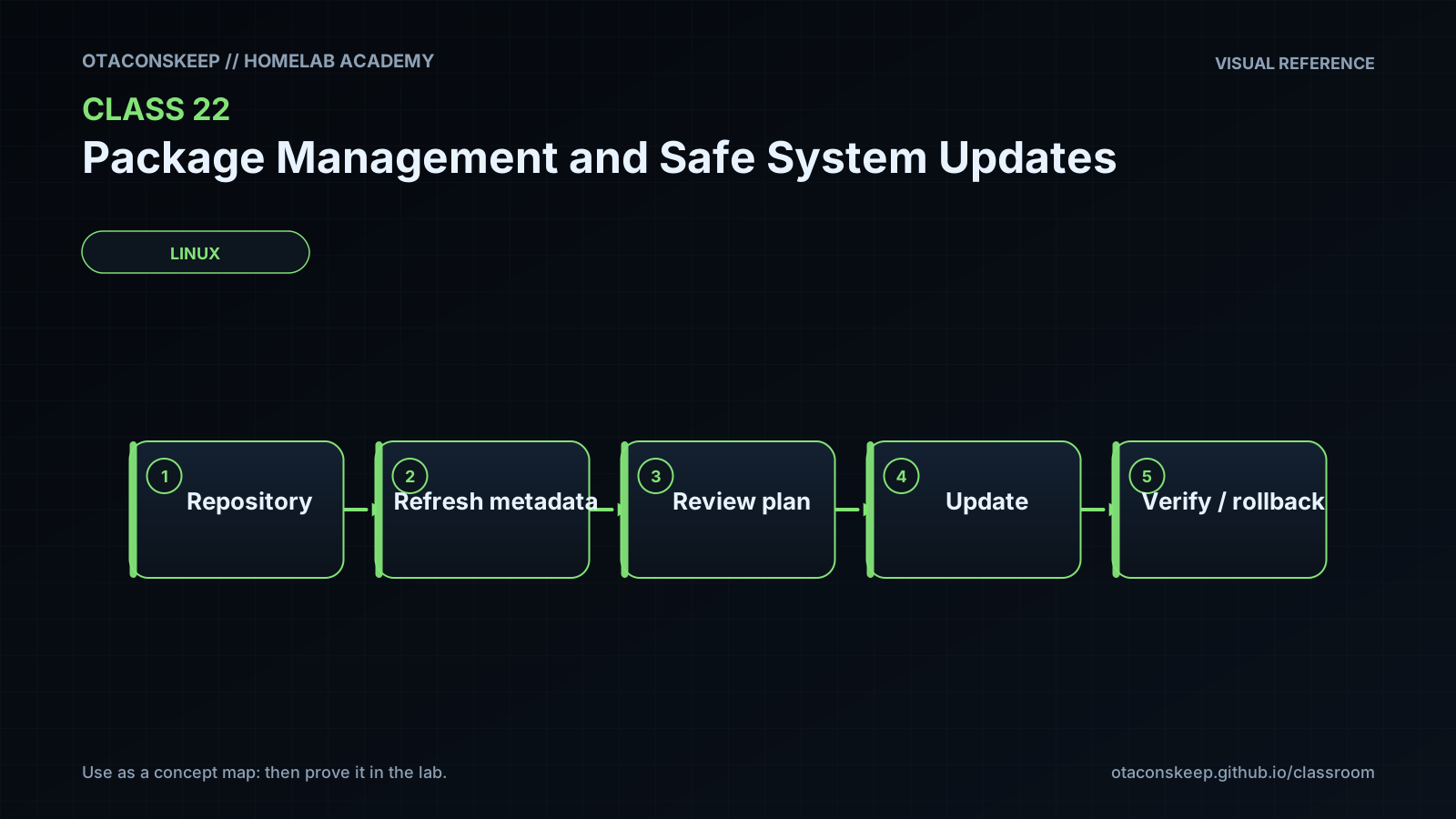
Safe updating is a change-management exercise, not merely a command. A package manager first reads configured repositories and their trust metadata, compares available packages with the local installed-package database, resolves dependency rules, and proposes a transaction. Only after approval should a transaction engine modify package files, scripts, boot artifacts, or service state. Repository signatures authenticate metadata or packages, but they do not prove that an update is operationally compatible with a particular homelab workload.
Inventory is the first control. Record installed package names and versions in a stable format so an administrator can compare the system before and after maintenance. The lab uses two tab-separated fields: package name and installed version. Package families expose this data differently, so blindly assuming every command emits the same format produces unreliable evidence. RPM inventory avoids optional query tags that are absent on older RPM releases, while Alpine inventory is parsed from its local package database because apk info -vv is not a dependable name-and-version TSV interface.
The second control is transaction preview. On APT systems, apt-get --simulate upgrade uses a conservative resolver: installed packages are upgraded when that can be done without removing installed packages. apt-get --simulate dist-upgrade, also known conceptually as a full upgrade, allows dependency resolution that may install additional packages or remove packages. The two previews must therefore be reviewed separately. A removal appearing only in the dist-upgrade plan is not automatically wrong, but it demands an explanation. Kernel, bootloader, libc, database, container runtime, remote-access, storage, and hypervisor packages also deserve explicit maintenance planning because their effects can extend beyond the package transaction.
Simulation output is evidence only when its exit status and errors are retained. An empty-looking plan caused by a package database lock, insufficient privilege, corrupt metadata, or unavailable cache must not be reported as a successful no-op. This lab captures both output streams and records return codes. It does not advise elevating privileges merely to make a preview work; investigate the lock owner or use an approved maintenance window instead.
Batching in this lesson is planning-only. The generated batch plan classifies proposed APT actions into boot or kernel, core libraries, service-impacting packages, and applications or other packages. It does not apply any batch. On a production system, actual grouping must account for dependency constraints, supported intermediate states, redundancy, reboot requirements, snapshots, backups, console access, health checks, and application-owner approval.
Package managers are not universal rollback systems. Downgrades can fail when repositories no longer contain old versions, maintainer scripts are not reversible, databases have migrated, or configuration formats have changed. A safe update plan therefore defines recovery before execution: verify backups, identify a snapshot boundary, preserve configuration, confirm out-of-band access, record package state, establish service checks, and define stop conditions. The final artifacts are checksummed so accidental changes to the review evidence can be detected.
Architecture
flow
repository trust -> metadata and policy -> dependency resolver -> proposed transaction -> package database and filesystem transaction -> runtime validation -> recovery decision
layers
order
1
name
Repository trust
role
Defines which signing keys, repository URLs, release channels, and package origins are accepted.
review_questions
Is the repository expected and supported?
Is signature validation enabled?
Has a third-party repository changed priority or release channel?
order
2
name
Metadata and candidate policy
role
Describes available versions and selects candidates according to architecture, repository priority, pinning, exclusions, and version locks.
review_questions
Which repository provides the candidate?
Is a package held, pinned, excluded, or unavailable?
Is cached metadata current enough for the intended decision?
order
3
name
Dependency resolver
role
Calculates a consistent set of installs, upgrades, retained packages, and permitted removals.
review_questions
Does the conservative plan differ from the full resolver plan?
Are removals or replacements expected?
Are dependency conflicts or broken packages reported?
order
4
name
Transaction engine
role
Downloads, verifies, unpacks, configures, and runs package scripts during a real approved transaction.
review_questions
Is adequate storage available?
Could package scripts restart services or rebuild boot files?
Is interruption recovery documented?
order
5
name
Installed-package database and managed files
role
Records installed versions and tracks package-owned files, dependencies, and selected configuration state.
review_questions
Was a pre-change inventory captured?
Are configuration-file decisions understood?
Can the database be repaired if a transaction is interrupted?
order
6
name
Runtime services and workloads
role
Represents the actual processes, network listeners, containers, applications, and booted kernel that must be validated after a future update.
review_questions
Which services may restart?
Which application checks prove health?
Is a reboot required before the new kernel or libraries are fully active?
order
7
name
Recovery
role
Provides a tested path to restore service through snapshots, backups, package-version recovery, configuration restoration, failover, or rebuild.
review_questions
What is the stop condition?
Who decides to recover?
Has restoration been tested independently of the update?
Required reading
- Debian Administrator's Handbook, Package Management: https://www.debian.org/doc/manuals/debian-handbook/apt.en.html
- APT apt-get manual page, especially --simulate, upgrade, and dist-upgrade: https://manpages.debian.org/apt-get
- DNF command reference, including --assumeno and --cacheonly: https://dnf.readthedocs.io/en/latest/command_ref.html
- Alpine Linux apk handbook: https://docs.alpinelinux.org/user-handbook/0.1a/Working/apk.html
- systemd systemctl manual page for understanding later service validation: https://www.freedesktop.org/software/systemd/man/latest/systemctl.html
References
- APT apt-get manual: https://manpages.debian.org/apt-get
- APT apt-cache manual: https://manpages.debian.org/apt-cache
- Debian Administrator's Handbook, APT: https://www.debian.org/doc/manuals/debian-handbook/apt.en.html
- Debian dpkg-query manual: https://manpages.debian.org/dpkg-query
- DNF command reference: https://dnf.readthedocs.io/en/latest/command_ref.html
- RPM query documentation: https://rpm.org/docs/latest/manual/queryformat.html
- Alpine Linux apk handbook: https://docs.alpinelinux.org/user-handbook/0.1a/Working/apk.html
- Fedora system upgrade documentation: https://docs.fedoraproject.org/en-US/quick-docs/upgrading-fedora-offline/
- Ubuntu package management documentation: https://ubuntu.com/server/docs/package-management
- GNU Coreutils sha256sum documentation: https://www.gnu.org/software/coreutils/manual/html_node/sha2-utilities.html