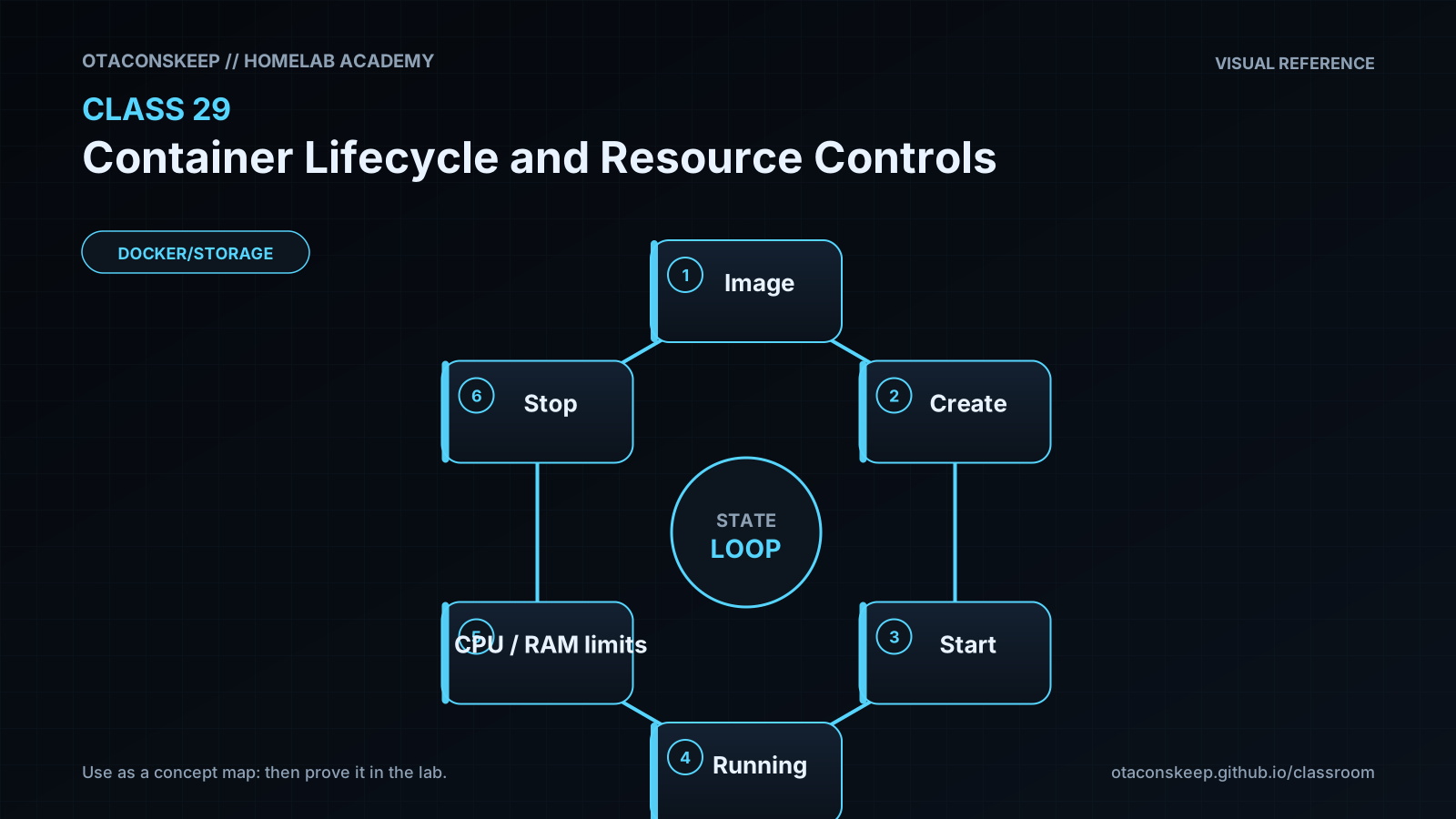
Overview
Module: Module 8: Docker, Storage & Permissions
Activity type: Lesson (Orient → Recall → Learn → Explain → Reflect)
Learning objective: Explain container states and signals; distinguish create, start, run, stop, kill, restart, pause, and remove; apply memory, CPU, PID, and restart controls; and verify the effective configuration instead of trusting the command line.
Learning objective
Explain container states and signals; distinguish create, start, run, stop, kill, restart, pause, and remove; apply memory, CPU, PID, and restart controls; and verify the effective configuration instead of trusting the command line.
Why this matters
A container without boundaries can exhaust memory, spawn excessive processes, or compete with Plex, Home Assistant, databases, and storage jobs. A restart loop can turn a small fault into constant disk and CPU pressure. Explicit lifecycle and resource policies make failures observable and contained.
Prior-knowledge check
- Does stopping a container delete its writable layer?
- What signal should an application normally receive before forced termination?
- What happens when a workload has no explicit memory limit?
Learn
Complete the module reading first:
Guided practice (We do)
Observe a Bounded Lifecycle
Safety and prerequisites
- Authorized non-production Docker host with internet access only if
busybox:1.36.1is not cached. - Creates one image cache entry and containers labeled
academy.class=29. - The container has a 64 MiB memory cap and 64-process cap.
LAB=/opt/lab-classroom/class29
sudo install -d -o "$(id -u)" -g "$(id -g)" "$LAB"
docker pull busybox:1.36.1
docker create \
  --name academy-c29 \
  --label academy.class=29 \
  --memory 64m \
  --cpus 0.50 \
  --pids-limit 64 \
  --restart no \
  busybox:1.36.1 sh -c 'echo started; sleep 20; echo completed'
docker inspect academy-c29 --format 'state={{.State.Status}} memory={{.HostConfig.Memory}} nano_cpus={{.HostConfig.NanoCpus}} pids={{.HostConfig.PidsLimit}} restart={{.HostConfig.RestartPolicy.Name}}' | tee "$LAB/before-start.txt"
docker start academy-c29
docker stats --no-stream academy-c29 | tee "$LAB/stats.txt"
docker wait academy-c29 | tee "$LAB/exit-code.txt"
docker inspect academy-c29 --format 'state={{.State.Status}} exit={{.State.ExitCode}} oom={{.State.OOMKilled}}' | tee "$LAB/after-exit.txt"
Verification checkpoints
grep -F 'memory=67108864' "$LAB/before-start.txt"
grep -F 'pids=64' "$LAB/before-start.txt"
grep -F 'state=exited exit=0 oom=false' "$LAB/after-exit.txt"
docker ps -a --filter label=academy.class=29 --format '{{.Names}} {{.Status}}'
Expected: created before start, running briefly, then exited with code 0; the inspected controls match the requested limits.
Feynman teach-back: required
Explain why a restart policy is like asking a circuit breaker to reset: useful for a transient trip, harmful when it repeatedly re-energizes a persistent fault. Include the difference between process state and application health.
Answers save in this browser (localStorage). Completing all five fields is part of the mastery unlock.
Reflection
Which service in your homelab would cause the most collateral damage if it exhausted memory, and what evidence would justify its limit?