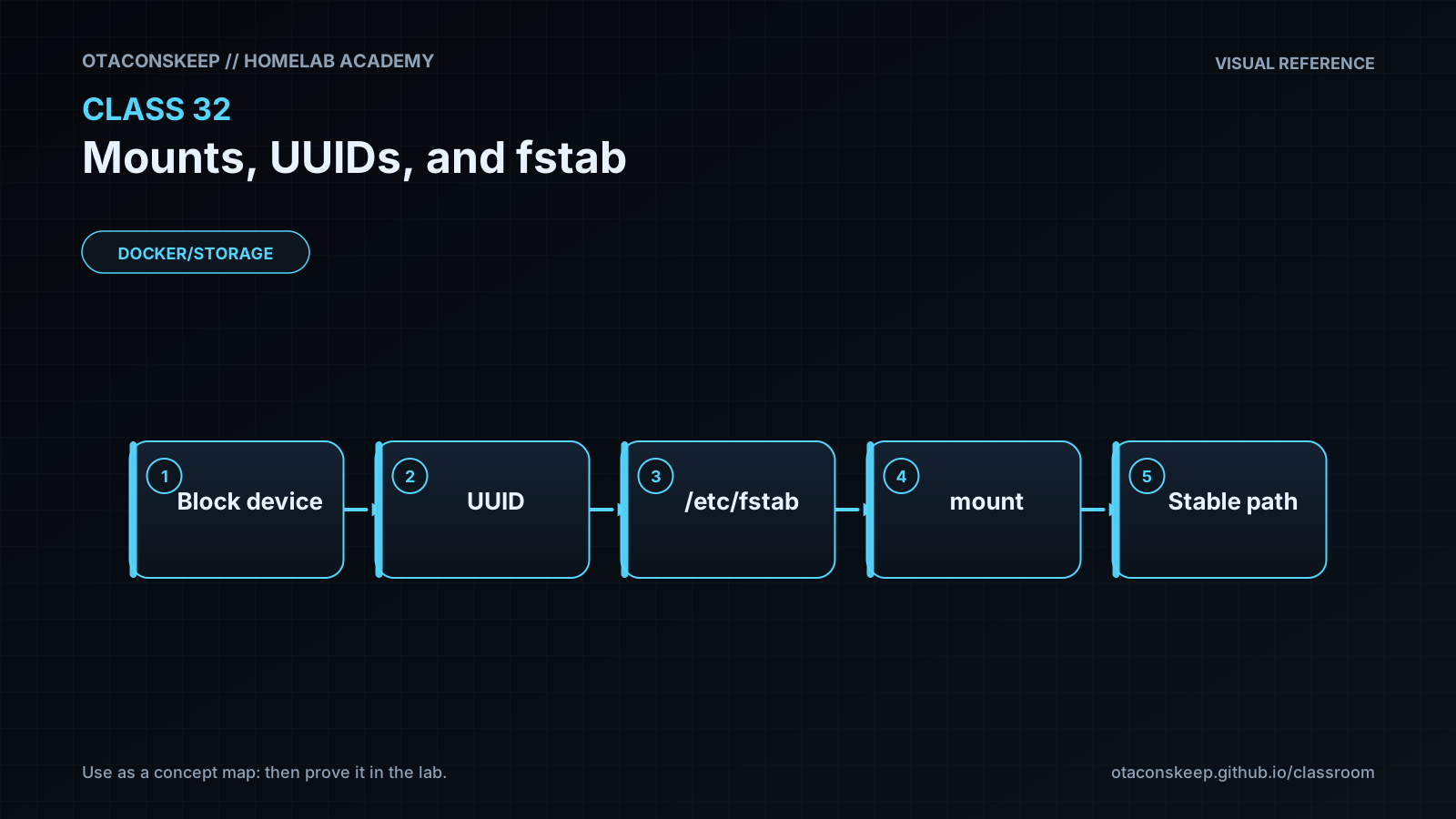
Overview
Module: Module 8: Docker, Storage & Permissions
Activity type: Lesson (Orient → Recall → Learn → Explain → Reflect)
Learning objective: Explain mounting and mount options; identify filesystems by UUID/label; read fstab; stage and validate a persistent mount entry without changing boot configuration; and plan recovery from an invalid or unavailable mount.
Learning objective
Explain mounting and mount options; identify filesystems by UUID/label; read fstab; stage and validate a persistent mount entry without changing boot configuration; and plan recovery from an invalid or unavailable mount.
Why this matters
A manual mount can work today and disappear after reboot. A bad persistent mount can delay boot, drop a host into emergency mode, or expose data with unsafe options. Device names such as /dev/sdb1 can change; persistent identity and tested failure behavior matter.
Prior-knowledge check
- What connects a filesystem to a directory?
- Why might
/dev/sdb1become/dev/sdc1? - What would you back up before editing
/etc/fstab?
Learn
Complete the module reading first:
Guided practice (We do)
Stage, Never Activate
Safety and prerequisites
- Uses the Class 31 image if available, or a clearly fake UUID for syntax practice.
- Writes only under
/opt/lab-classroom/class32/. - Does not mount anything or modify
/etc/fstab.
LAB=/opt/lab-classroom/class32
sudo install -d -o "$(id -u)" -g "$(id -g)" "$LAB/mnt/academy31"
findmnt --real -o SOURCE,TARGET,FSTYPE,OPTIONS | tee "$LAB/active-mounts.txt"
if test -f /opt/lab-classroom/class31/academy-c31.img; then
  UUID_VALUE=$(blkid -s UUID -o value /opt/lab-classroom/class31/academy-c31.img)
else
  UUID_VALUE=11111111-2222-3333-4444-555555555555
fi
printf 'UUID=%s %s ext4 defaults,nofail,nodev,nosuid 0 2\n' \
  "$UUID_VALUE" "$LAB/mnt/academy31" > "$LAB/fstab.staged"
cat "$LAB/fstab.staged"
findmnt --verify --verbose --tab-file "$LAB/fstab.staged" 2>&1 | tee "$LAB/findmnt-verify.txt" || true
findmnt --verify may warn that a filesystem image or fake UUID is not an attached block device. That expected source warning is evidence; syntax errors are not.
Verification checkpoints
test -s "$LAB/fstab.staged" && echo 'PASS: staged entry exists'
awk 'NF==6 && $1 ~ /^UUID=/ && $3=="ext4" {ok=1} END{exit !ok}' "$LAB/fstab.staged" && echo 'PASS: six-field ext4 entry'
grep -F "$LAB/mnt/academy31" "$LAB/fstab.staged"
test "$(wc -l < "$LAB/fstab.staged")" -eq 1 && echo 'PASS: one controlled entry'
Feynman teach-back: required
Explain why a UUID is a filesystem's name tag, a mountpoint is its doorway into the Linux tree, and fstab is the boot-time instruction sheet. Explain how a wrong instruction can affect boot even when the data is intact.
Answers save in this browser (localStorage). Completing all five fields is part of the mastery unlock.
Reflection
Which mounts in your homelab are boot-critical, and which should fail without preventing the host from starting?