Overview
Module: ARR Data Model & Compose
Activity type: Lesson (Orient → Recall → Learn → Explain → Reflect)
Learning objective: Explain the relationship between a pathname, directory entry, inode, and file data.
Bloom level: Understand / Apply
Last reviewed: 2025-03-08
Learning objective
Explain the relationship between a pathname, directory entry, inode, and file data.
Why this matters
Teach learners how Linux hardlinks and same-filesystem atomic renames can support efficient, collision-resistant media and data import workflows without creating unnecessary duplicate file data.
Learn
Complete the module reading first:
Feynman teach-back: required
prompt
Explain the lesson to a teammate without using the words magic, duplicate, or instant.
model_explanation
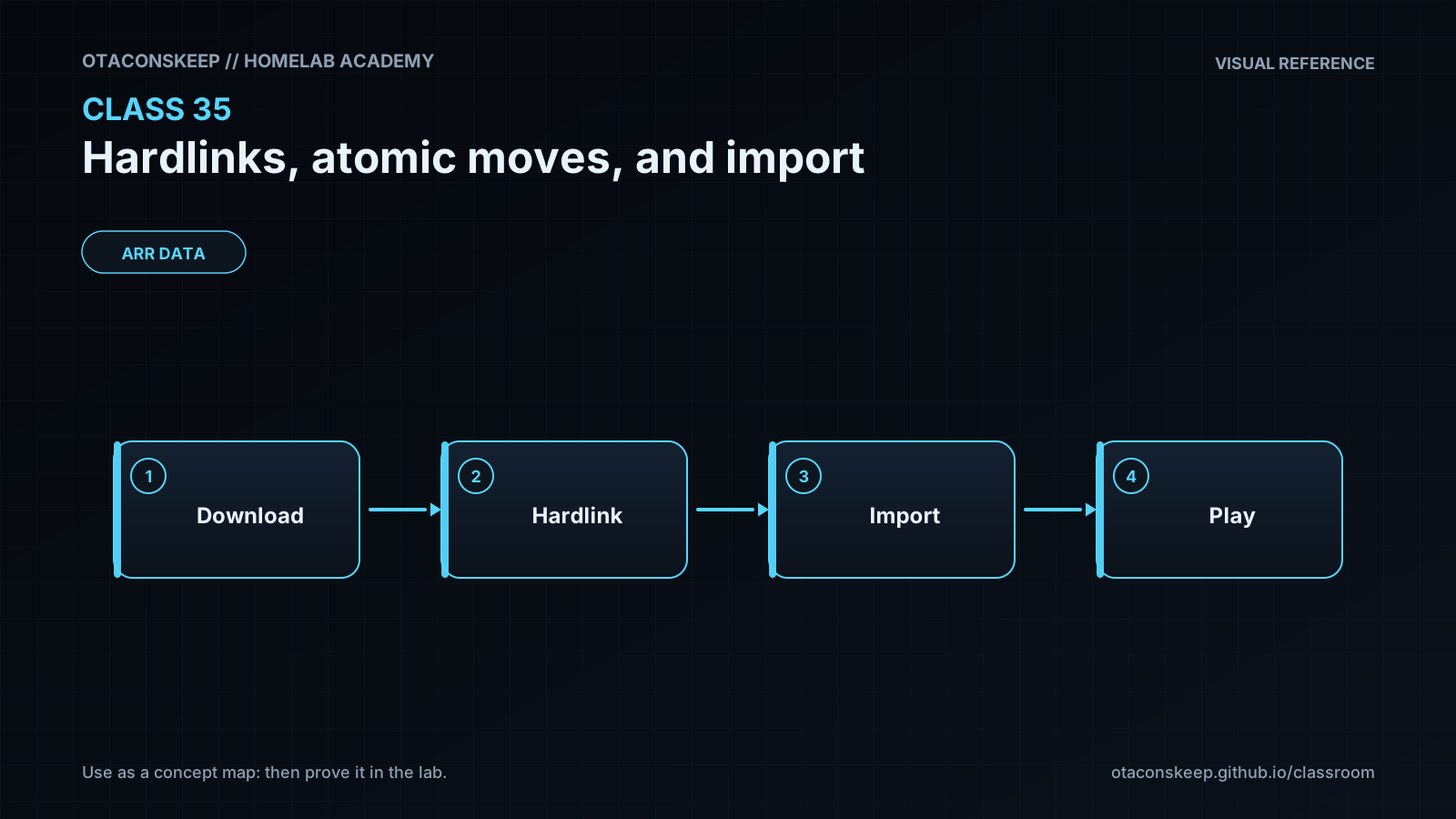
A directory stores names that point to filesystem records called inodes. A hardlink creates another name for the same inode, so both names reach the same bytes and share the inode's metadata. This is useful when a download client and a media library both need a name for one completed file. The names must be on the same filesystem because inode numbers only have meaning within that filesystem. To publish safely, an importer can create a temporary destination name after the content is complete and then rename that name to the final destination. The final rename changes what new path lookups see as one namespace operation. Programs that already opened the old file can continue reading its old inode. This publication behavior avoids a partially named result, but it does not replace content validation or crash-durability controls.
Answers save in this browser (localStorage). Completing all five fields is part of the mastery unlock.
Reflection
- What did I learn?
- What did I struggle with?
- How does this connect to earlier classes?