Overview
Module: ARR Data Model & Compose
Activity type: Reading (Learn)
Objective: Explain the role of a Compose file and how it differs from an individual docker run command.
Vocabulary
| Term | Meaning |
|---|---|
| Compose file | A YAML document that declares the desired services, networks, volumes, configurations, and related settings for an application. |
| Service | A reusable container definition in a Compose model. A service can produce one or more containers with a shared configuration. |
| Project | The namespace Compose uses to group and label related containers, networks, and other resources. |
| Image | The read-only container template from which a service container is created. |
| Bind mount | A mapping that exposes a specific host file or directory at a path inside a container. |
| Published port | A mapping from a host address and port to a port inside a container. |
| Service discovery | The ability of containers on a Compose network to reach a service through its service name, such as web. |
| Health check | A command executed for a container to report whether its application is functioning, independently of whether the container process is merely running. |
| Declarative configuration | A description of the desired state rather than a sequence of manual commands used to construct that state. |
| Idempotence | The property that repeatedly applying the same desired configuration converges on the same result instead of creating unrelated duplicates. |
Instruction
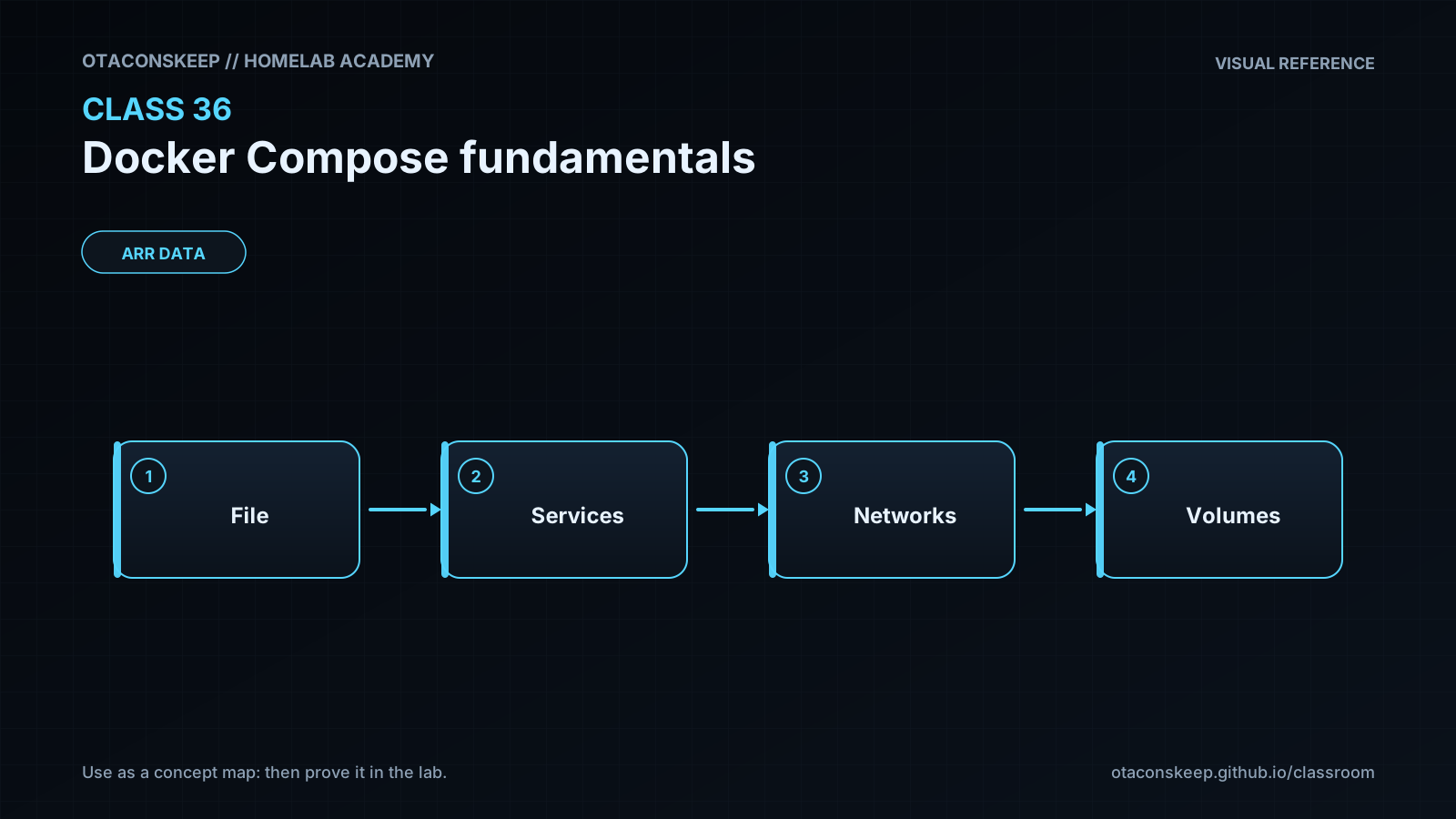
Docker Compose describes a containerized application as a model. Instead of entering a long docker run command for every container, you record the desired images, commands, networks, mounts, ports, and health checks in a YAML file. Compose then translates that model into Docker resources carrying labels that identify their project and service. This makes an application easier to review, repeat, troubleshoot, and remove as a unit.
The top-level services mapping contains the application's service definitions. In this lesson, web runs NGINX and serves a host-managed HTML file, while client runs a small BusyBox container used to test internal connectivity. Both services join labnet. Compose provides network-scoped DNS, so the client can request http://web without knowing the web container's changing IP address. Container IP addresses are implementation details and should not be placed in application configuration when a stable service name is available.
The web port declaration uses 127.0.0.1:8080:80. Port 80 is the container-side listening port, 8080 is the host-side port, and 127.0.0.1 limits the listener to the host's loopback interface. Internal traffic from client to web does not travel through port 8080; it uses the shared Docker network and the container port directly. This distinction is central to understanding Compose networking.
The HTML file is bind-mounted read-only. That demonstrates how host-managed content can be injected without rebuilding an image, while the read-only flag reduces accidental modification from inside the container. Bind mounts also create a dependency on a specific host path. Relative paths are convenient, but this lesson uses explicit paths so the mutation boundary remains clear. In a production workflow, application content is often built into a purpose-specific image rather than mounted from an administrator-managed directory.
Always validate the model before starting it. The config command resolves and checks the Compose input and can reveal YAML or schema mistakes without creating the service containers. Starting with up --detach reconciles the declared model and leaves the containers running in the background. The ps and logs commands then expose runtime state. A running process is not necessarily a functioning application, so web also has an HTTP health check. Health may briefly display as starting before becoming healthy.
Compose project names matter. This lab always supplies the project name class36 so resources are grouped predictably and do not depend on the current directory's name. The same project name and file should be used for every lifecycle command. The down command removes the project's containers and network, but it does not remove the source files or indiscriminately delete unrelated Docker resources. Compose is therefore both a documentation format and a lifecycle tool for a defined application boundary.
Architecture
summary
A two-service Compose project named class36 contains an NGINX web service and a BusyBox client service on an isolated bridge network.
components
web: Runs nginx:1.27-alpine, serves a read-only HTML bind mount, publishes container port 80 to host loopback port 8080, and performs an internal HTTP health check.
client: Runs busybox:1.36 and remains available so students can execute an internal HTTP request.
labnet: A Compose-managed bridge network that provides isolation and service-name DNS.
/opt/lab-classroom/class36/site/index.html: Host-managed web content mounted into the web container.
/opt/lab-classroom/class36/compose.yaml: Declarative Compose model for the lab.
traffic_flow
Host-local access flows from 127.0.0.1:8080 to port 80 in the web container.
Internal access flows from client to the DNS name web on port 80 through labnet.
No port is published for the client service.
mutation_boundary
All files and directories directly created or edited by the lab are beneath /opt/lab-classroom/class36/. Docker also creates project-scoped containers and a network in its daemon-managed storage as an inherent part of running Compose.
Required reading
- Docker Docs: Compose file reference: https://docs.docker.com/reference/compose-file/
- Docker Docs: How Compose works: https://docs.docker.com/compose/intro/compose-application-model/
- Docker Docs: Networking in Compose: https://docs.docker.com/compose/how-tos/networking/
- Docker Docs: Docker Compose CLI reference: https://docs.docker.com/reference/cli/docker/compose/
References
- Docker Docs: Docker Compose overview: https://docs.docker.com/compose/
- Docker Docs: Compose file reference: https://docs.docker.com/reference/compose-file/
- Docker Docs: Compose services reference: https://docs.docker.com/reference/compose-file/services/
- Docker Docs: Compose networks reference: https://docs.docker.com/reference/compose-file/networks/
- Docker Docs: Networking in Compose: https://docs.docker.com/compose/how-tos/networking/
- Docker Docs: docker compose up: https://docs.docker.com/reference/cli/docker/compose/up/
- Docker Docs: docker compose down: https://docs.docker.com/reference/cli/docker/compose/down/
- Docker Docs: docker compose config: https://docs.docker.com/reference/cli/docker/compose/config/
- Docker Docs: Bind mounts: https://docs.docker.com/engine/storage/bind-mounts/
- Docker Docs: Container security: https://docs.docker.com/engine/security/