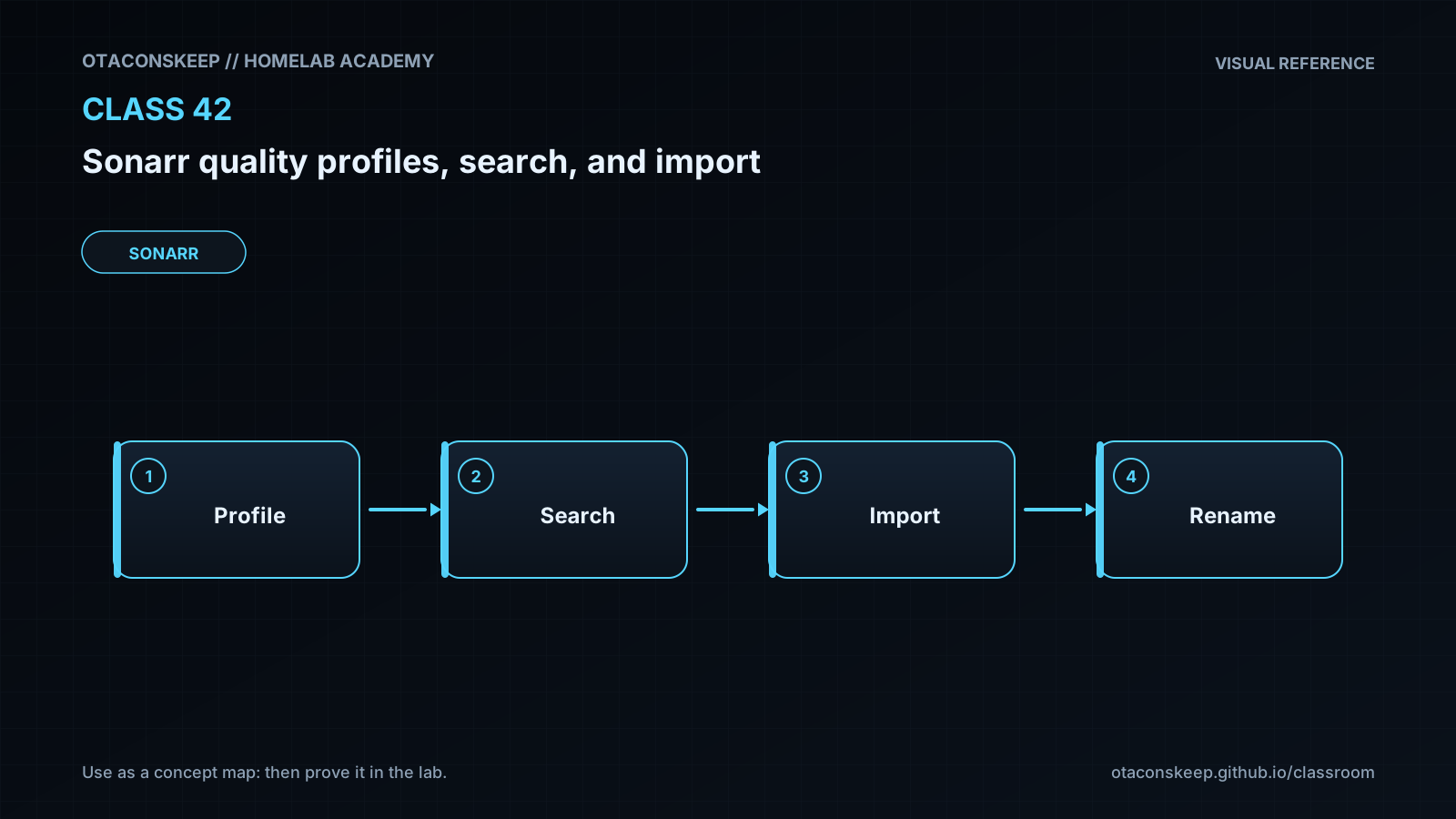
Overview
Module: Sonarr & Radarr
Activity type: Lab (Practice)
Lab risk: low
Objective: Explain the difference between a quality definition, quality profile, custom format, and release score.
Before you start
- Completion of introductory Sonarr configuration and series-management lessons.
- Basic understanding of seasons, episode numbering, release names, and video resolutions.
- Ability to run shell commands and read JSON files.
- Python 3, stat, install, printf, and ln available on the lab host.
- Write access to /opt/lab-classroom/class42/.
Guided lab
scenario
Harbor Lights S01E03 currently exists at HDTV-720p. Four search candidates are evaluated against a simulated profile. The selected WEBDL-1080p release is then hardlinked from a simulated completed-download directory into an organized series directory.
safety_constraints
Run the commands exactly as written.
Do not substitute a production download or media path.
Do not point Sonarr itself at the simulated files.
All writes must remain under /opt/lab-classroom/class42/.
steps
step
1
title
Create the isolated profile, candidates, and simulated download
command
install -d /opt/lab-classroom/class42/config /opt/lab-classroom/class42/downloads/harbor-lights-s01e03 /opt/lab-classroom/class42/library/Harbor_Lights/Season_01 /opt/lab-classroom/class42/reports /opt/lab-classroom/class42/rollback
python3 - <<'PY'
import json
from pathlib import Path
root = Path('/opt/lab-classroom/class42')
profile = {
'name': 'HD Preferred',
'upgrades_allowed': True,
'allowed_qualities_low_to_high': [
'HDTV-720p',
'WEBDL-720p',
'WEBDL-1080p',
'Bluray-1080p'
],
'upgrade_until_quality': 'Bluray-1080p',
'minimum_custom_format_score': 0,
'upgrade_until_custom_format_score': 50
}
state = {
'series': 'Harbor Lights',
'episode': 'S01E03',
'current_quality': 'HDTV-720p',
'current_custom_format_score': 0
}
candidates = [
{
'title': 'Northstar.Harbor.Lights.S01E03.1080p.WEB-DL.DDP5.1.H.264',
'quality': 'WEBDL-1080p',
'custom_format_score': 25,
'revision': 1
},
{
'title': 'Atlas.Harbor.Lights.S01E03.1080p.WEB-DL.DDP5.1.HEVC',
'quality': 'WEBDL-1080p',
'custom_format_score': 75,
'revision': 1
},
{
'title': 'Legacy.Harbor.Lights.S01E03.1080p.BluRay.x264',
'quality': 'Bluray-1080p',
'custom_format_score': -50,
'revision': 1
},
{
'title': 'Ultra.Harbor.Lights.S01E03.2160p.WEB-DL.HEVC',
'quality': 'WEBDL-2160p',
'custom_format_score': 100,
'revision': 1
}
]
(root / 'config/profile.json').write_text(json.dumps(profile, indent=2) + '\n', encoding='utf-8')
(root / 'config/state.json').write_text(json.dumps(state, indent=2) + '\n', encoding='utf-8')
(root / 'config/candidates.json').write_text(json.dumps(candidates, indent=2) + '\n', encoding='utf-8')
source = root / 'downloads/harbor-lights-s01e03/Atlas.Harbor.Lights.S01E03.1080p.WEB-DL.DDP5.1.HEVC.mkv'
source.write_text('Class 42 simulated media file; this is not playable video.\n', encoding='utf-8')
PY
step
2
title
Evaluate candidate eligibility and ranking
command
python3 - <<'PY' | tee /opt/lab-classroom/class42/reports/search-decision.txt
import json
from pathlib import Path
root = Path('/opt/lab-classroom/class42')
profile = json.loads((root / 'config/profile.json').read_text(encoding='utf-8'))
state = json.loads((root / 'config/state.json').read_text(encoding='utf-8'))
candidates = json.loads((root / 'config/candidates.json').read_text(encoding='utf-8'))
order = profile['allowed_qualities_low_to_high']
rank = {quality: position for position, quality in enumerate(order)}
current_rank = rank[state['current_quality']]
target_rank = rank[profile['upgrade_until_quality']]
eligible = []
for candidate in candidates:
quality = candidate['quality']
reason = None
if quality not in rank:
reason = 'quality is not allowed by the profile'
elif candidate['custom_format_score'] < profile['minimum_custom_format_score']:
reason = 'custom-format score is below the minimum'
elif not profile['upgrades_allowed'] and rank[quality] > current_rank:
reason = 'upgrades are disabled'
elif rank[quality] <= current_rank and candidate['custom_format_score'] <= state['current_custom_format_score']:
reason = 'candidate is not an improvement over the current file'
elif rank[quality] > target_rank:
reason = 'quality is above the configured upgrade target'
if reason:
print(f"REJECT {candidate['title']} :: {reason}")
else:
eligible.append(candidate)
print(f"ACCEPT {candidate['title']} :: quality={quality} score={candidate['custom_format_score']}")
if not eligible:
raise SystemExit('No eligible candidate')
selected = max(eligible, key=lambda item: (rank[item['quality']], item['custom_format_score'], item['revision']))
print(f"SELECT {selected['title']}")
(root / 'reports/selected-release.json').write_text(json.dumps(selected, indent=2) + '\n', encoding='utf-8')
PY
step
3
title
Review why each candidate was accepted or rejected
command
cat /opt/lab-classroom/class42/reports/search-decision.txt && printf '\nSelected release metadata:\n' && cat /opt/lab-classroom/class42/reports/selected-release.json
step
4
title
Confirm that source and destination directories share a filesystem
command
stat -c 'device=%d path=%n' /opt/lab-classroom/class42/downloads/harbor-lights-s01e03 /opt/lab-classroom/class42/library/Harbor_Lights/Season_01
step
5
title
Perform the simulated hardlink import and record its metadata
command
python3 - <<'PY'
import json
import os
from pathlib import Path
root = Path('/opt/lab-classroom/class42')
source = root / 'downloads/harbor-lights-s01e03/Atlas.Harbor.Lights.S01E03.1080p.WEB-DL.DDP5.1.HEVC.mkv'
destination = root / 'library/Harbor_Lights/Season_01/Harbor Lights - S01E03 - Breakwater [WEBDL-1080p].mkv'
if not destination.exists():
os.link(source, destination)
selected = json.loads((root / 'reports/selected-release.json').read_text(encoding='utf-8'))
manifest = {
'series': 'Harbor Lights',
'season': 1,
'episode': 3,
'episode_title': 'Breakwater',
'source_path': str(source),
'library_path': str(destination),
'quality': selected['quality'],
'custom_format_score_at_grab': selected['custom_format_score'],
'import_method': 'hardlink'
}
(root / 'reports/import-manifest.json').write_text(json.dumps(manifest, indent=2) + '\n', encoding='utf-8')
PY
cat /opt/lab-classroom/class42/reports/import-manifest.json
step
6
title
Verify that the import is a hardlink rather than an independent copy
command
stat -c 'device=%d inode=%i links=%h path=%n' /opt/lab-classroom/class42/downloads/harbor-lights-s01e03/Atlas.Harbor.Lights.S01E03.1080p.WEB-DL.DDP5.1.HEVC.mkv '/opt/lab-classroom/class42/library/Harbor_Lights/Season_01/Harbor Lights - S01E03 - Breakwater [WEBDL-1080p].mkv'
step
7
title
Validate the manifest and filesystem relationship programmatically
command
python3 - <<'PY'
import json
import os
from pathlib import Path
root = Path('/opt/lab-classroom/class42')
manifest = json.loads((root / 'reports/import-manifest.json').read_text(encoding='utf-8'))
source = Path(manifest['source_path'])
destination = Path(manifest['library_path'])
assert source.exists(), 'Simulated download is missing'
assert destination.exists(), 'Imported library entry is missing'
source_stat = source.stat()
destination_stat = destination.stat()
assert source_stat.st_dev == destination_stat.st_dev, 'Paths are on different filesystems'
assert source_stat.st_ino == destination_stat.st_ino, 'Import is not a hardlink'
assert source_stat.st_nlink >= 2, 'Expected at least two hardlinks'
assert manifest['quality'] == 'WEBDL-1080p', 'Unexpected imported quality'
assert manifest['custom_format_score_at_grab'] == 75, 'Unexpected custom-format score'
print('PASS: decision manifest and hardlink import are consistent')
PY
discussion_prompts
Why was the Bluray-1080p candidate rejected even though Bluray-1080p is the highest allowed quality?
Why was the 2160p release rejected despite having the highest custom-format score?
What would change if the minimum custom-format score were lowered to -100?
What operational condition would prevent the hardlink operation even when both paths are writable?
Why should an operator use interactive search before weakening a quality profile?
Expected results
- The class directory contains config, downloads, library, reports, and rollback subdirectories.
- The Northstar WEBDL-1080p candidate is accepted with a custom-format score of 25.
- The Atlas WEBDL-1080p candidate is accepted with a custom-format score of 75 and selected over Northstar.
- The Legacy Bluray-1080p candidate is rejected because its score of -50 is below the configured minimum of 0.
- The Ultra WEBDL-2160p candidate is rejected because WEBDL-2160p is not allowed by the profile.
- The selected-release report identifies Atlas.Harbor.Lights.S01E03.1080p.WEB-DL.DDP5.1.HEVC.
- The library filename identifies Harbor Lights S01E03, episode title Breakwater, and quality WEBDL-1080p.
- The simulated download and library entry report the same device number and inode number.
- The link count is at least two after import.
- The final validation prints PASS: decision manifest and hardlink import are consistent.
Verification
- [ ] Run: cat /opt/lab-classroom/class42/reports/search-decision.txt
- [ ] Confirm the final line is: SELECT Atlas.Harbor.Lights.S01E03.1080p.WEB-DL.DDP5.1.HEVC
- [ ] Run: cat /opt/lab-classroom/class42/reports/import-manifest.json
- [ ] Confirm import_method is hardlink, quality is WEBDL-1080p, and custom_format_score_at_grab is 75.
- [ ] Run: stat -c '%d %i %h %n' /opt/lab-classroom/class42/downloads/harbor-lights-s01e03/Atlas.Harbor.Lights.S01E03.1080p.WEB-DL.DDP5.1.HEVC.mkv '/opt/lab-classroom/class42/library/Harbor_Lights/Season_01/Harbor Lights - S01E03 - Breakwater [WEBDL-1080p].mkv'
- [ ] Confirm both files have identical device and inode values and a link count of at least two.
- [ ] Run the validation command from lab step 7 and confirm that it exits successfully with the documented PASS message.
Break/fix
| Symptom | Likely cause | Fix |
|---|---|---|
| The setup command reports permission denied under /opt/lab-classroom/class42/. | The current lab account does not have permission to create or update the assigned classroom directory. | Have the lab administrator grant the assigned account access to /opt/lab-classroom/class42/ without broadening access to production Sonarr or media directories. |
| The decision script reports that no eligible candidate exists. | The profile or candidate JSON was edited so every release violates an allowed-quality, score, target, or upgrade rule. | Compare profile.json and candidates.json with the lesson values. Confirm WEBDL-1080p is in allowed_qualities_low_to_high and the minimum custom-format score is 0. |
| The selected candidate is Northstar instead of Atlas. | Atlas's score was changed, the quality order was edited, or selected-release.json contains output from a modified run. | Confirm both candidates are WEBDL-1080p, Northstar has score 25, Atlas has score 75, and then rerun the decision step. |
| The hardlink import fails with an invalid cross-device link error. | The source and destination resolve to different filesystems or mounts. | Use the stat device-number check. In a real deployment, align the download and library paths on one filesystem for hardlinks or permit Sonarr to copy when separate filesystems are intentional. |
| A real Sonarr download remains in the activity queue with an import warning. | Sonarr cannot access the download-client path, cannot parse the file, cannot write to the series folder, or lacks a matching download history record. | Inspect the activity warning and Sonarr logs. Verify path visibility from Sonarr's runtime environment, filesystem access, episode parsing, category configuration, and download-client history. |
| A real download client reports a path that does not exist inside the Sonarr container. | The applications use inconsistent container mount paths. | Prefer consistent internal paths for shared storage. If that is not possible, configure a narrowly scoped remote path mapping from the download client's reported path to Sonarr's accessible path. |
| A release is visible in interactive search but has a rejection icon. | The release violates a quality, size, language, score, history, availability, or parsing rule. | Open the rejection details and correct the specific policy or metadata issue. Do not weaken unrelated profile controls merely to force a grab. |
| The source and destination have different inode numbers. | The destination was copied, replaced after linking, or created on another filesystem. | Confirm both directories report the same device number, move the existing destination into the class rollback directory, and repeat the import step. |
Security
Run Sonarr and the download client as dedicated service identities rather than as an unrestricted administrative account.
Grant Sonarr only the access needed to read completed downloads and manage the intended library roots.
Do not grant a download client unrestricted write access to the organized media library when Sonarr is responsible for imports.
Treat release names, archive contents, subtitle files, and indexer metadata as untrusted input.
Keep download staging paths separate from application configuration and operating-system directories.
Use consistent, explicit container mounts so that remote path mappings do not accidentally expose broader host paths.
Review custom formats with negative scores and minimum score rules before enabling automatic searches across a large monitored library.
Back up the Sonarr configuration and database before making broad production profile changes.
Use Sonarr's interactive search and history views to investigate decisions rather than bypassing rejection rules.
Retain logs long enough to trace grab, download, and import events, while protecting logs that may contain indexer URLs, API keys, or private release information.
Rollback
scope
The lesson does not alter a live Sonarr instance. Rollback returns the sandbox to its pre-import state while preserving generated evidence inside the same class directory.
command
python3 - <<'PY'
from pathlib import Path
root = Path('/opt/lab-classroom/class42').resolve()
allowed = Path('/opt/lab-classroom/class42').resolve()
if root != allowed:
raise SystemExit('Refusing rollback outside the Class 42 sandbox')
rollback = root / 'rollback'
rollback.mkdir(parents=True, exist_ok=True)
items = [
root / 'library/Harbor_Lights/Season_01/Harbor Lights - S01E03 - Breakwater [WEBDL-1080p].mkv',
root / 'reports/import-manifest.json'
]
for item in items:
if item.exists():
destination = rollback / item.name
if destination.exists():
raise SystemExit(f'Rollback destination already exists: {destination}')
item.rename(destination)
print(f'MOVED {item} -> {destination}')
PY
verification
Confirm that the simulated source remains in /opt/lab-classroom/class42/downloads/harbor-lights-s01e03/ and that the imported library entry has moved to /opt/lab-classroom/class42/rollback/.
production_guidance
For a live Sonarr deployment, restore the saved profile values through Sonarr's interface or API, verify the affected series assignments, and avoid deleting imported media until history, seeding requirements, and backups have been reviewed.