Overview
Module: Sonarr & Radarr
Activity type: Reading (Learn)
Objective: Explain the difference between a quality definition, quality profile, custom format, and release score.
Vocabulary
| Term | Meaning |
|---|---|
| Quality definition | A named source and resolution category, such as WEBDL-1080p or Bluray-1080p, together with configurable file-size limits. |
| Quality profile | A policy assigned to a series that identifies allowed qualities, their preference order, whether upgrades are permitted, and when quality upgrades should stop. |
| Custom format | A set of matching conditions used to classify release characteristics such as codec, release group, audio format, streaming service, or unwanted attributes. |
| Custom-format score | The sum of the scores assigned by the active quality profile to all custom formats matched by a release. |
| Minimum custom-format score | The lowest acceptable custom-format score. A release below this threshold is ineligible even when its quality is allowed. |
| Upgrade-until quality | The quality level at which Sonarr no longer needs to seek a higher quality for an existing episode file. |
| Upgrade-until custom-format score | The custom-format score target used when determining whether further score-based upgrades remain desirable within the applicable quality rules. |
| Monitored episode | An episode Sonarr is permitted to consider for grabbing when an eligible release is discovered or a search is initiated. |
| RSS sync | Periodic processing of newly announced releases from configured indexers. It does not perform a historical search of the indexer's entire catalog. |
| Automatic search | A search in which Sonarr evaluates results and attempts to grab the best eligible candidate without requiring the operator to choose a release. |
| Interactive search | A search that displays candidates, scores, rejection reasons, age, size, indexer, and other details so an operator can select a release. |
| Completed Download Handling | The Sonarr process that observes completed download-client jobs and imports recognized episode files into the configured series folder. |
| Remote path mapping | A mapping used when the download client reports a path that is valid in its environment but differs from the path through which Sonarr accesses the same files. |
| Hardlink | A second directory entry pointing to the same file data on one filesystem. A hardlink allows a seeding copy and a library copy to coexist without duplicating file content. |
| Manual import | An operator-guided import in which files are reviewed and mapped to series, season, episode, quality, and language information before being placed in the library. |
Instruction
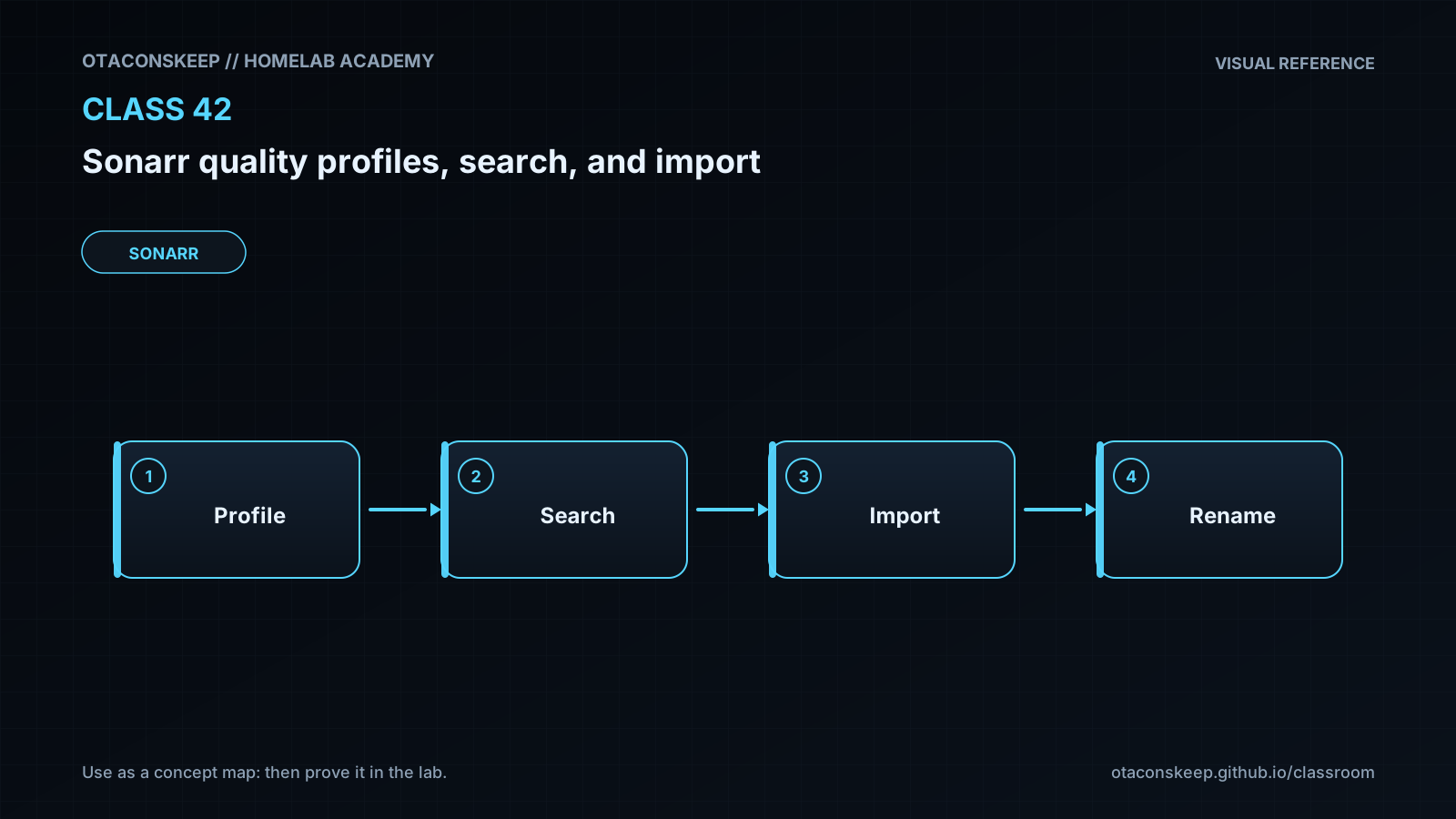
Sonarr makes acquisition decisions by combining several layers of policy. Quality definitions describe categories and size limits, while a quality profile says which categories are allowed and how they are ordered. A custom format does not create a quality category; it detects additional release characteristics and contributes a score configured in the selected profile. This distinction matters because an allowed quality can still be rejected for falling below the minimum custom-format score, exceeding a size limit, being blocklisted, being unparsable, or failing another eligibility rule.
Monitoring is permission, not an immediate search request. A monitored missing episode can be considered when RSS processing discovers a newly posted release, but RSS processing normally examines recent announcements rather than searching all historical results. An automatic search actively queries indexers and lets Sonarr select an eligible result. An interactive search exposes the candidates and rejection reasons to the operator. Interactive search is therefore the preferred diagnostic tool when a release exists but Sonarr does not choose it.
Upgrade behavior must be evaluated against the episode's current file. Sonarr considers whether upgrades are enabled, whether the candidate quality is preferred over the current quality, whether configured targets have already been reached, and whether custom-format scoring permits or favors replacement. Quality order remains meaningful; a large positive score should not be treated as permission to ignore every other profile rule. Administrators should inspect the rejection icons and decision details rather than assuming that the numerically highest score always wins.
After a download completes, Sonarr must be able to resolve the path reported by the download client, identify a video file, parse or otherwise map it to the correct episode, and write to the series folder. If Sonarr and the download client see different path namespaces, a remote path mapping may be required. Container deployments frequently fail here because the two applications mount the same storage at different internal paths. Consistent paths are simpler and reduce configuration mistakes.
An import can copy, move, or hardlink a file depending on download state, configuration, and filesystem layout. Hardlinks require the source and destination to reside on the same filesystem. They share an inode but remain independently named directory entries. Removing one name does not remove the underlying file while another hardlink remains. Hardlinks are especially useful when a completed torrent must continue seeding while the episode also appears under an organized library name. This lesson models the decision and hardlink import process entirely under the class sandbox; it does not claim to reproduce every Sonarr protocol or tie-break rule.
Architecture
components
Indexer: returns release metadata to Sonarr through a configured integration.
Sonarr decision engine: applies monitoring state, quality rules, custom formats, scores, size limits, history, and rejection rules.
Download client: retrieves the selected release and reports its state and output path.
Completed Download Handling: associates a completed job with a Sonarr grab and evaluates files for import.
Library filesystem: stores the organized series, season, and episode paths used by media servers.
Media server: scans the library after Sonarr has imported or renamed files.
decision_flow
A release is discovered through RSS processing or an explicit search.
Sonarr parses the title and associates it with a series and episode.
The assigned quality profile determines whether the parsed quality is allowed.
Size limits, language rules, custom formats, scores, history, and other restrictions are evaluated.
An eligible release may be sent to the download client.
The download client reports completion and a path.
Sonarr resolves the path, verifies episode mapping, and imports the media file.
The imported name and location are recorded in Sonarr's database, and configured downstream notifications may run.
lab_boundary
All generated profiles, candidate metadata, simulated downloads, library entries, reports, and rollback artifacts remain below /opt/lab-classroom/class42/. The lab does not contact indexers, modify a Sonarr database, or alter a real media library.
Required reading
- Sonarr Settings documentation: https://wiki.servarr.com/sonarr/settings
- Sonarr FAQ: https://wiki.servarr.com/sonarr/faq
- Sonarr troubleshooting guide: https://wiki.servarr.com/sonarr/troubleshooting
- TRaSH Guides Sonarr collection: https://trash-guides.info/Sonarr/
References
- Sonarr official site: https://sonarr.tv/
- Sonarr Settings documentation: https://wiki.servarr.com/sonarr/settings
- Sonarr FAQ: https://wiki.servarr.com/sonarr/faq
- Sonarr troubleshooting documentation: https://wiki.servarr.com/sonarr/troubleshooting
- TRaSH Guides for Sonarr: https://trash-guides.info/Sonarr/
- GNU Coreutils stat documentation: https://www.gnu.org/software/coreutils/manual/html_node/stat-invocation.html
- Linux man-pages link documentation: https://man7.org/linux/man-pages/man2/link.2.html