Overview
Module: Sonarr & Radarr
Activity type: Reading (Learn)
Objective: Explain the difference between absolute, season-based, aired, DVD, and metadata-provider episode orderings.
Vocabulary
| Term | Meaning |
|---|---|
| Absolute numbering | A numbering scheme that identifies episodes with a continuous sequence across the series, such as 001, 002, and 003, instead of restarting at each season. |
| Season-based numbering | A scheme that identifies an episode with a season and episode pair, commonly written as S01E03. |
| Episode order | The authoritative arrangement used to map media to metadata. Examples include aired, DVD, production, streaming, and absolute orders. |
| Cour | A broadcast block commonly lasting roughly one television season. A split-cour production may be marketed as one work while metadata providers divide it into multiple seasons or parts. |
| Special | Content such as an OVA, recap, prologue, short, or bonus episode that may not belong in the regular episode sequence. Season-based libraries commonly place specials in season 00. |
| Multi-episode file | One media container that contains the complete playable content for two or more episodes, usually represented by a contiguous range such as S01E01-E02. |
| Scene numbering | Numbering chosen by a release group or distribution community. It may differ from the numbering used by a metadata provider. |
| Canonical name | The selected stable filename format used by the local library after source names have been mapped to the chosen metadata order. |
| Dry run | A preview that reports proposed actions without modifying source media. |
| Sidecar metadata | A file stored beside media, such as an NFO or image, that supplies or overrides metadata and must remain aligned with the media filename. |
Instruction
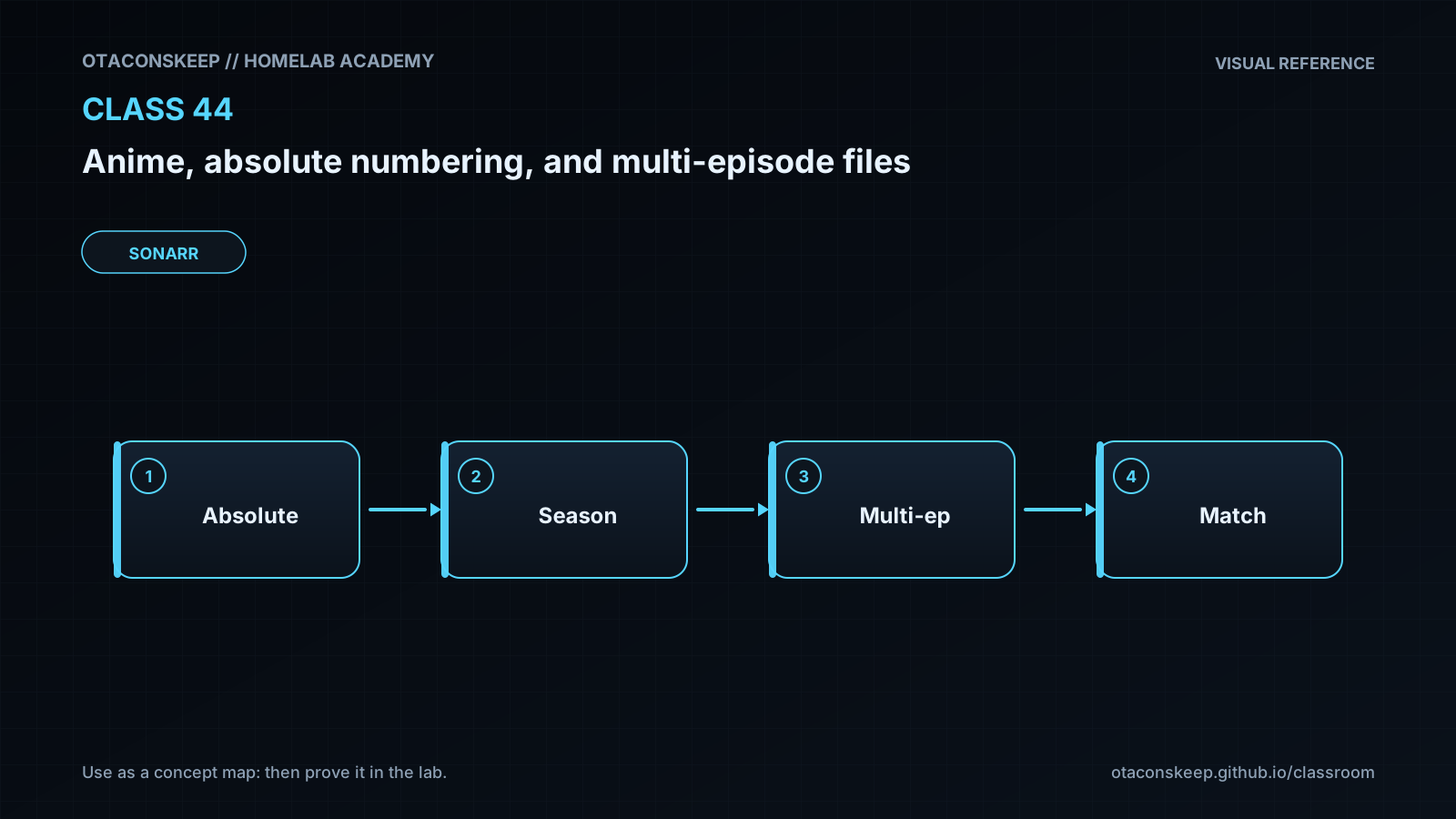
Anime libraries are difficult when three identities are treated as if they were interchangeable: the title printed by a release group, the episode number embedded in a source filename, and the episode identity exposed by a metadata provider. Absolute episode 027 does not inherently mean S02E03. That conversion is only valid if an authoritative episode-order table says so. Specials, recaps, unaired episodes, split cours, licensing seasons, and provider revisions can all shift the relationship. Select a metadata provider and episode order first, record that decision, and then build an explicit mapping from each source identifier to the provider's season and episode pair. Leading zeroes improve sorting but do not establish identity.
For a season-oriented library, a single episode is commonly named with a token such as S01E03. A file containing two complete, adjacent episodes can be represented as S01E01-E02. The exact syntax supported by a scanner must be checked in that scanner's current documentation; superficially similar forms are not guaranteed to parse identically. Do not label an ordinary long episode as two episodes merely because its runtime is unusual. Conversely, do not assign two independent media files to the same multi-episode identity. A range should normally be contiguous, belong to one provider season, and reflect content actually present in the container.
Multi-episode files have operational limitations. A media server may create two episode records that both point to the same file. Depending on the server and client, both records can show the full file duration, share a resume position, or begin playback at the start rather than at an internal episode boundary. Naming communicates identity; it does not create chapter boundaries or split the container. If independent progress and episode-level playback are required, retain separate source files or split the container only with a deliberate media-processing workflow that preserves streams and timestamps.
Specials require explicit decisions. A prologue may be absolute episode 000, a provider special, or regular episode 1 under different orders. Many season-based layouts use S00E01, but that convention must match the selected provider. Avoid forcing a special into the regular absolute sequence merely to make arithmetic convenient. Likewise, do not merge two ranges across a season boundary. A source labeled 012-013 could map to S01E12 and S02E01; that should be represented by separate files or handled according to documented scanner behavior, not guessed as S01E12-E13.
A safe workflow is identify, map, preview, stage, verify, and only then import. Preserve original source names until the proposed mapping has been reviewed. Use a manifest that records the source name, absolute identity, target season identity, selected order, and reason for any exception. Preview the media manager's parser before enabling automatic rename. Test a small sample in an isolated library, inspect episode matches and specials, and keep the manifest with operational records. Never use filename arithmetic as a substitute for metadata verification.
Architecture
workflow
Release or acquisition names enter an isolated incoming directory.
A pinned metadata provider and episode order act as the identity authority.
An episode map translates source or absolute identifiers into season-based identifiers.
A dry-run normalizer produces proposed canonical names without altering source files.
Reviewed files are copied into a staging library using canonical names.
A media manager or server scans the staging library and resolves episode metadata.
The administrator verifies titles, specials, ranges, playback behavior, and progress handling before production import.
example_layout
/opt/lab-classroom/class44/incoming/ contains untouched mock source names.
/opt/lab-classroom/class44/manifests/episode-map.csv records explicit identity mappings.
/opt/lab-classroom/class44/manifests/normalization-report.txt records proposed actions.
/opt/lab-classroom/class44/library/Star Harbor/Season 00/ contains the staged special.
/opt/lab-classroom/class44/library/Star Harbor/Season 01/ contains staged regular episodes.
identity_rule
The selected metadata order and reviewed mapping are authoritative. Neither source filename numbering nor arithmetic conversion is authoritative by itself.
multi_episode_rule
Use a range only when one file contains all identified episodes, the episodes are contiguous in the selected order, and the scanner documents support for the chosen range syntax.
Required reading
- Sonarr documentation: Series Types, Anime, and Episode Naming.
- Jellyfin documentation: Shows and season-based television naming.
- Plex support documentation: Naming and organizing television show files.
- TheTVDB documentation: Episode orders and alternate ordering models.
- Documentation for the metadata provider selected in the learner's own media server.
References
- Sonarr Wiki, Series Types and Anime: https://wiki.servarr.com/sonarr/faq
- Sonarr Wiki, Settings and Media Management: https://wiki.servarr.com/sonarr/settings
- Jellyfin Documentation, Shows naming guidance: https://jellyfin.org/docs/general/server/media/shows/
- Plex Support, Naming and Organizing Your TV Show Files: https://support.plex.tv/articles/naming-and-organizing-your-tv-show-files/
- TheTVDB API Documentation: https://thetvdb.github.io/v4-api/
- Python Standard Library, csv module: https://docs.python.org/3/library/csv.html
- Python Standard Library, re module: https://docs.python.org/3/library/re.html