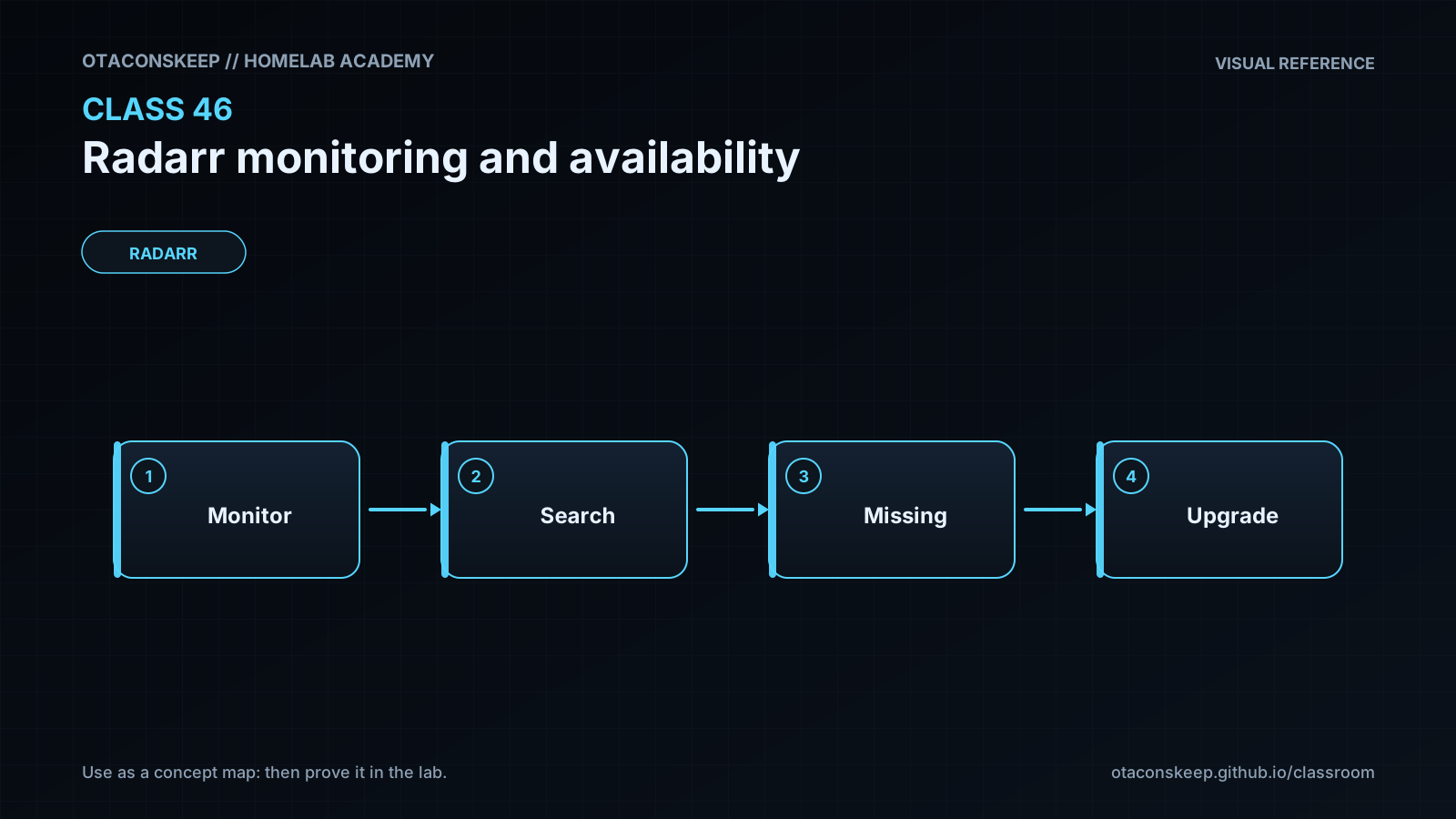
Overview
Module: Sonarr & Radarr
Activity type: Lab (Practice)
Lab risk: low
Objective: Explain why a running Radarr process does not prove that movie automation is working
Before you start
- Completion of introductory Radarr deployment and configuration lessons
- Basic familiarity with Linux processes, HTTP status codes, JSON, and shell commands
- Python 3 installed on the lab host
- Write access to /opt/lab-classroom/class46/
- TCP port 8787 available on the loopback interface
Guided lab
Create the isolated workspace and initial state. Run: mkdir -p /opt/lab-classroom/class46 && printf '%s\n' 'available' > /opt/lab-classroom/class46/state.txt
Create the mock service. Run: cat > /opt/lab-classroom/class46/mock_radarr.py <<'PY'
import json
import time
from http.server import BaseHTTPRequestHandler, ThreadingHTTPServer
from pathlib import Path
ROOT = Path('/opt/lab-classroom/class46')
STATE_FILE = ROOT / 'state.txt'
class Handler(BaseHTTPRequestHandler):
def do_GET(self):
if self.path != '/ping':
self.send_response(404)
self.end_headers()
return
state = STATE_FILE.read_text(encoding='utf-8').strip()
if state == 'slow':
time.sleep(0.8)
status = 503 if state == 'unavailable' else 200
body = json.dumps({'service': 'radarr-lab', 'state': state, 'healthy': status == 200}).encode('utf-8')
self.send_response(status)
self.send_header('Content-Type', 'application/json')
self.send_header('Content-Length', str(len(body)))
self.end_headers()
self.wfile.write(body)
def log_message(self, format, *args):
return
server = ThreadingHTTPServer(('127.0.0.1', 8787), Handler)
server.serve_forever()
PY
Create the synthetic monitor. Run: cat > /opt/lab-classroom/class46/monitor.py <<'PY'
import json
import time
import urllib.error
import urllib.request
from datetime import datetime, timezone
from pathlib import Path
TARGET = 'http://127.0.0.1:8787/ping'
REPORT = Path('/opt/lab-classroom/class46/report.json')
TIMEOUT_SECONDS = 2
LATENCY_POLICY_MS = 500
checks = []
for attempt in range(1, 4):
started = time.monotonic()
status = None
error = None
try:
with urllib.request.urlopen(TARGET, timeout=TIMEOUT_SECONDS) as response:
status = response.status
response.read()
except urllib.error.HTTPError as exc:
status = exc.code
error = 'http_error'
except Exception as exc:
error = type(exc).name
elapsed_ms = round((time.monotonic() - started) * 1000, 2)
checks.append({'attempt': attempt, 'status': status, 'latency_ms': elapsed_ms, 'success': status == 200, 'error': error})
time.sleep(0.1)
successes = sum(1 for item in checks if item['success'])
availability_percent = round((successes / len(checks)) * 100, 2)
maximum_latency_ms = max(item['latency_ms'] for item in checks)
report = {
'observed_at': datetime.now(timezone.utc).isoformat(),
'target': TARGET,
'checks': checks,
'availability_percent': availability_percent,
'maximum_latency_ms': maximum_latency_ms,
'latency_policy_ms': LATENCY_POLICY_MS,
'healthy': successes == len(checks) and maximum_latency_ms <= LATENCY_POLICY_MS
}
REPORT.write_text(json.dumps(report, indent=2) + '\n', encoding='utf-8')
print(json.dumps(report, indent=2))
raise SystemExit(0 if report['healthy'] else 1)
PY
Start the loopback-only mock service and record its process identifier inside the workspace. Run: cd /opt/lab-classroom/class46; python3 mock_radarr.py > server.log 2>&1 & service_pid=$!; printf '%s\n' "$service_pid" > /opt/lab-classroom/class46/server.pid
Confirm that the service process exists before probing it. Run: test -s /opt/lab-classroom/class46/server.pid && kill -0 "$(cat /opt/lab-classroom/class46/server.pid)"
Run the healthy baseline probe. Run: python3 /opt/lab-classroom/class46/monitor.py
Inspect the report using the Python JSON parser. Run: python3 -c "import json; p='/opt/lab-classroom/class46/report.json'; r=json.load(open(p, encoding='utf-8')); print('healthy=', r['healthy'], 'availability=', r['availability_percent'], 'max_latency_ms=', r['maximum_latency_ms'])"
Simulate an unavailable application and verify that the monitor detects it. Run: printf '%s\n' 'unavailable' > /opt/lab-classroom/class46/state.txt; python3 /opt/lab-classroom/class46/monitor.py; result=$?; printf 'monitor_exit=%s\n' "$result"; test "$result" -ne 0
Inspect the failed observations. Run: python3 -c "import json; r=json.load(open('/opt/lab-classroom/class46/report.json', encoding='utf-8')); print([(c['status'], c['success'], c['error']) for c in r['checks']])"
Simulate a service that is reachable but slower than the classroom policy. Run: printf '%s\n' 'slow' > /opt/lab-classroom/class46/state.txt; python3 /opt/lab-classroom/class46/monitor.py; result=$?; printf 'monitor_exit=%s\n' "$result"; test "$result" -ne 0
Restore the available state and confirm recovery. Run: printf '%s\n' 'available' > /opt/lab-classroom/class46/state.txt; python3 /opt/lab-classroom/class46/monitor.py
Confirm the final report is healthy and contains three successful observations. Run: python3 -c "import json; r=json.load(open('/opt/lab-classroom/class46/report.json', encoding='utf-8')); assert r['healthy'] is True; assert len(r['checks']) == 3; assert all(c['success'] for c in r['checks']); print('final verification passed')"
Expected results
- The mock service listens only on 127.0.0.1:8787 and responds to the /ping path.
- The available state produces three HTTP 200 observations and a healthy report.
- The unavailable state produces HTTP 503 observations, zero successful checks, and a nonzero monitor exit status.
- The slow state remains HTTP-reachable but violates the 500 millisecond classroom latency policy and produces a nonzero monitor exit status.
- After recovery, report.json records three successful observations and healthy is true.
- All files created or modified by the lab remain under /opt/lab-classroom/class46/.
Verification
- [ ] Run test -s /opt/lab-classroom/class46/server.pid && kill -0 "$(cat /opt/lab-classroom/class46/server.pid)" to confirm that the recorded process is running.
- [ ] Run python3 -c "import json; r=json.load(open('/opt/lab-classroom/class46/report.json', encoding='utf-8')); assert r['target'] == 'http://127.0.0.1:8787/ping'" to confirm the intended target.
- [ ] Run python3 -c "import json; r=json.load(open('/opt/lab-classroom/class46/report.json', encoding='utf-8')); assert len(r['checks']) == 3" to confirm the sample count.
- [ ] Run python3 -c "import json; r=json.load(open('/opt/lab-classroom/class46/report.json', encoding='utf-8')); assert r['healthy']; assert all(x['status'] == 200 for x in r['checks'])" after recovery.
- [ ] Run find /opt/lab-classroom/class46 -maxdepth 1 -type f -printf '%f\n' to review the lab artifacts without changing them.
Break/fix
| Symptom | Likely cause | Fix |
|---|---|---|
| The service exits immediately and the monitor reports connection refusal. | TCP port 8787 is already in use or Python could not bind the loopback socket. | Read /opt/lab-classroom/class46/server.log. Stop the conflicting lab process if it is known to be disposable, or edit both lab scripts to use the same unused loopback port. |
| The monitor reports connection refusal even though server.pid exists. | The process recorded in server.pid has exited, leaving a stale identifier file. | Use kill -0 with the recorded identifier to test the process, inspect server.log, and restart mock_radarr.py from the class workspace. |
| The baseline receives HTTP 503. | state.txt still contains unavailable from the outage simulation. | Write available followed by a newline to /opt/lab-classroom/class46/state.txt and rerun the monitor. |
| The service returns HTTP 200, but the monitor still exits unsuccessfully. | The measured maximum latency exceeded the classroom policy or one of the three observations failed. | Inspect maximum_latency_ms and every checks entry in report.json. Confirm that state.txt contains available and that the host is not heavily constrained. |
| Python reports PermissionError while creating files or writing report.json. | The current user lacks write access to the class workspace. | Use the authorized classroom account or have the lab administrator correct ownership of /opt/lab-classroom/class46/ without broadening permissions beyond the required users. |
| A JSON parsing command fails. | report.json is incomplete because the monitor was interrupted during its write or the file was manually edited. | Run monitor.py again and then parse the newly generated report. |
Security
The mock service binds only to 127.0.0.1 and is not intended to accept remote connections.
Do not expose a Radarr administrative interface to an untrusted network merely to support monitoring.
Keep production authentication material out of command history, scripts, monitoring labels, reports, and alert messages.
Use the least privilege needed by a production monitoring integration and restrict who can read its configuration.
Redact request headers and sensitive query data before forwarding monitoring logs to centralized systems.
Use separate alerts for application reachability, dependency failures, and workflow failures so responders receive accurate context.
Monitor storage capacity and write access without performing destructive test writes in a production movie library.
Rollback
Restore the mock service state by running: printf '%s\n' 'available' > /opt/lab-classroom/class46/state.txt
Stop only the recorded lab process by running: test -s /opt/lab-classroom/class46/server.pid && kill "$(cat /opt/lab-classroom/class46/server.pid)"
Confirm the recorded process has stopped by running: if kill -0 "$(cat /opt/lab-classroom/class46/server.pid)" 2>/dev/null; then echo 'lab process still running'; else echo 'lab process stopped'; fi
Leave the scripts, logs, state, identifier, and report in /opt/lab-classroom/class46/ for instructor review. No production Radarr files or services require restoration because the lab did not modify them.