Overview
Module: Download Clients & Indexers
Activity type: Homework / independent application
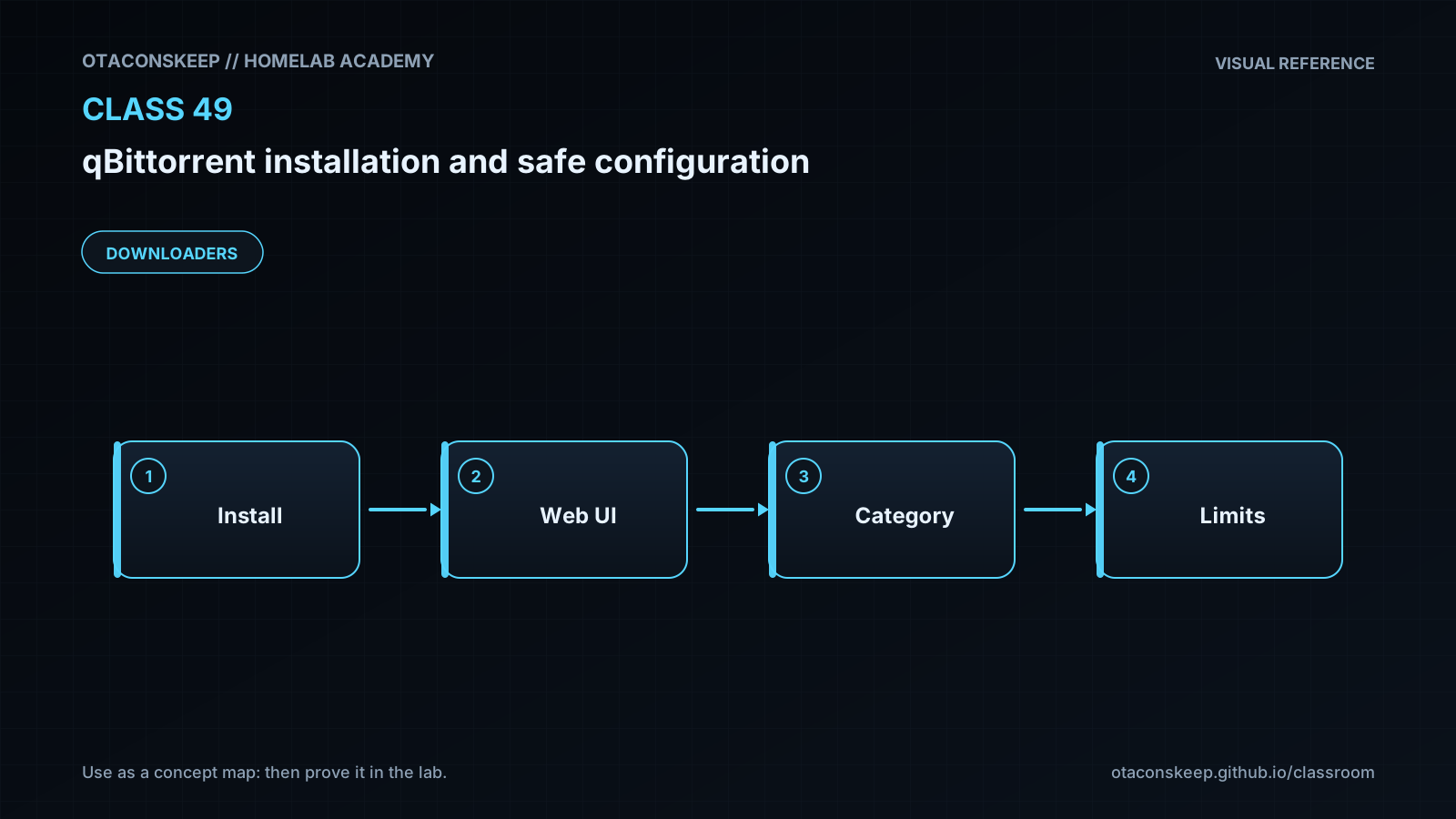
Objective: Explain the separation between the qBittorrent process, Web UI, peer protocol, configuration, and download storage.
Requirements
Create a one-page deployment record containing the image repository digest, host port mappings, persistent paths, update policy, backup policy, and responsible owner. Store it beneath /opt/lab-classroom/class49/.
Draft a capacity plan that defines maximum download space, incomplete-transfer space, upload bandwidth, download bandwidth, and a response to a full filesystem. Do not invent benchmark data; use values appropriate to your own host.
Research a Linux distribution that officially publishes torrent files. Document how you would verify that a torrent or downloaded image came from that distribution before using it.
Design, but do not implement, a secure remote-access approach for the Web UI. Explain authentication, encryption, exposure boundaries, and logging.
Describe a VPN fail-closed test plan that proves qBittorrent cannot continue using an unintended interface when the VPN disappears.
Submit / record
- [ ] Evidence artifacts (secrets redacted)
- [ ] Spiral connections written
- [ ] Ready for topic quiz