Overview
Module: Download Clients & Indexers
Activity type: Lesson (Orient → Recall → Learn → Explain → Reflect)
Learning objective: Explain how an ARR application assigns a download category when submitting a job to a download client.
Bloom level: Understand / Apply
Last reviewed: 2025-03-08
Learning objective
Explain how an ARR application assigns a download category when submitting a job to a download client.
Why this matters
Teach learners how download-client categories, completed-download paths, library root folders, and Sonarr or Radarr import behavior fit together. The lesson emphasizes predictable path design, same-filesystem hardlinking, and the limited circumstances in which remote path mappings are appropriate.
Learn
Complete the module reading first:
Feynman teach-back: required
prompt
Explain the workflow to someone who understands folders but has never used Sonarr, Radarr, or a download client.
model_explanation
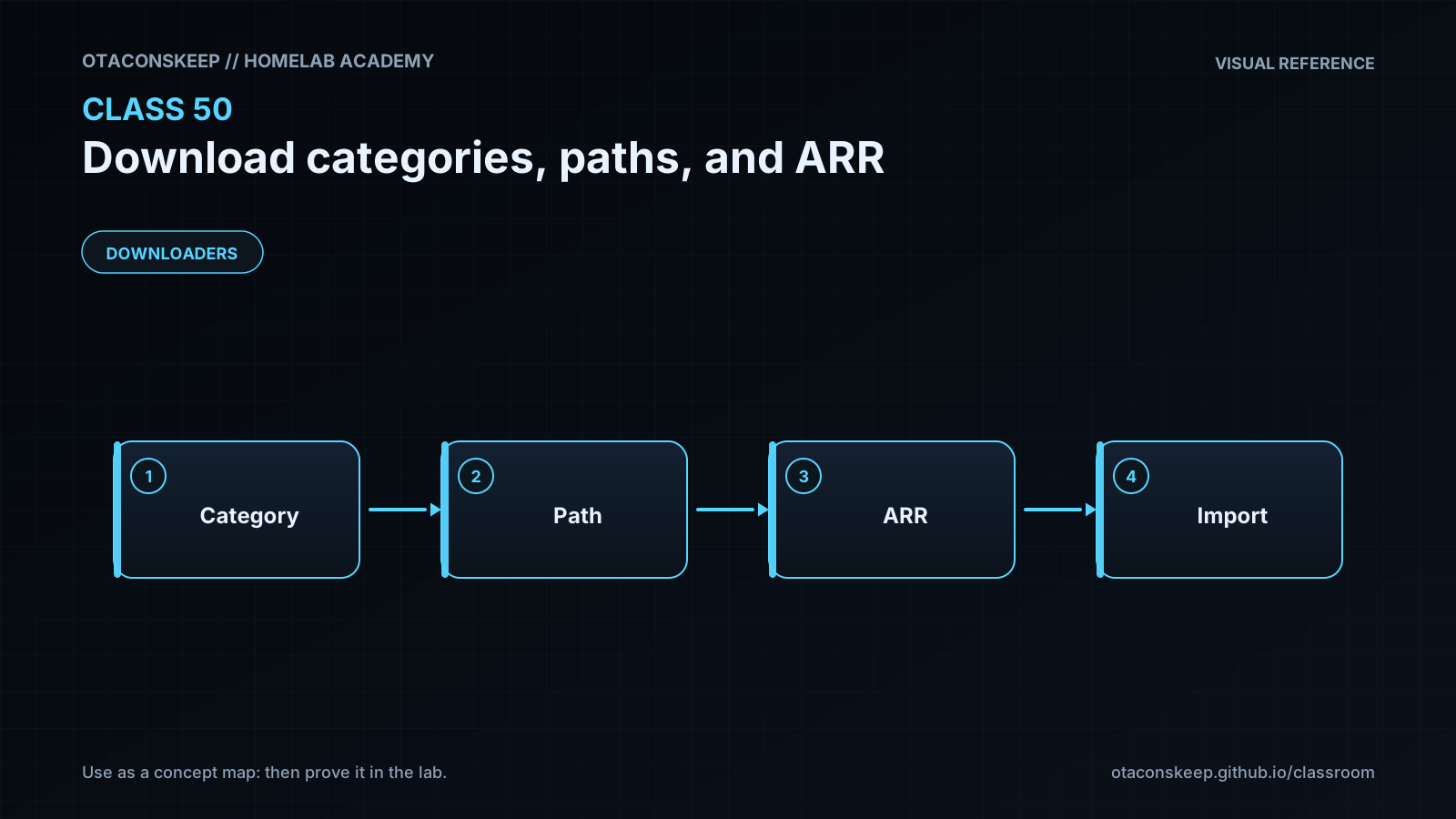
Sonarr asks a downloader to fetch an episode and attaches the label tv. The downloader uses that label to store the finished data in its tv download folder. When the job finishes, Sonarr reads the path reported by the downloader. Sonarr must be able to see that same file. It then gives the episode an organized library name and places it under the show's library folder. If both locations are on the same filesystem, Sonarr may create a hardlink so the download name and library name share one set of data while the torrent continues seeding. A remote path mapping is only a translation rule for cases where the downloader and Sonarr use different names for the same storage. It does not move the file or make an unavailable directory accessible.
self_check
Can you explain why tv is metadata rather than a permission?
Can you explain why the download directory should not be the library root?
Can you explain why a remote path mapping cannot repair a missing mount?
Can you explain how matching device and inode values demonstrate a hardlink?
Answers save in this browser (localStorage). Completing all five fields is part of the mastery unlock.
Reflection
- What did I learn?
- What did I struggle with?
- How does this connect to earlier classes?