Overview
Module: Download Clients & Indexers
Activity type: Lab (Practice)
Lab risk: low
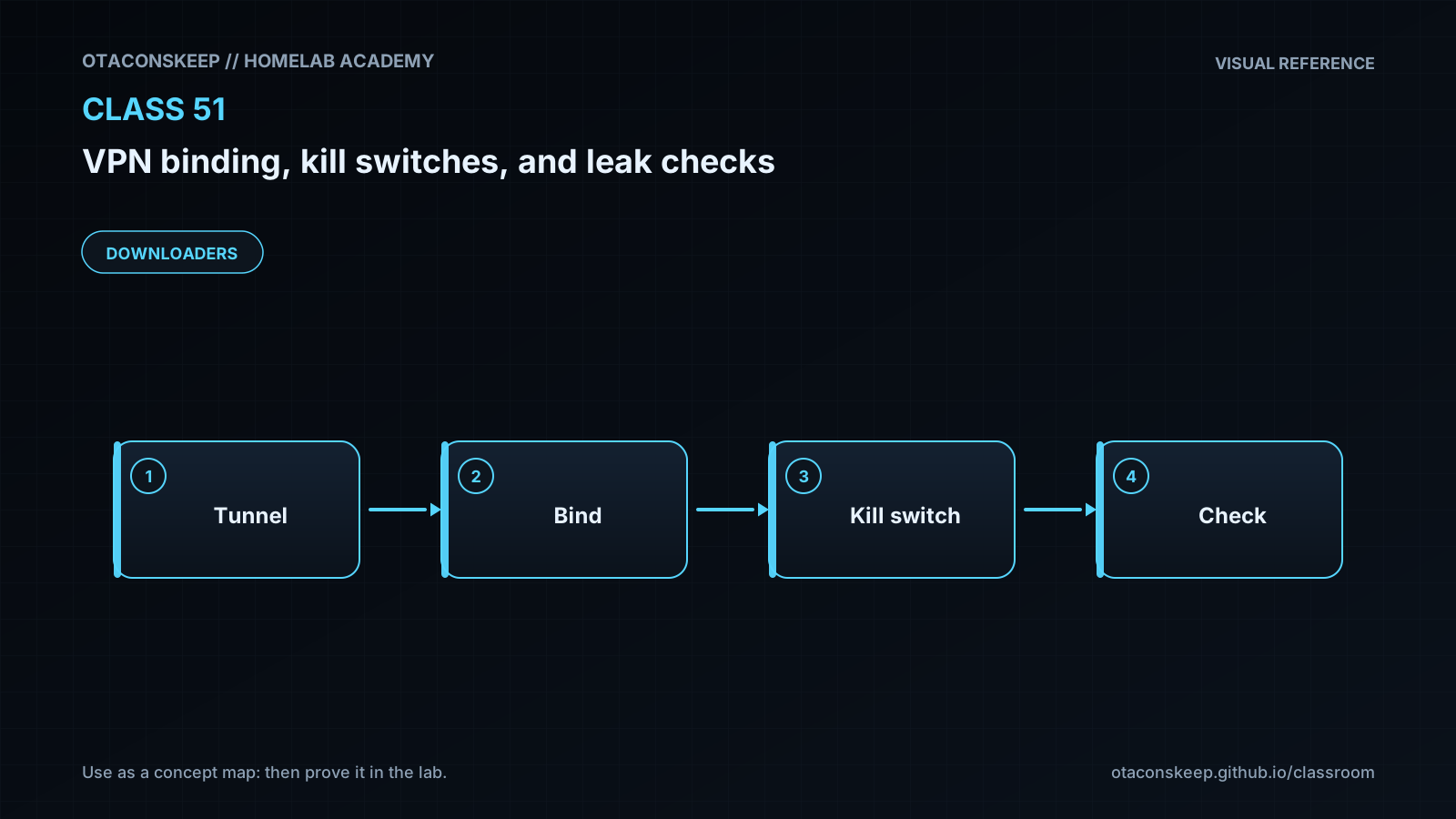
Objective: Explain why an application bound to a VPN address is not automatically protected after that address or interface disappears.
Before you start
- Comfort reading IP addresses, interface names, routing decisions, and transport-layer socket concepts.
- Basic understanding of VPN tunnels and the difference between a tunnel endpoint and traffic carried inside the tunnel.
- Ability to run Python 3 and basic shell commands.
- Completion of introductory networking, DNS, and Linux service-management lessons is recommended.
- Access to /opt/lab-classroom/class51/ with permission to create files there.
Guided lab
scope
This lab is a deterministic local simulation. It creates and changes files only under /opt/lab-classroom/class51/. It does not modify host routes, interfaces, DNS settings, VPN configuration, or active packet-filter rules.
steps
step
1
instruction
Create the isolated lab directory.
command
mkdir -p /opt/lab-classroom/class51
step
2
instruction
Create /opt/lab-classroom/class51/policy_lab.py with the exact content supplied in the files section.
step
3
instruction
Run the simulation and write the deterministic report.
command
python3 /opt/lab-classroom/class51/policy_lab.py
step
4
instruction
Display the generated report without contacting any external service.
command
python3 -m json.tool /opt/lab-classroom/class51/report.json
step
5
instruction
Review why the healthy scenario passes all checks and why each negative scenario fails at least one specifically named control. Do not interpret this report as evidence about the host's real routes or VPN.
step
6
instruction
Copy the healthy scenario on paper or into notes and add separate fields for VPN endpoint, endpoint transport and port, approved LAN destinations, protected process identity, container scope, and reboot test status. This turns a simplistic model into the beginning of an operational test plan without changing the host.
files
path
/opt/lab-classroom/class51/policy_lab.py
content
import json
from pathlib import Path
base = Path('/opt/lab-classroom/class51')
report_path = base / 'report.json'
scenarios = [
{
'name': 'healthy',
'app_bind': '10.8.0.2',
'vpn_address': '10.8.0.2',
'default_path': 'vpn0',
'allowed_egress': ['vpn0'],
'dns_path': 'vpn0',
'ipv6_path': 'blocked'
},
{
'name': 'wildcard_binding',
'app_bind': '0.0.0.0',
'vpn_address': '10.8.0.2',
'default_path': 'vpn0',
'allowed_egress': ['vpn0'],
'dns_path': 'vpn0',
'ipv6_path': 'blocked'
},
{
'name': 'route_leak',
'app_bind': '10.8.0.2',
'vpn_address': '10.8.0.2',
'default_path': 'wan0',
'allowed_egress': ['vpn0'],
'dns_path': 'vpn0',
'ipv6_path': 'blocked'
},
{
'name': 'kill_switch_failure',
'app_bind': '10.8.0.2',
'vpn_address': '10.8.0.2',
'default_path': 'vpn0',
'allowed_egress': ['vpn0', 'wan0'],
'dns_path': 'vpn0',
'ipv6_path': 'blocked'
},
{
'name': 'dns_leak',
'app_bind': '10.8.0.2',
'vpn_address': '10.8.0.2',
'default_path': 'vpn0',
'allowed_egress': ['vpn0'],
'dns_path': 'wan0',
'ipv6_path': 'blocked'
},
{
'name': 'ipv6_leak',
'app_bind': '10.8.0.2',
'vpn_address': '10.8.0.2',
'default_path': 'vpn0',
'allowed_egress': ['vpn0'],
'dns_path': 'vpn0',
'ipv6_path': 'wan0'
}
]
def evaluate(item):
checks = {
'application_bound_to_vpn_address': item['app_bind'] == item['vpn_address'],
'default_path_uses_vpn': item['default_path'] == 'vpn0',
'protected_egress_excludes_wan': 'wan0' not in item['allowed_egress'],
'dns_uses_vpn': item['dns_path'] == 'vpn0',
'ipv6_is_tunneled_or_blocked': item['ipv6_path'] in ('vpn0', 'blocked')
}
return {
'name': item['name'],
'checks': checks,
'pass': all(checks.values()),
'failed_checks': [name for name, result in checks.items() if not result]
}
results = [evaluate(item) for item in scenarios]
report = {
'notice': 'Simulation only; this is not evidence about the host network.',
'scenario_count': len(results),
'passing_scenarios': [item['name'] for item in results if item['pass']],
'failing_scenarios': [item['name'] for item in results if not item['pass']],
'results': results
}
base.mkdir(parents=True, exist_ok=True)
report_path.write_text(json.dumps(report, indent=2) + '\n', encoding='utf-8')
print(json.dumps(report, indent=2))
constraints
Do not add or remove host routes.
Do not bring interfaces up or down.
Do not change system DNS configuration.
Do not apply active packet-filter rules.
Do not send requests to external IP-check or DNS-leak services from this classroom lab.
All persistent lab mutations must remain under /opt/lab-classroom/class51/.
Expected results
- The script creates /opt/lab-classroom/class51/report.json.
- The report states that it is a simulation and not evidence about the host network.
- The report evaluates exactly six modeled scenarios.
- Only the healthy scenario has pass set to true.
- The wildcard_binding scenario fails application_bound_to_vpn_address.
- The route_leak scenario fails default_path_uses_vpn.
- The kill_switch_failure scenario fails protected_egress_excludes_wan.
- The dns_leak scenario fails dns_uses_vpn.
- The ipv6_leak scenario fails ipv6_is_tunneled_or_blocked.
- No host route, network interface, DNS configuration, VPN configuration, or active packet-filter policy is changed.
Verification
- [ ] Run: test -f /opt/lab-classroom/class51/report.json && echo REPORT_PRESENT
- [ ] Run: python3 -c "import json; p='/opt/lab-classroom/class51/report.json'; d=json.load(open(p)); assert d['scenario_count']==6; assert d['passing_scenarios']==['healthy']; print('SCENARIO_SUMMARY_OK')"
- [ ] Run: python3 -c "import json; p='/opt/lab-classroom/class51/report.json'; d=json.load(open(p)); m={x['name']:x for x in d['results']}; assert m['wildcard_binding']['failed_checks']==['application_bound_to_vpn_address']; print('BIND_TEST_OK')"
- [ ] Run: python3 -c "import json; p='/opt/lab-classroom/class51/report.json'; d=json.load(open(p)); m={x['name']:x for x in d['results']}; assert m['route_leak']['failed_checks']==['default_path_uses_vpn']; print('ROUTE_TEST_OK')"
- [ ] Run: python3 -c "import json; p='/opt/lab-classroom/class51/report.json'; d=json.load(open(p)); m={x['name']:x for x in d['results']}; assert m['kill_switch_failure']['failed_checks']==['protected_egress_excludes_wan']; print('KILL_SWITCH_TEST_OK')"
- [ ] Run: python3 -c "import json; p='/opt/lab-classroom/class51/report.json'; d=json.load(open(p)); m={x['name']:x for x in d['results']}; assert m['dns_leak']['failed_checks']==['dns_uses_vpn']; assert m['ipv6_leak']['failed_checks']==['ipv6_is_tunneled_or_blocked']; print('PROTOCOL_LEAK_TESTS_OK')"
- [ ] For a future controlled production test, verify the route and chosen source address for the exact destination rather than relying only on the default-route display.
- [ ] For a future controlled production test, capture both the VPN interface and physical uplink during normal operation and tunnel loss, then confirm protected payloads never appear on the uplink.
- [ ] For a future controlled production test, repeat checks for IPv4, IPv6, DNS, application restart, VPN restart, host reboot, containers, virtual machines, proxies, and browser-specific traffic.
Break/fix
| Symptom | Likely cause | Fix |
|---|---|---|
| The mkdir command reports permission denied. | The current account cannot create directories beneath /opt/lab-classroom/. | Use the classroom account or approved privilege procedure to create only /opt/lab-classroom/class51/. Do not redirect the lesson into unrelated system directories. |
| python3 is not found. | Python 3 is not installed or is not present in the current PATH. | Install Python 3 through the operating system's trusted package-management process, or run the lab on a compatible classroom host. Do not download and execute an unreviewed installer. |
| The script reports a syntax error. | The file content was copied incompletely or smart quotes replaced ordinary ASCII quotation marks. | Replace /opt/lab-classroom/class51/policy_lab.py with the exact supplied content and run it again. |
| More than one scenario passes. | The scenario data or evaluation expressions were edited. | Restore the supplied script, regenerate report.json, and rerun every verification command. |
| A real application still reaches the Internet after the VPN is disconnected. | Application binding was treated as the only control, an uplink egress allowance is too broad, or traffic is using another protocol family or namespace. | Reconnect through a safe management path, collect route and packet evidence, inspect IPv4 and IPv6 independently, inspect container or virtual-machine networking, and correct the fail-closed host policy before retesting. |
| The VPN cannot reconnect after a kill switch is enabled. | The control-plane exception does not permit the VPN endpoint, transport, port, required bootstrap name resolution, or current endpoint address. | Use console access to restore the known-good policy, validate the endpoint requirements, and add only the narrow exception required for tunnel establishment. |
| DNS fails while direct IP connectivity through the VPN works. | The approved resolver is unreachable through the tunnel, resolver routing differs from application routing, or all resolver traffic was denied without a replacement. | Inspect the active resolver configuration and route to the resolver. Authorize only the intended resolver path and test both UDP and TCP DNS behavior where applicable. |
| IPv4 tests pass but an application still exposes the uplink address. | The application is using IPv6 through the physical interface. | Provide IPv6 through the VPN or explicitly contain IPv6 for the protected scope, then test with an IPv6-capable destination. |
Security
A connected VPN indicator is not proof that all traffic uses the VPN.
Never deploy a new kill switch remotely without console or out-of-band recovery access.
Use an allowlist for the VPN control plane instead of allowing arbitrary uplink traffic.
Account for endpoint address changes when a VPN provider uses hostnames or rotating addresses.
Do not expose VPN credentials, private keys, preshared keys, cookies, or provider tokens in packet captures or lesson artifacts.
Treat IPv4 and IPv6 as separate paths requiring separate evidence.
Verify DNS over both UDP and TCP where relevant, and account for encrypted DNS configured inside individual applications.
Inspect containers, virtual machines, and separate network namespaces independently from the host.
Distinguish inbound listener exposure from outbound egress protection; a safe listener bind does not prove safe outbound behavior.
Preserve a known-good policy and rollback procedure before applying active packet-filter changes.
Review local-network exceptions carefully because broad private-network allowances can expose traffic on untrusted Wi-Fi or overlapping networks.
Use documentation address ranges in examples and never assume an example address belongs to the student's VPN provider.
Rollback
lab_rollback
Stop any editor or Python process using files beneath /opt/lab-classroom/class51/.
Delete /opt/lab-classroom/class51/policy_lab.py if the classroom requires individual artifact removal.
Delete /opt/lab-classroom/class51/report.json if the classroom requires individual artifact removal.
Remove /opt/lab-classroom/class51/ only after confirming it contains no files that must be retained.
No route, interface, DNS, VPN, or active packet-filter rollback is required because the lab never changes those components.
production_rollback_principles
Obtain console or out-of-band access before changing enforcement.
Export and validate the current active policy using the platform's supported mechanism.
Schedule an automatic recovery action where operationally appropriate and cancel it only after validation.
Apply changes in a test environment before the production host.
If management connectivity is lost, restore the previously verified policy from the console rather than adding broad emergency allowances.
After rollback, verify management access, VPN establishment, DNS, IPv4, IPv6, and protected-application behavior.