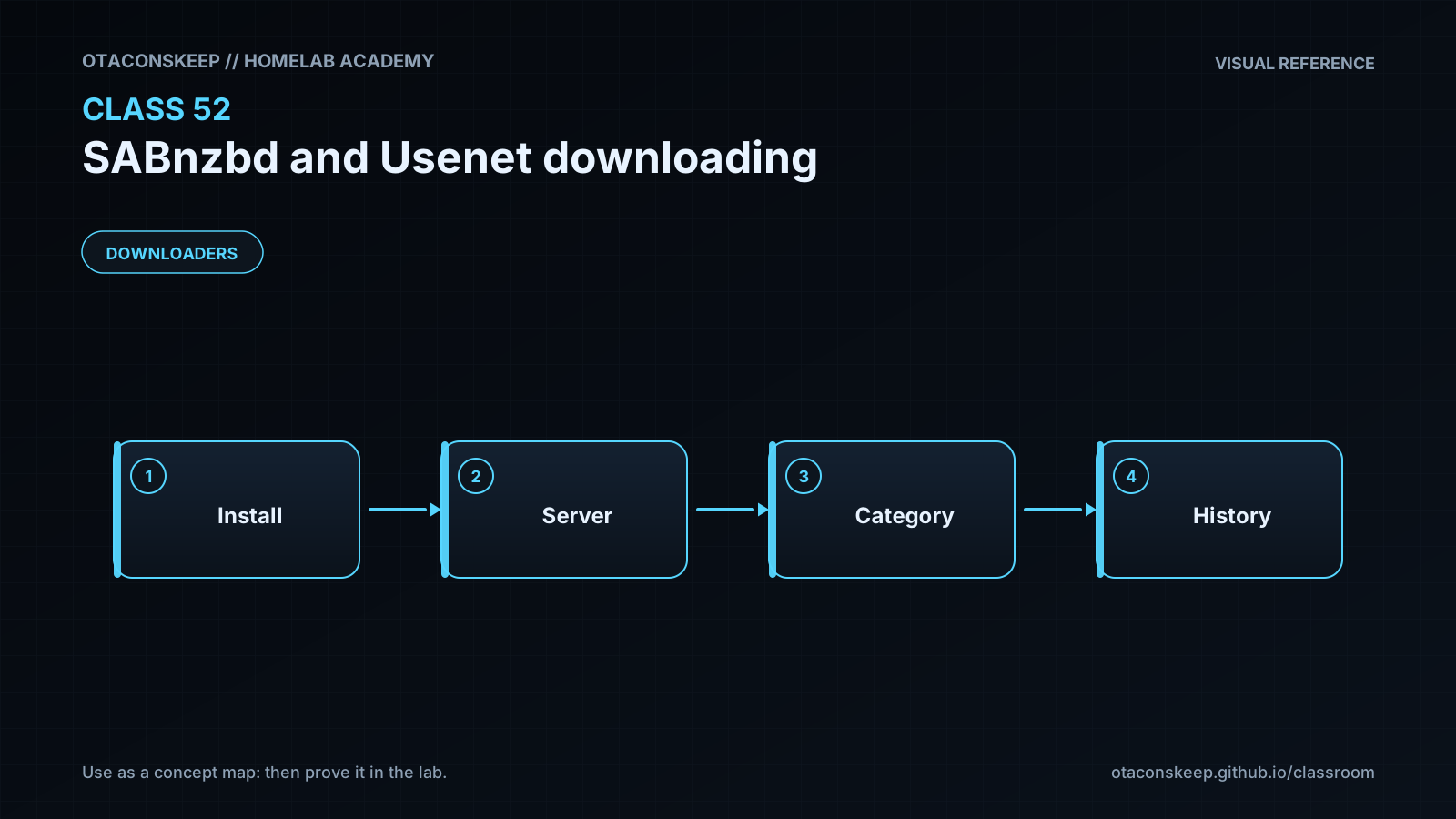
Overview
Module: Download Clients & Indexers
Activity type: Lab (Practice)
Lab risk: low
Objective: Describe the roles of a Usenet provider, an indexer, an NZB file, and SABnzbd.
Before you start
- Basic Linux command-line navigation
- Familiarity with TCP ports, DNS names, and TLS
- Basic understanding of file ownership and directory permissions
- An understanding that the operator is responsible for complying with copyright law, provider terms, and local regulations
- Python 3 with only the standard library for the offline validation lab
Guided lab
name
Build and validate an offline SABnzbd policy
scope
Every file created, modified, or deleted by this lab is located beneath /opt/lab-classroom/class52/. The lab performs no network access, installs no packages, starts no services, and contains no provider credentials.
steps
step
1
title
Create the isolated directory layout
command
install -d -m 0750 /opt/lab-classroom/class52/incomplete /opt/lab-classroom/class52/complete/documents /opt/lab-classroom/class52/complete/audio /opt/lab-classroom/class52/complete/video /opt/lab-classroom/class52/config /opt/lab-classroom/class52/input /opt/lab-classroom/class52/reports
explanation
This creates separate incomplete and completed trees and three category destinations. The permissions avoid world-accessible directories while leaving final ownership decisions to the administrator.
step
2
title
Create a deployment policy
command
cat > /opt/lab-classroom/class52/config/policy.ini <<'EOF'
[management]
bind_host = 127.0.0.1
bind_port = 8080
require_authentication = true
[provider]
tls_required = true
tls_port = 563
connections = 4
provider_priority = 0
[storage]
incomplete_dir = /opt/lab-classroom/class52/incomplete
complete_root = /opt/lab-classroom/class52/complete
[categories]
documents = /opt/lab-classroom/class52/complete/documents
audio = /opt/lab-classroom/class52/complete/audio
video = /opt/lab-classroom/class52/complete/video
EOF
chmod 0640 /opt/lab-classroom/class52/config/policy.ini
explanation
This is an offline policy model rather than a live SABnzbd-generated configuration. It deliberately contains no hostname, username, password, or API key. The loopback bind and authentication requirement document the intended management posture.
step
3
title
Create a harmless synthetic NZB
command
cat > /opt/lab-classroom/class52/input/training.nzb <<'EOF'
documents
Homelab Academy Synthetic Training Job
EOF
chmod 0640 /opt/lab-classroom/class52/input/training.nzb
explanation
The document demonstrates the shape of NZB metadata using reserved invalid domains and a fictional group. It references no retrievable content and is never sent to a server.
step
4
title
Create the offline validator
command
cat > /opt/lab-classroom/class52/validate.py <<'PY'
from configparser import ConfigParser
from pathlib import Path
import json
import xml.etree.ElementTree as ET
root = Path('/opt/lab-classroom/class52').resolve()
policy_path = root / 'config' / 'policy.ini'
nzb_path = root / 'input' / 'training.nzb'
report_path = root / 'reports' / 'validation.json'
cfg = ConfigParser()
loaded = cfg.read(policy_path)
if not loaded:
raise SystemExit('Policy file could not be read')
def inside_root(value):
candidate = Path(value).resolve()
return candidate == root or root in candidate.parents
incomplete = cfg.get('storage', 'incomplete_dir')
complete_root = cfg.get('storage', 'complete_root')
category_paths = dict(cfg.items('categories'))
checks = {
'management_is_loopback': cfg.get('management', 'bind_host') in {'127.0.0.1', '::1', 'localhost'},
'authentication_required': cfg.getboolean('management', 'require_authentication'),
'provider_tls_required': cfg.getboolean('provider', 'tls_required'),
'provider_tls_port_is_563': cfg.getint('provider', 'tls_port') == 563,
'connection_count_is_conservative': 1 <= cfg.getint('provider', 'connections') <= 8,
'incomplete_path_is_scoped': inside_root(incomplete),
'complete_path_is_scoped': inside_root(complete_root),
'incomplete_and_complete_are_distinct': Path(incomplete).resolve() != Path(complete_root).resolve(),
'all_category_paths_are_scoped': all(inside_root(path) for path in category_paths.values()),
'all_category_paths_are_under_complete': all(Path(complete_root).resolve() in Path(path).resolve().parents for path in category_paths.values())
}
xml_root = ET.parse(nzb_path).getroot()
namespace = {'n': 'http://www.newzbin.com/DTD/2003/nzb'}
files = xml_root.findall('n:file', namespace)
segments = xml_root.findall('.//n:segment', namespace)
category_node = xml_root.find("n:head/n:meta[@type='category']", namespace)
category = category_node.text.strip() if category_node is not None and category_node.text else ''
checks['nzb_has_file_entry'] = len(files) > 0
checks['nzb_has_segment_entry'] = len(segments) > 0
checks['nzb_category_is_mapped'] = category in category_paths
checks['synthetic_identifiers_use_invalid_domain'] = all((segment.text or '').strip().endswith('@example.invalid') for segment in segments)
report = {
'lab_root': str(root),
'nzb_category': category,
'file_entries': len(files),
'segment_entries': len(segments),
'checks': checks,
'overall_pass': all(checks.values())
}
report_path.write_text(json.dumps(report, indent=2) + '\n', encoding='utf-8')
print(json.dumps(report, indent=2))
raise SystemExit(0 if report['overall_pass'] else 1)
PY
chmod 0750 /opt/lab-classroom/class52/validate.py
explanation
The validator confirms local-only administration, authentication intent, TLS policy, path containment, incomplete/completed separation, category mappings, and the structure of the synthetic NZB.
step
5
title
Run the validator
command
python3 /opt/lab-classroom/class52/validate.py
explanation
The command parses local files only and writes the report to /opt/lab-classroom/class52/reports/validation.json.
step
6
title
Inspect the resulting permissions and report
command
find /opt/lab-classroom/class52 -maxdepth 3 -printf '%M %p\n' | sort && cat /opt/lab-classroom/class52/reports/validation.json
explanation
Confirm that configuration and NZB files are not world-readable, the intended directory hierarchy exists, and every validation check is true.
Expected results
- The directory /opt/lab-classroom/class52/incomplete exists separately from /opt/lab-classroom/class52/complete.
- The completed tree contains documents, audio, and video category directories.
- The policy binds management access to 127.0.0.1, requires authentication, and requires provider TLS on port 563.
- The synthetic NZB contains one file entry and one segment entry using a reserved invalid domain.
- The NZB category is documents and matches a configured category destination.
- The report at /opt/lab-classroom/class52/reports/validation.json contains "overall_pass": true.
- No provider is contacted and no external content is retrieved.
Verification
- [ ] Run
python3 /opt/lab-classroom/class52/validate.py; it must exit with status 0 and display "overall_pass": true. - [ ] Run
python3 -m json.tool /opt/lab-classroom/class52/reports/validation.json; it must print valid JSON without an error. - [ ] Run
test /opt/lab-classroom/class52/incomplete != /opt/lab-classroom/class52/complete; it must exit with status 0. - [ ] Run
test "$(stat -c '%a' /opt/lab-classroom/class52/config/policy.ini)" = 640; it must exit with status 0. - [ ] Run
grep -F 'bind_host = 127.0.0.1' /opt/lab-classroom/class52/config/policy.ini; it must return the local-only bind setting. - [ ] Run
grep -F 'tls_required = true' /opt/lab-classroom/class52/config/policy.ini; it must return the provider encryption policy. - [ ] Run
find /opt/lab-classroom/class52 -type f -o -type d; every displayed path must remain beneath the class52 directory.
Break/fix
| Symptom | Likely cause | Fix |
|---|---|---|
| Creating /opt/lab-classroom/class52 fails with a permission error. | The current account cannot write beneath /opt/lab-classroom. | Have the lab administrator create /opt/lab-classroom/class52 with ownership assigned to the student account, then rerun the lab. Do not redirect the exercise into unrelated system directories. |
| The validator reports that the policy file could not be read. | The policy creation step was skipped, the file name differs, or its permissions deny access. | Confirm that /opt/lab-classroom/class52/config/policy.ini exists and is readable by the account running Python, then recreate it from the lab step if necessary. |
| The validator reports that a path is not scoped. | A storage or category path in policy.ini points outside /opt/lab-classroom/class52. | Correct the path so that it is an absolute path beneath /opt/lab-classroom/class52, then rerun the validator. |
| The NZB category mapping check fails. | The category in training.nzb does not exactly match a key in the policy's categories section. | Use the category name documents in the synthetic NZB or add an equivalently scoped category mapping to the policy. |
| Python reports an XML parse error. | The synthetic NZB was copied incompletely or its XML quoting and closing tags were changed. | Recreate /opt/lab-classroom/class52/input/training.nzb exactly as shown and rerun the validator. |
| A future live SABnzbd deployment repeatedly asks for provider authentication. | The provider hostname, username, password, subscription status, or permitted connection count is incorrect. | Compare settings with the provider's official account page, reduce connections to a conservative value, and test the provider from SABnzbd without exposing credentials in logs. |
| A future job downloads partially but fails verification or repair. | Required articles are missing and available PAR2 recovery data is insufficient. | Review the job log, verify that the post is within provider retention, and use a legitimately obtained backup provider with an independent article source if appropriate. Do not assume PAR2 can repair unlimited missing data. |
| A downstream application cannot import completed files. | Category paths, ownership, group access, or the downstream application's expected root do not agree. | Align the category and import paths first, then grant only the minimum shared group access required. Keep incomplete data outside the import path. |
Security
principles
Use provider-supported TLS and certificate validation so credentials and article requests are not sent in cleartext.
Keep the SABnzbd interface on loopback or a trusted management network unless a properly authenticated encrypted gateway is required.
Require authentication even on a private network; private addressing alone is not an authorization mechanism.
Treat full-access and NZB-submission API keys as different secrets when the installed SABnzbd version supports distinct capabilities.
Store provider credentials and API keys outside shared examples, repositories, screenshots, and routine logs.
Keep incomplete data separate from completed output so downstream applications do not consume partial or unverified files.
Run SABnzbd as a dedicated, unprivileged account with access only to its configuration, temporary workspace, and intended completed destinations.
Avoid world-writable download directories. Use deliberate ownership and shared-group permissions for integrations.
Treat NZBs, article payloads, filenames, archives, and embedded metadata as untrusted input.
Disable post-processing scripts unless they are necessary, reviewed, and constrained. A script can turn downloaded input into command execution.
Keep SABnzbd and its dependencies updated through the operating system or deployment mechanism used by the homelab.
Download only content the operator is legally permitted to access and retain.
secret_handling
The lab intentionally omits provider credentials and API keys. In a live deployment, enter secrets through the protected administrative interface or an approved secret-management mechanism and restrict access to the generated configuration.
exposure_guidance
Do not publish the SABnzbd management port directly to an untrusted network. Remote access should pass through an authenticated, encrypted access layer and be limited to trusted users and devices.
content_safety
Successful PAR2 verification or archive extraction establishes file integrity, not trustworthiness or legality. Scan and inspect downloaded material according to local security policy before opening or importing it.
Rollback
impact
Rollback removes only the files and subdirectories created beneath /opt/lab-classroom/class52 while preserving the class52 directory itself.
precheck
Run find /opt/lab-classroom/class52 -xdev -mindepth 1 -maxdepth 3 -print and confirm that every listed item belongs to this class before deletion.
command
find /opt/lab-classroom/class52 -xdev -depth -mindepth 1 -delete
postcheck
Run find /opt/lab-classroom/class52 -xdev -mindepth 1 -print; successful rollback produces no output.
recovery
If files were deleted unintentionally, restore them from an existing backup or rerun the lab to regenerate the synthetic configuration, NZB, validator, and report.