Overview
Module: Requests & Media Servers
Activity type: Reading (Learn)
Objective: Explain the role of Jellyseerr or Overseerr between users, a media server, and download automation
Vocabulary
| Term | Meaning |
|---|---|
| Request manager | A service that accepts user searches and media requests, applies approval and quota policy, and forwards approved requests to automation services. |
| TMDB | The Movie Database, a metadata provider commonly used by request managers for titles, artwork, release information, and search results. Initial setup requires a valid API credential or supported application authentication flow. |
| User synchronization | Importing or matching media-server users in the request manager so that request roles and permissions can be assigned to recognized identities. |
| Availability synchronization | Updating the request manager's view of which titles already exist in the media server. This does not inherently force the media server to scan storage. |
| Library scan | A media-server operation that examines configured library paths to discover, update, or remove media records. |
| Manual approval | A policy requiring an authorized operator to approve a request before it is sent to downstream automation. |
| Least privilege | Granting each user only the permissions needed for their role instead of assigning administrator access by default. |
| Compose interpolation | Docker Compose substitution of values such as image references and time zones from environment variables. |
| Webhook | An outbound HTTP callback used for notifications or integration events; webhook URLs frequently contain secret tokens and must be protected. |
Instruction
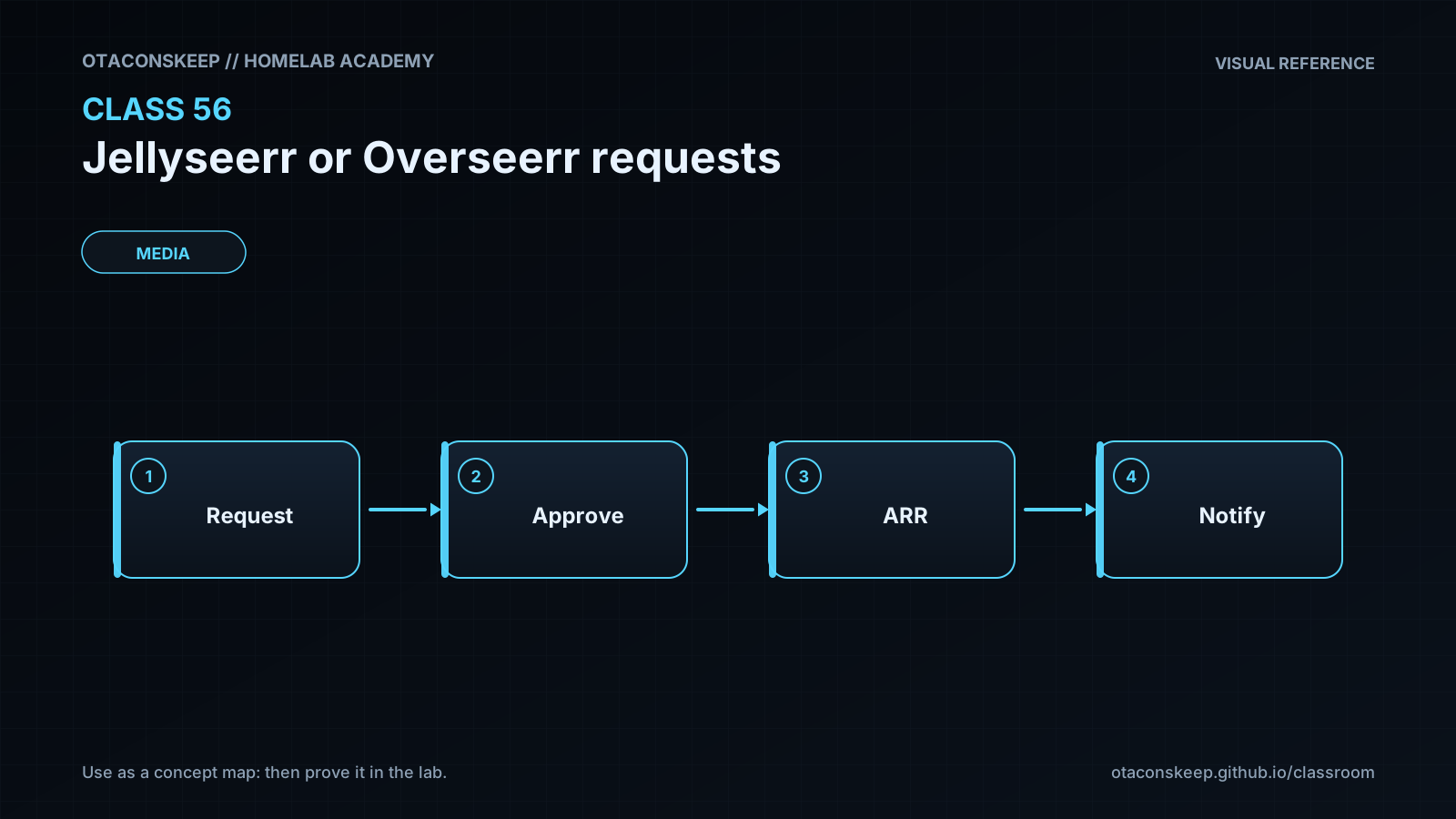
Jellyseerr and Overseerr provide a user-facing request layer rather than replacing a media server or download automation. A typical request begins with a metadata search, passes through authorization and approval policy, and is then sent to an appropriate movie or television automation service. The request manager also queries the media server so that users do not request content that is already available. Several first-run dependencies are easy to overlook. Metadata search normally depends on TMDB access, so an absent, invalid, restricted, or improperly stored API credential can prevent useful searches even when the web interface itself loads. The credential must be obtained through the provider's legitimate process and should be supplied through the application's supported secret mechanism rather than committed to a Compose file or repository.
The media-server connection is a separate dependency. An administrator must provide the correct server URL, authentication material, and library selections. If media-server users are synchronized, imported users must still be mapped to deliberate request-manager roles. Synchronization proves identity association; it does not justify assigning administrator privileges. A safe default is a requester role with bounded request limits, while administrative and approval rights are assigned only to designated operators. Existing users should be reviewed after every synchronization because renamed, removed, or newly imported accounts may not inherit the intended policy.
Availability synchronization and library scanning are related but distinct. Availability synchronization asks the media server what it currently knows and marks matching titles as available in the request manager. A library scan tells the media server to inspect storage. Marking an item available cannot discover an unscanned file, and repeatedly triggering scans from the request layer can create unnecessary work or obscure ownership of the ingest workflow. Download automation, file import, media-server scanning, and request-manager availability refresh should therefore be treated as separate stages with separate logs.
Docker Compose documents the container image, environment, bind address, restart behavior, and persistent configuration path. In this lab, Compose interpolation supplies a real time zone and image reference from an environment file. The published port binds to 127.0.0.1, which avoids exposing the demonstration service on every network interface. The lab validates the Compose model but does not start the container or connect to production systems. Production deployments should pin a reviewed version or digest, protect the configuration directory, place remote access behind authenticated TLS, and back up application state before upgrades.
The policy exercise begins in an intentionally unsafe state: requests are automatically approved, the default role is administrative, limits are disabled, user synchronization is off, the metadata credential source is absent, inline secrets are allowed, and availability updates are incorrectly treated as scan triggers. The validator must reject that state. The learner then repairs the policy by interpreting requirements rather than pasting a golden file. A passing result demonstrates that the configured controls satisfy the validator, not that the entire production service is secure. Real deployment also requires application-level testing, authentication review, notification testing, downstream permission checks, and recovery planning.
Architecture
components
name
Requesting user
responsibility
Searches metadata, submits requests, and observes request or availability status without receiving administrative access.
name
Jellyseerr or Overseerr
responsibility
Authenticates users, applies roles and request limits, manages approval state, queries metadata, and coordinates downstream requests.
name
TMDB metadata service
responsibility
Provides searchable title metadata and artwork through an authorized API integration.
name
Plex or Jellyfin media server
responsibility
Maintains libraries and user identities and reports media already known to the server.
name
Movie and television automation
responsibility
Accepts approved requests and manages acquisition and import according to its own quality and path policies.
name
Download client
responsibility
Performs transfers requested by authorized automation services; it should not be exposed directly to ordinary request users.
name
Notification service
responsibility
Receives optional status events through protected webhook or provider credentials.
name
Reverse proxy or secure access layer
responsibility
Provides TLS, controlled remote access, and optionally additional authentication or access restrictions.
request_flow
The user authenticates to the request manager.
The request manager searches TMDB using its configured metadata integration.
The request manager checks its synchronized view of media-server availability.
Request policy determines whether the request is denied, queued for approval, or approved.
An approved request is sent to the appropriate automation service.
Automation acquires and imports the media through its configured download workflow.
The media server scans or refreshes its library through the ingest workflow.
The request manager later synchronizes availability from the media server.
trust_boundaries
User browser to request-manager web interface
Request manager to external metadata provider
Request manager to media-server API
Request manager to automation APIs
Request manager to notification endpoints
Reverse proxy to the loopback-bound application port
Required reading
- Docker Docs: Compose file reference — https://docs.docker.com/reference/compose-file/
- Docker Docs: Interpolation and environment variables in Compose — https://docs.docker.com/compose/how-tos/environment-variables/variable-interpolation/
- Jellyseerr documentation — https://docs.jellyseerr.dev/
- Jellyseerr GitHub repository — https://github.com/Fallenbagel/jellyseerr
- Overseerr documentation — https://docs.overseerr.dev/
- The Movie Database API documentation — https://developer.themoviedb.org/docs/getting-started
References
- Jellyseerr documentation — https://docs.jellyseerr.dev/
- Jellyseerr GitHub repository — https://github.com/Fallenbagel/jellyseerr
- Overseerr documentation — https://docs.overseerr.dev/
- Overseerr GitHub repository — https://github.com/sct/overseerr
- Docker Compose file reference — https://docs.docker.com/reference/compose-file/
- Docker Compose environment variable interpolation — https://docs.docker.com/compose/how-tos/environment-variables/variable-interpolation/
- TMDB API documentation — https://developer.themoviedb.org/docs/getting-started