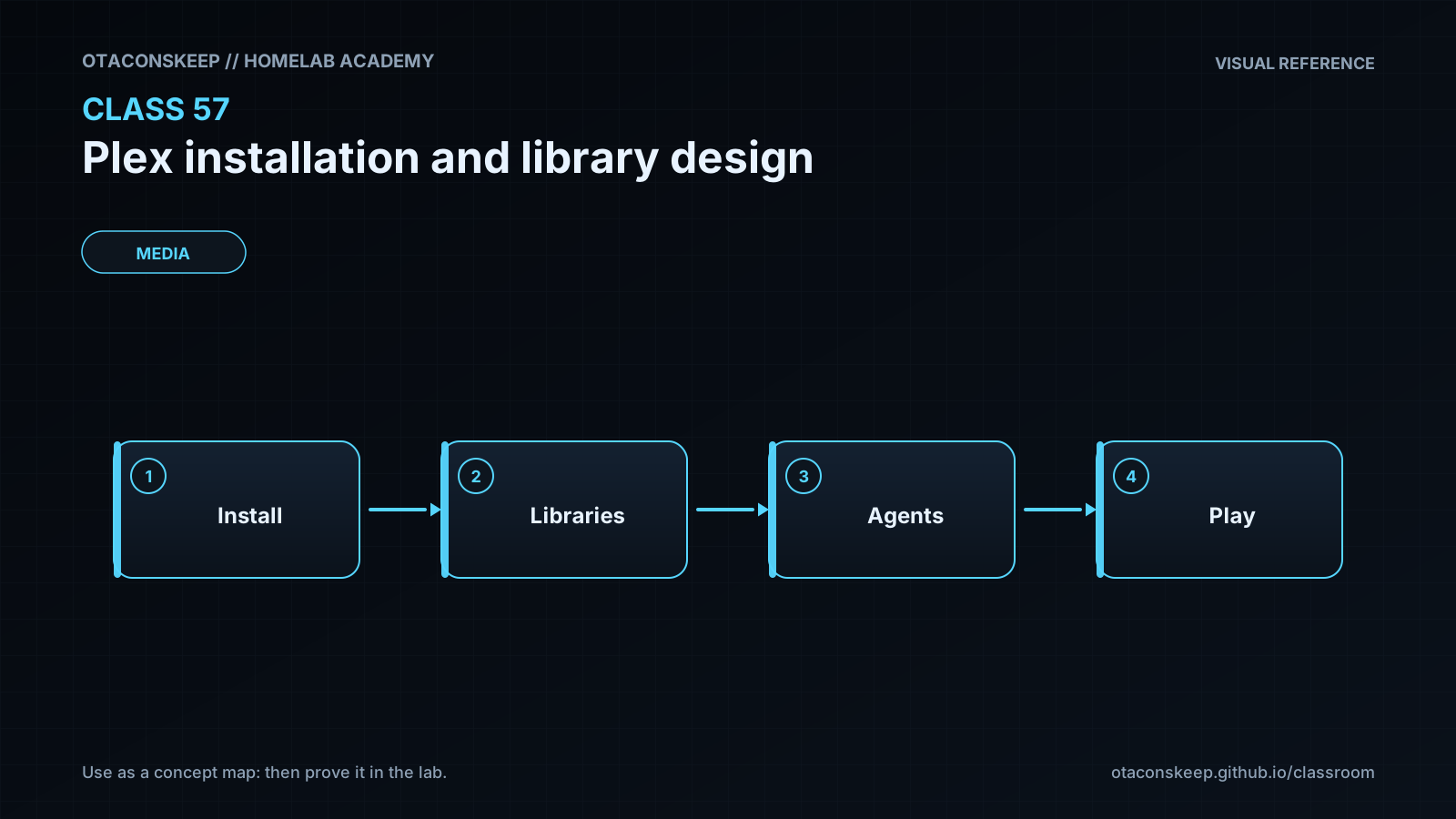
Overview
Module: Requests & Media Servers
Activity type: Lab (Practice)
Lab risk: low
Objective: Explain the roles of Plex configuration, transcode, and media storage.
Before you start
- Comfort using a Linux shell and reading YAML.
- Basic understanding of containers, bind mounts, TCP ports, users, groups, and file permissions.
- A pre-created, writable /opt/lab-classroom/class57/ directory.
- Python 3 for local validation.
- Optional Docker Compose or Podman Compose installation for syntax inspection only; the lab does not start Plex.
Guided lab
scope
Create and validate a Plex installation bundle entirely under /opt/lab-classroom/class57/. Do not launch the service.
steps
step
1
title
Confirm the classroom root
commands
test -d /opt/lab-classroom/class57/
test -w /opt/lab-classroom/class57/
python3 -c "from pathlib import Path; p=Path('/opt/lab-classroom/class57').resolve(); assert str(p) == '/opt/lab-classroom/class57', p; print(p)"
notes
Stop if any check fails. Do not substitute another path because all lab mutations are restricted to this classroom root.
step
2
title
Create the storage layout
commands
mkdir -p /opt/lab-classroom/class57/config /opt/lab-classroom/class57/transcode /opt/lab-classroom/class57/media/movies '/opt/lab-classroom/class57/media/tv' /opt/lab-classroom/class57/media/music /opt/lab-classroom/class57/docs
notes
These directories represent separate data lifecycles even though they share one classroom root.
step
3
title
Create representative media names
commands
mkdir -p '/opt/lab-classroom/class57/media/movies/Arrival (2016)'
mkdir -p '/opt/lab-classroom/class57/media/tv/The Expanse (2015)/Season 01'
touch '/opt/lab-classroom/class57/media/movies/Arrival (2016)/Arrival (2016).mkv'
touch '/opt/lab-classroom/class57/media/tv/The Expanse (2015)/Season 01/The Expanse (2015) - S01E01.mkv'
notes
The zero-byte files are naming examples, not playable media and not benchmark inputs.
step
4
title
Write the staged Compose specification
commands
python3 - <<'PY'
from pathlib import Path
root = Path('/opt/lab-classroom/class57').resolve()
assert str(root) == '/opt/lab-classroom/class57'
content = '''services:
plex:
image: plexinc/pms-docker:public
container_name: class57-plex
restart: unless-stopped
environment:
TZ: Etc/UTC
ports:
- "32400:32400/tcp"
volumes:
- type: bind
source: /opt/lab-classroom/class57/config
target: /config
- type: bind
source: /opt/lab-classroom/class57/transcode
target: /transcode
- type: bind
source: /opt/lab-classroom/class57/media/movies
target: /media/movies
read_only: true
- type: bind
source: /opt/lab-classroom/class57/media/tv
target: /media/tv
read_only: true
- type: bind
source: /opt/lab-classroom/class57/media/music
target: /media/music
read_only: true
'''
(root / 'compose.yaml').write_text(content, encoding='utf-8')
PY
notes
The public image channel is shown as a portable example. Before production activation, review the image publisher's current tag policy and choose an approved tag or digest according to local change-management requirements.
step
5
title
Write the deployment checklist
commands
python3 - <<'PY'
from pathlib import Path
root = Path('/opt/lab-classroom/class57').resolve()
assert str(root) == '/opt/lab-classroom/class57'
text = '''Plex production activation checklist
Confirm the selected container image source and tag or digest.
Record the container UID and GID and test host path access with those numeric identities.
Confirm that /config and /transcode are writable by Plex.
Confirm that every /media mount is readable and not writable by Plex.
Back up /config before upgrades and restore tests.
Keep claim tokens and account credentials outside Compose and source control.
Confirm TCP 32400 is reachable only from intended networks.
Start locally, complete enrollment, create libraries, and test Direct Play.
Enable remote access only after local operation and account security are verified.
Add hardware transcoding only as a separately tested change.
'''
(root / 'docs' / 'deployment-checklist.txt').write_text(text, encoding='utf-8')
PY
notes
This separates a safe staged design from production activation.
step
6
title
Run local structural validation
commands
python3 - <<'PY'
from pathlib import Path
root = Path('/opt/lab-classroom/class57').resolve()
assert str(root) == '/opt/lab-classroom/class57'
required = [
root / 'compose.yaml',
root / 'config',
root / 'transcode',
root / 'media/movies',
root / 'media/tv',
root / 'media/music',
root / 'docs/deployment-checklist.txt'
]
missing = [str(p) for p in required if not p.exists()]
assert not missing, f'Missing: {missing}'
compose = (root / 'compose.yaml').read_text(encoding='utf-8')
assert '32400:32400/tcp' in compose
assert compose.count('read_only: true') == 3
assert 'PLEX_CLAIM' not in compose
assert '/opt/lab-classroom/class57/' in compose
print('Class 57 bundle validation passed')
PY
find /opt/lab-classroom/class57/ -maxdepth 5 -print
notes
If a Compose implementation is available, its configuration parser may additionally be used in a read-only validation workflow, but this lesson does not require or authorize starting the project.
Expected results
- The directories config, transcode, media/movies, media/tv, media/music, and docs exist beneath /opt/lab-classroom/class57/.
- The staged compose.yaml publishes only TCP port 32400.
- The configuration and transcode mounts are read-write because Plex must update them.
- All three source-media mounts are marked read-only.
- The Compose file contains no Plex claim token or account credential.
- The sample movie and television paths use title, year, season, and episode naming conventions.
- The local validator prints Class 57 bundle validation passed.
- No Plex container, container network, image layer, host package, or service is created by the lab.
Verification
- [ ] Run: python3 -c "from pathlib import Path; p=Path('/opt/lab-classroom/class57').resolve(); assert str(p) == '/opt/lab-classroom/class57'; print('root verified')"
- [ ] Run: test -f /opt/lab-classroom/class57/compose.yaml && echo 'compose file present'
- [ ] Run: test -f /opt/lab-classroom/class57/docs/deployment-checklist.txt && echo 'checklist present'
- [ ] Run: grep -F '32400:32400/tcp' /opt/lab-classroom/class57/compose.yaml
- [ ] Run: test "$(grep -c 'read_only: true' /opt/lab-classroom/class57/compose.yaml)" -eq 3 && echo 'media mounts are read-only'
- [ ] Run: if grep -q 'PLEX_CLAIM' /opt/lab-classroom/class57/compose.yaml; then echo 'unexpected secret field'; exit 1; else echo 'no claim token field'; fi
- [ ] Run: test -f '/opt/lab-classroom/class57/media/movies/Arrival (2016)/Arrival (2016).mkv' && echo 'movie naming example present'
- [ ] Run: test -f '/opt/lab-classroom/class57/media/tv/The Expanse (2015)/Season 01/The Expanse (2015) - S01E01.mkv' && echo 'episode naming example present'
Break/fix
| Symptom | Likely cause | Fix |
|---|---|---|
| The initial directory test fails. | The classroom root was not pre-created or the current user does not have access. | Have the lab administrator create and delegate /opt/lab-classroom/class57/. Do not redirect the exercise to another filesystem path. |
| The Python path assertion reports a different resolved location. | The classroom path is a symbolic link or resolves through an unexpected mount. | Stop the lab and ask the administrator to provide the required literal path. The assertion prevents accidental writes outside the authorized root. |
| The read-only mount count is not three. | A read_only property was omitted, duplicated, or indented under the wrong mount. | Compare the three media mount entries with the lesson specification. Each media entry must independently contain read_only: true. |
| A production Plex server can see directories but cannot scan media files. | The container's numeric user or group can traverse the directory tree but cannot read one or more files. | Inspect numeric ownership and permissions on every path component, then grant the dedicated Plex group the minimum read and traversal access required. |
| A production Plex container repeatedly fails while creating its database. | The configuration mount is read-only, owned by an incompatible numeric identity, or located on storage with unsuitable locking behavior. | Confirm that /config is a persistent read-write mount supported by the deployment platform and writable by the container identity. |
| A movie or episode appears under the wrong title. | The filename is ambiguous, the year is missing, or television season and episode numbers do not follow the expected pattern. | Rename the item according to current Plex naming guidance, rescan the library, and use manual matching only when correct naming remains ambiguous. |
| Playback triggers unexpected transcoding. | The client does not support the stored codec, container, bitrate, audio format, or subtitle mode, or the client quality setting is lower than the source. | Inspect the Plex playback dashboard, verify client quality settings, and compare the file's media characteristics with client capabilities before changing server resources. |
| A remote client cannot connect while local clients work. | Remote-access routing, address translation, port publication, or account configuration is incomplete. | Keep local service verified, then follow the official Plex remote-access troubleshooting sequence. Do not expose additional ports without understanding their purpose. |
Security
principles
Run Plex with a dedicated, non-administrative identity and verify numeric UID and GID behavior.
Mount source media read-only unless a documented workflow absolutely requires writes.
Treat the configuration directory as sensitive because it contains server state and may contain tokens.
Never commit claim tokens, account credentials, or exported configuration archives to source control.
Restrict TCP 32400 exposure to intended networks until remote access is explicitly approved.
Use a strong unique Plex account password and enable multi-factor authentication where supported.
Review image provenance and update policy before deployment; test upgrades against a configuration backup.
Do not add graphics devices or other host devices until hardware transcoding is separately designed and tested.
Do not assume TLS on an upstream proxy automatically secures unencrypted internal paths, administrative access, or account credentials.
Keep Plex configuration backups protected because watch history, library metadata, server identity, and access-related state may be sensitive.
secret_handling
If enrollment requires a short-lived claim token, supply it through a temporary secret-handling mechanism supported by the deployment environment. Remove it after enrollment, avoid shell history and committed files, and rotate or invalidate it if exposed.
network_posture
Begin with local access on TCP 32400. Add discovery, companion, or remote-access behavior only when each required path and trust boundary is understood. Publishing fewer interfaces and ports reduces accidental exposure.
backup_posture
Back up the configuration directory using an application-consistent procedure. Media backup policy depends on whether the source is replaceable. Transcode data is temporary and should generally be excluded.
Rollback
normal_state
The lab starts no service, so rollback does not require stopping Plex or removing container-runtime resources.
preserve_option
Retain /opt/lab-classroom/class57/ as an auditable design artifact, or copy its non-secret text files to an approved classroom archive before cleanup.
cleanup_command
python3 - <<'PY'
from pathlib import Path
import shutil
root = Path('/opt/lab-classroom/class57').resolve()
assert str(root) == '/opt/lab-classroom/class57'
for child in root.iterdir():
if child.is_symlink() or child.is_file():
child.unlink()
elif child.is_dir():
shutil.rmtree(child)
print('Class 57 contents removed; classroom root retained')
PY
cleanup_effect
Deletes all lesson-created contents beneath the verified classroom root while retaining /opt/lab-classroom/class57/ itself.
recovery
Rerun the lab steps to regenerate the staged files. The zero-byte media examples contain no recoverable media content.