Overview
Module: Linux Foundations
Activity type: Homework / independent application
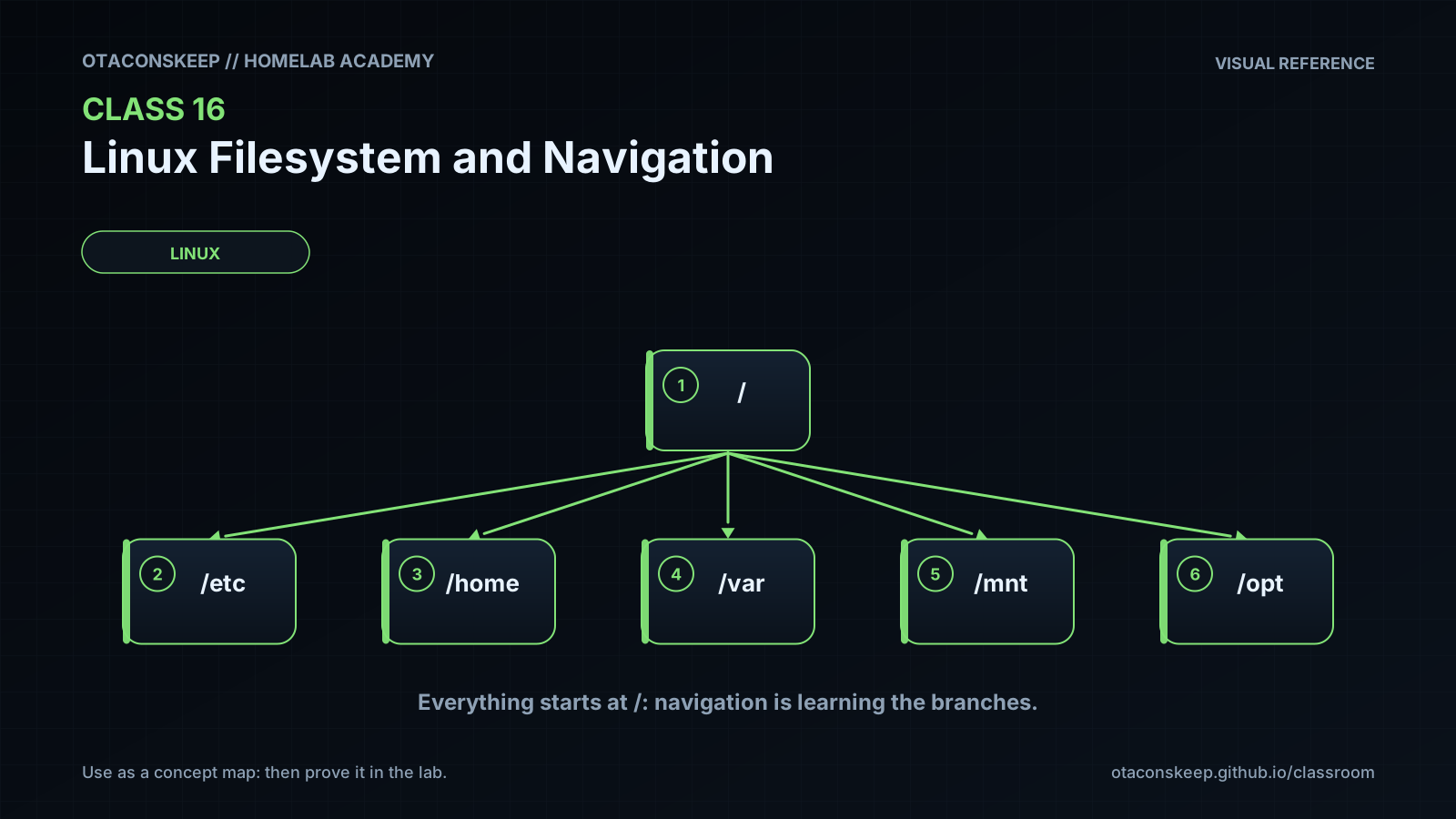
Objective: Explain the difference between the filesystem root directory and the root user
Requirements
scope
Complete all practical work only beneath /opt/lab-classroom/class16/.
tasks
Recreate the lab after rollback and draw its directory tree from memory before checking with find.
Create a new directory named docs beneath projects/app and place a short notes.txt file in it.
From projects/app/data, identify one relative path and one absolute path that both name docs/notes.txt.
Use stat to record the inode number, file type, size, ownership, and link count of notes.txt.
Create a relative symbolic link inside docs that points to ../README.txt, then explain why the target is interpreted relative to the link's containing directory.
Write five sentences comparing a copied file, a hard link, and a symbolic link.
Use the explicit rollback approach as a model to remove only the additional homework objects when finished.
submission
Submit the directory-tree drawing, the two equivalent paths, selected stat output, the link comparison, and a brief explanation of the safety checks used.
Submit / record
- [ ] Evidence artifacts (secrets redacted)
- [ ] Spiral connections written
- [ ] Ready for topic quiz