Overview
Module: Linux Foundations
Activity type: Lesson (Orient → Recall → Learn → Explain → Reflect)
Learning objective: Explain the different roles of an SSH private key and public key.
Bloom level: Understand / Apply
Last reviewed: 2025-02-22
Learning objective
Explain the different roles of an SSH private key and public key.
Why this matters
Teach administrators how SSH key authentication works, how to generate and protect an Ed25519 key pair, how authorized-key restrictions reduce exposure, and how to plan SSH daemon hardening without risking remote lockout. The hands-on work is isolated to /opt/lab-classroom/class21/ and does not alter the active SSH service.
Learn
Complete the module reading first:
Feynman teach-back: required
prompt
Explain SSH key authentication to someone who thinks the public key is a password.
model_explanation
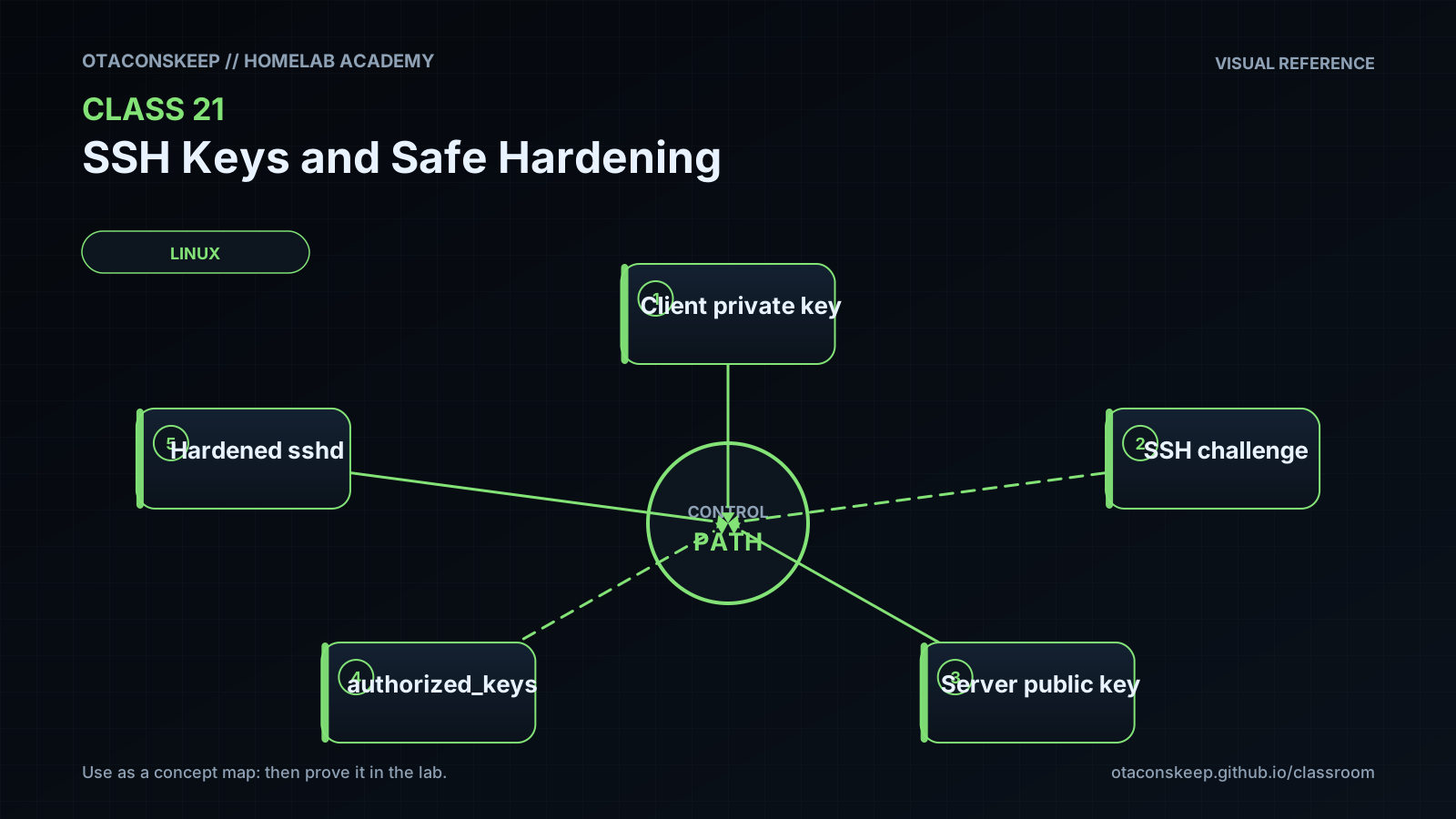
The public key is more like a lock that can be copied safely. The private key is the only matching key and stays with the client. The server gives the client data to sign, and the client uses the private key to create proof. The server checks that proof with the public key. Seeing the public key does not provide the private key. A passphrase adds a locked container around the private-key file, while host-key verification answers a different question: whether the client reached the intended server.
self_check
Can you explain why the private key must not be copied into authorized_keys?
Can you distinguish a user identity key from a server host key?
Can you explain why disabling passwords before testing a second key-based session can cause lockout?
Can you explain what a key restriction changes and what it does not change?
Answers save in this browser (localStorage). Completing all five fields is part of the mastery unlock.
Reflection
- What did I learn?
- What did I struggle with?
- How does this connect to earlier classes?