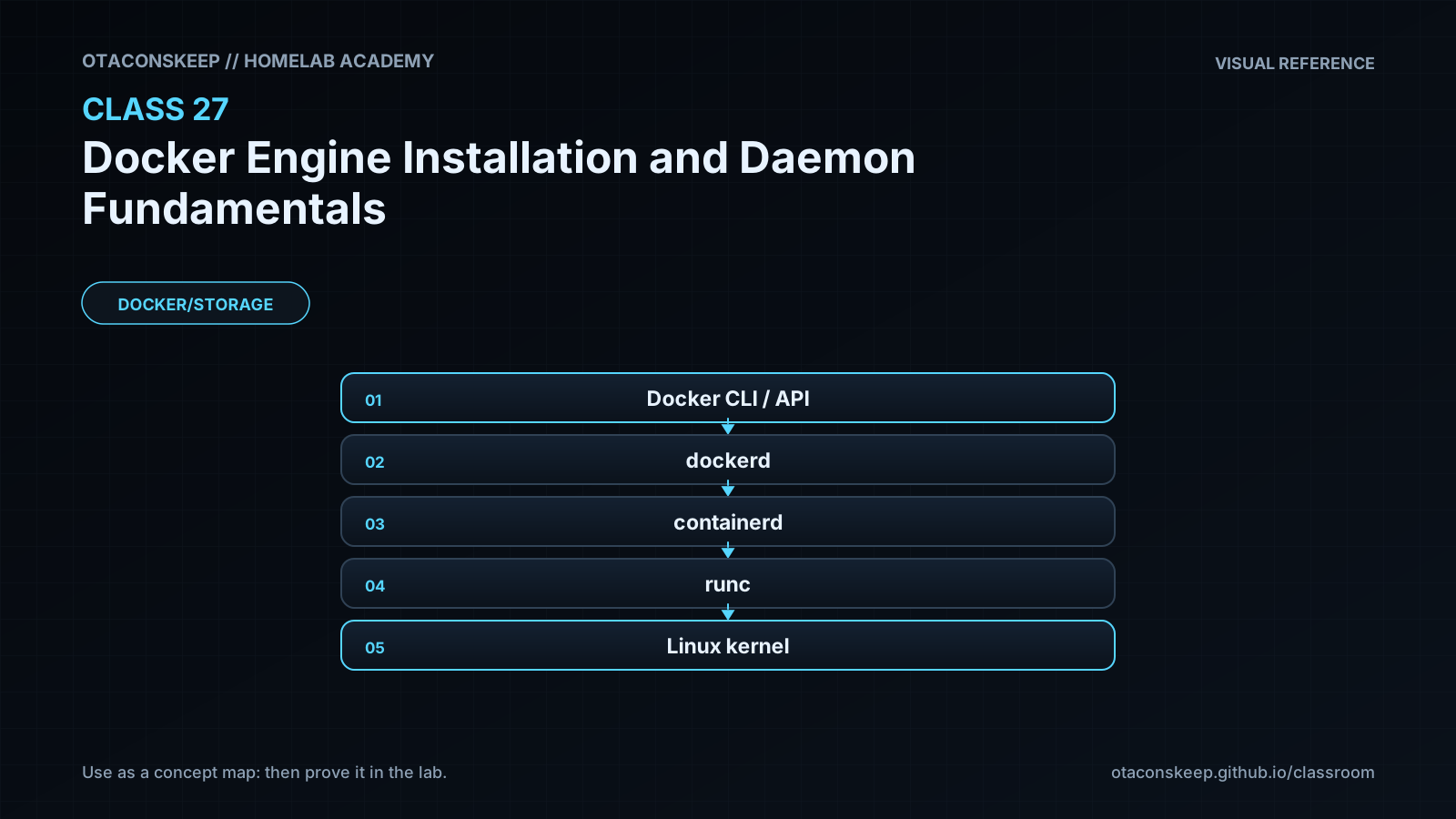
Overview
Module: Docker, Storage & Permissions
Activity type: Lesson (Orient → Recall → Learn → Explain → Reflect)
Learning objective: Explain the responsibilities of the Docker CLI, Docker daemon, containerd, and OCI runtime
Bloom level: Understand / Apply
Last reviewed: 2025-02-28
Learning objective
Explain the responsibilities of the Docker CLI, Docker daemon, containerd, and OCI runtime
Why this matters
Teach learners how Docker Engine is packaged, installed, started, configured, and verified while distinguishing the Docker client, daemon, API socket, container runtime, image store, and service manager. The lab safely stages and validates daemon configuration without changing the host package database, system service configuration, or any path outside the class workspace.
Learn
Complete the module reading first:
Feynman teach-back: required
prompt
Explain Docker Engine to someone who thinks the docker command directly creates containers.
model_explanation
The docker command is usually a client, like a remote control. It sends a request to the Docker daemon through an API endpoint. The daemon decides how to obtain the image, configure storage and networking, and manage the container. It delegates lower-level lifecycle work to containerd, which uses an OCI runtime to create the actual isolated process. Installing only the remote control does not guarantee that the daemon exists, is running, or permits the user to access it.
self_check
Can you explain why the CLI may be installed while docker commands still fail?
Can you identify which component owns the API and which component creates the low-level process?
Can you explain why access to the daemon socket is equivalent to powerful host access?
Can you explain why changing data-root can make existing Docker objects appear missing?
Can you describe how you would validate a configuration before restarting a production daemon?
Answers save in this browser (localStorage). Completing all five fields is part of the mastery unlock.
Reflection
- What did I learn?
- What did I struggle with?
- How does this connect to earlier classes?