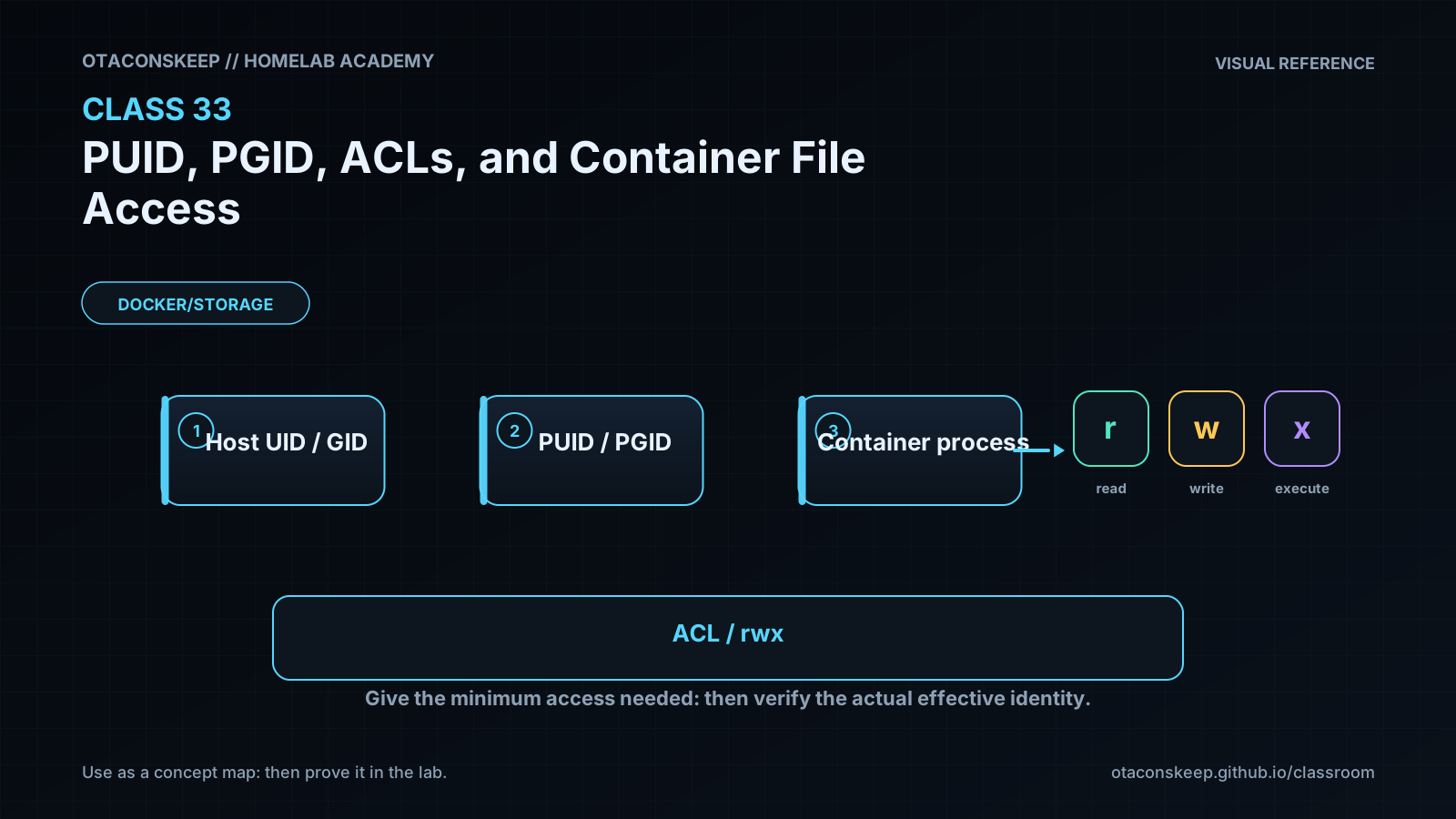
Overview
Module: Module 8: Docker, Storage & Permissions
Activity type: Lesson (Orient → Recall → Learn → Explain → Reflect)
Learning objective: Explain numeric UID/GID identity across host and containers; distinguish mode bits from ACLs; diagnose bind-mount access failures; test access using an explicit container user; and design least-privilege ownership without using world-writable shortcuts.
Learning objective
Explain numeric UID/GID identity across host and containers; distinguish mode bits from ACLs; diagnose bind-mount access failures; test access using an explicit container user; and design least-privilege ownership without using world-writable shortcuts.
Why this matters
Linux authorizes numeric identities, not matching display names. A container user named media may be UID 1000 while the host's media is UID 1500. The names look aligned, but the kernel sees different principals. Permission failures then tempt operators toward chmod 777, which trades a diagnosis problem for an access-control problem.
Prior-knowledge check
- Which number identifies the current user to the kernel?
- What do owner, group, and other mode bits control?
- What extra capability does an ACL provide?
Learn
Complete the module reading first:
Guided practice (We do)
Prove Allowed and Denied Writes
Safety and prerequisites
- Authorized Docker host with
busybox:1.36.1cached from earlier labs or approved for pull. - Uses only
/opt/lab-classroom/class33/. - Does not create users, recursively change ownership, or use
777.
LAB=/opt/lab-classroom/class33
sudo install -d -o "$(id -u)" -g "$(id -g)" -m 0750 "$LAB/shared"
printf 'host-created\n' > "$LAB/shared/host.txt"
chmod 0640 "$LAB/shared/host.txt"
id | tee "$LAB/host-identity.txt"
ls -ldn "$LAB" "$LAB/shared" | tee "$LAB/numeric-directories.txt"
ls -ln "$LAB/shared/host.txt" | tee "$LAB/numeric-file.txt"
docker run --rm \
  --user "$(id -u):$(id -g)" \
  -v "$LAB/shared":/data \
  busybox:1.36.1 sh -c 'id; printf "matching-id-write\n" > /data/matching.txt; cat /data/host.txt'
if docker run --rm \
  --user 65534:65534 \
  -v "$LAB/shared":/data \
  busybox:1.36.1 sh -c 'printf "unexpected\n" > /data/denied.txt'; then
  echo 'FAIL: unrelated identity unexpectedly wrote'
  exit 1
else
  echo 'PASS: unrelated identity denied as expected'
fi
ls -ln "$LAB/shared" | tee "$LAB/after-tests.txt"
Optional ACL observation, without broadening access:
if command -v getfacl >/dev/null 2>&1; then getfacl -p "$LAB/shared" | tee "$LAB/shared.acl.txt"; else echo 'SKIP: getfacl unavailable'; fi
Verification checkpoints
test -f "$LAB/shared/matching.txt" && echo 'PASS: matching numeric identity wrote'
test ! -e "$LAB/shared/denied.txt" && echo 'PASS: denied write left no file'
test "$(stat -c %a "$LAB/shared")" = 750 && echo 'PASS: directory not world-writable'
stat -c 'uid=%u gid=%g mode=%a path=%n' "$LAB/shared" "$LAB/shared/matching.txt"
Feynman teach-back: required
Explain to someone why two users with the same name can still be different to Linux. Use numbered badges as the analogy, then explain how a group and ACL can grant narrow access without opening the door to everyone.
Answers save in this browser (localStorage). Completing all five fields is part of the mastery unlock.
Reflection
Where does your homelab currently depend on broad permissions because the intended numeric ownership model is undocumented?