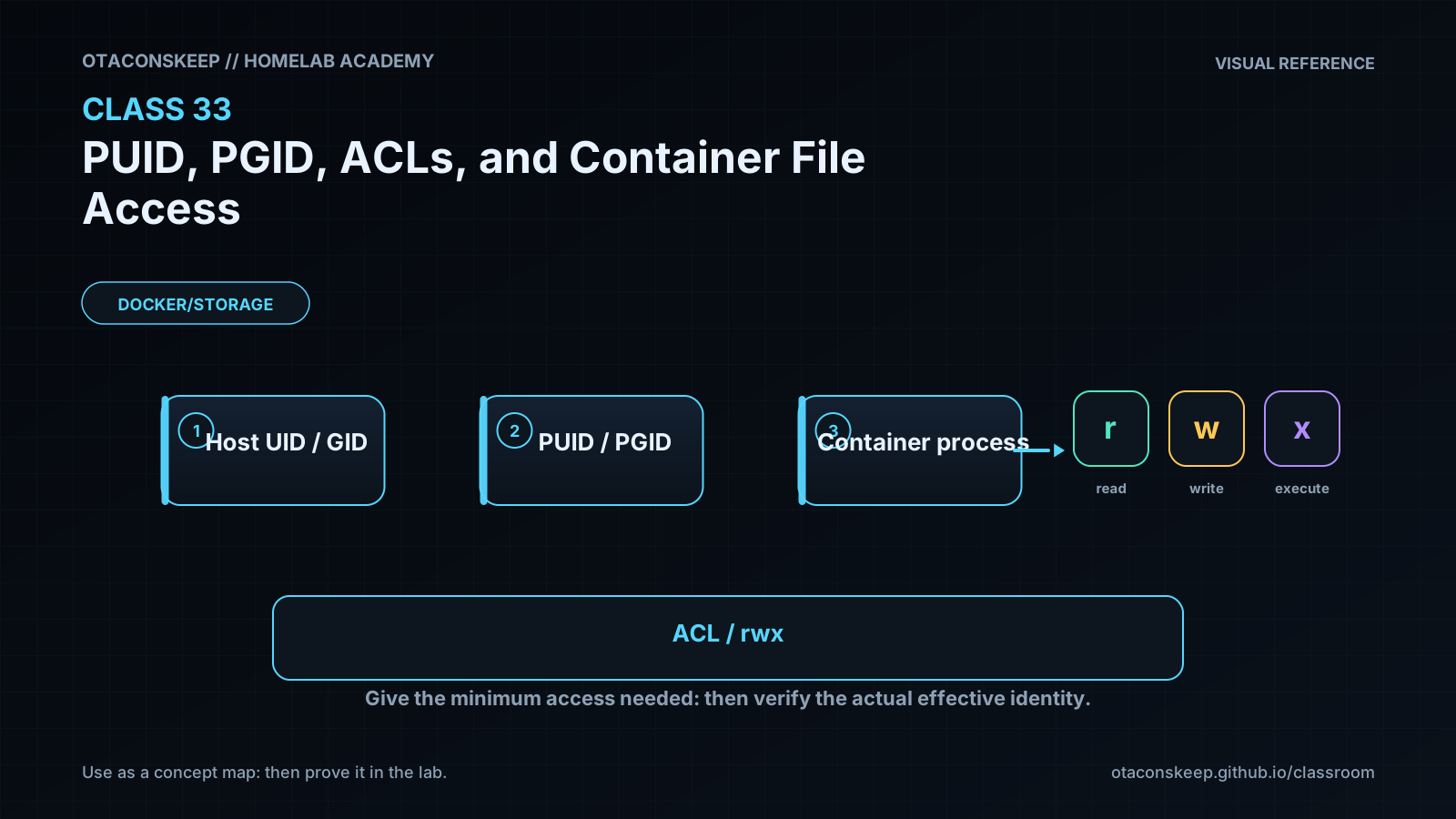
Overview
Module: Module 8: Docker, Storage & Permissions
Topic: 07: PUID, PGID, ACLs, and Container File Access
Activity type: Reading / reference (Learn)
Source: Class 33 intake, published without rewriting lesson content
Why this matters
Linux authorizes numeric identities, not matching display names. A container user named media may be UID 1000 while the host's media is UID 1500. The names look aligned, but the kernel sees different principals. Permission failures then tempt operators toward chmod 777, which trades a diagnosis problem for an access-control problem.
Core reading
Every process has effective numeric user and group identities plus supplementary groups. Files have numeric owner/group, mode bits, and possibly ACL entries. On a bind mount, the same host inode is evaluated against the container process's numeric identity. A username inside /etc/passwd is only a label for a number.
PUID/PGID are conventions used by some container images: an entrypoint reads environment variables and runs or configures the application with those IDs. Docker itself does not universally interpret PUID or PGID; verify each image's documentation and effective process identity.
Diagnosis order:
- Identify the path and whether it is a bind mount or volume.
- Inspect container process UID, GID, and supplementary groups.
- Inspect host numeric ownership (
ls -ln) and every parent directory. - Inspect mode bits and ACLs (
getfacl). - Inspect mount mode/options and read-only state.
- Consider SELinux/AppArmor or network-filesystem identity mapping.
- Test the smallest controlled change and verify both access and isolation.
ACLs allow named/numeric users or groups to receive permissions beyond the three basic classes. The ACL mask limits effective permissions for named users/groups and the owning group. Default ACLs on directories influence newly created children; they do not retroactively repair existing files.
Worked example (study this)
A container is configured with PUID=1000, but the host data is owned by UID 1500 and mode 0750. The container cannot traverse or write. chmod 777 would expose the directory to every local identity. Better options include running the process with the intended existing identity, assigning a controlled shared group, or adding a narrow ACL after documenting the ownership model.
Visual 1: Access Evaluation
```mermaid
flowchart LR
P[Process UID/GIDs] --> K[Kernel access check]
F[File owner/mode/ACL] --> K
M[Mount flags + security policy] --> K
K --> A{Allow or deny}
```
Visual 2: Diagnostic Funnel
```mermaid
flowchart TD
X[Permission denied] --> I[Identify numeric process identity]
I --> O[Inspect numeric path ownership]
O --> C[Check mode + ACL mask]
C --> M[Check mount/security policy]
M --> T[Test narrow correction]
```
Security and Rollback
- Prefer non-root container processes and the smallest required access.
- Avoid recursive
chownon large or shared datasets without an inventory and rollback plan. - Do not use world-writable permissions as a diagnostic shortcut.
- Treat Docker socket access as host administration regardless of file ownership lesson goals.
- Back up ACLs with
getfacl -Rbefore approved ACL changes and restore withsetfacl --restorewhen appropriate.
Lab rollback removes only files created inside the verified class directory:
```bash
LAB=/opt/lab-classroom/class33
test -d "$LAB/shared" && test "$LAB" = /opt/lab-classroom/class33 && rm -f -- "$LAB/shared/matching.txt" "$LAB/shared/denied.txt" "$LAB/shared/host.txt"
rmdir -- "$LAB/shared" 2>/dev/null || true
```
Video Narration Notes
Put a UID number above a host process and a container process while hiding their usernames. Reveal that matching names have different numbers. Demonstrate one allowed and one denied write, then show the diagnostic funnel and reject 777 as a shortcut.