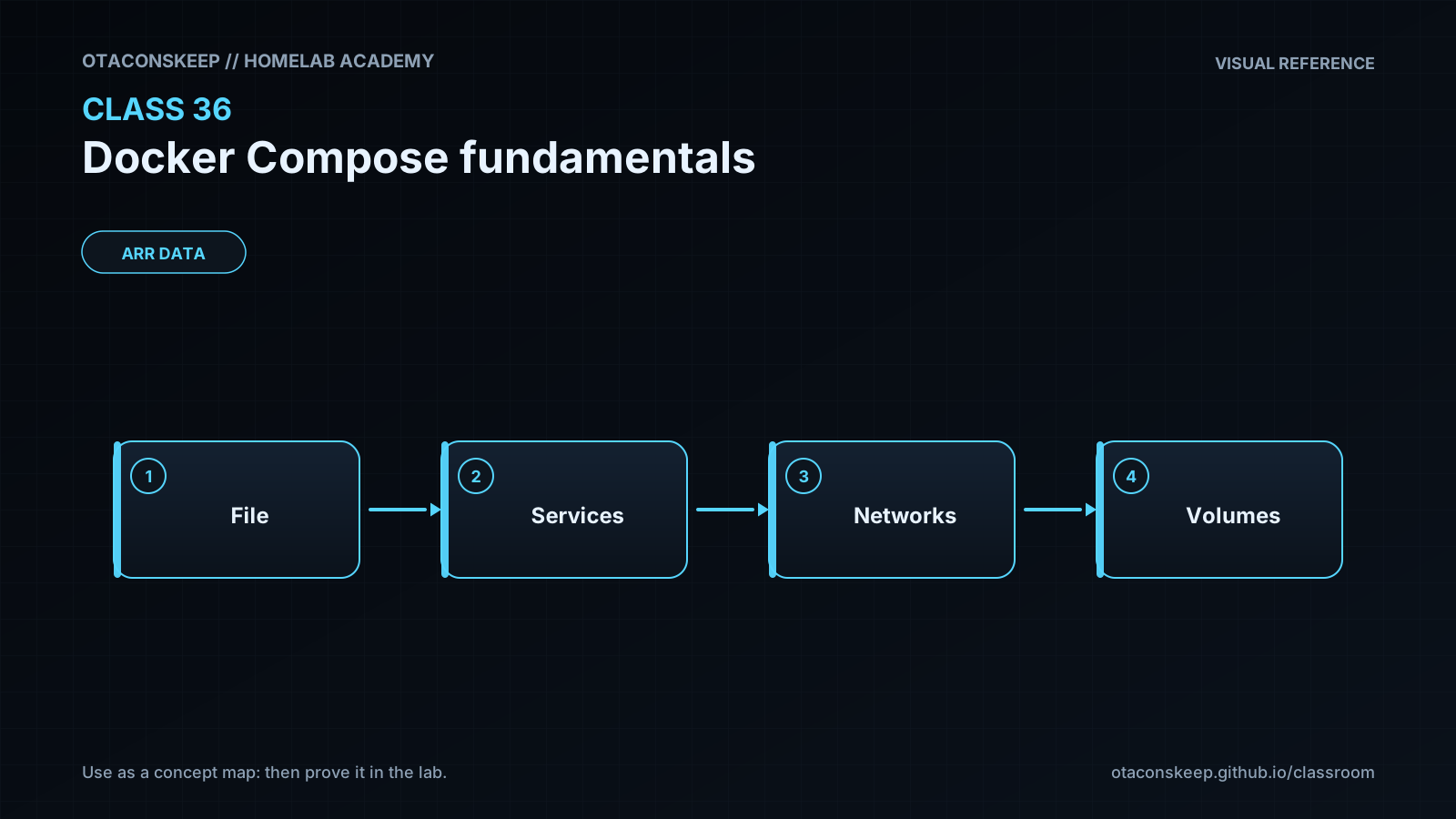
Overview
Module: ARR Data Model & Compose
Activity type: Homework / independent application
Objective: Explain the role of a Compose file and how it differs from an individual docker run command.
Requirements
assignment
Create a second Compose file named /opt/lab-classroom/class36/compose-homework.yaml. Keep all homework files under /opt/lab-classroom/class36/. Define a web service and two client services on one explicitly named network. Do not publish either client. Bind the web service only to host loopback, mount a homework HTML page read-only, and add a health check. Use the project name class36homework when validating or running the homework model.
deliverables
The homework Compose file.
The homework HTML file.
The normalized output from the Compose config command.
A service status capture showing the web service healthy.
Output from each client retrieving the web page by service name.
A short explanation of why service names are preferred over container IP addresses.
constraints
Do not edit files outside /opt/lab-classroom/class36/.
Do not use host networking, privileged mode, or Docker daemon socket mounts.
Do not publish the client services.
Use a distinct approved loopback port if the primary lab still occupies port 8080.
Stop the homework project with its exact project name after verification.
Submit / record
- [ ] Evidence artifacts (secrets redacted)
- [ ] Spiral connections written
- [ ] Ready for topic quiz