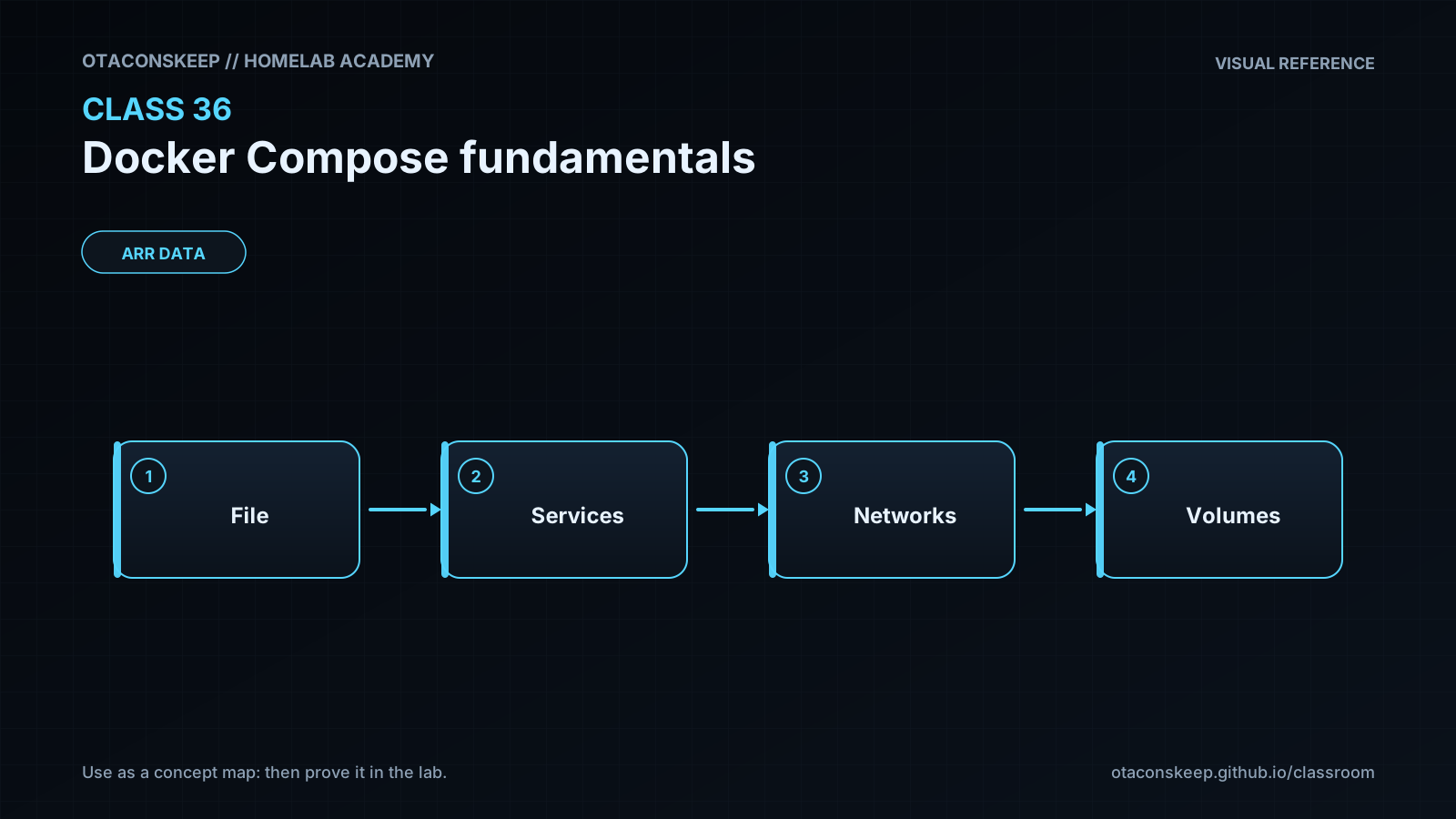
Overview
Module: ARR Data Model & Compose
Activity type: Lab (Practice)
Lab risk: low
Objective: Explain the role of a Compose file and how it differs from an individual docker run command.
Before you start
- Completion of an introductory Docker lesson covering images, containers, ports, bind mounts, and container logs.
- A Linux host or virtual machine with Docker Engine installed and running.
- Docker Compose v2 available through the docker compose command.
- An account authorized to access the Docker daemon, either directly or through an approved privilege-elevation method.
- TCP port 8080 available on the loopback interface.
- Internet access for retrieving the referenced container images if they are not already present in the local image cache.
Guided lab
title
Build and Operate a Two-Service Compose Project
steps
step
1
name
Confirm the tools
commands
docker version
docker compose version
notes
Both commands must succeed before continuing. If Docker access is denied, correct the approved daemon-access configuration rather than changing broad filesystem permissions.
step
2
name
Create the bounded lab directories
commands
install -d /opt/lab-classroom/class36/site
notes
This is the only host directory tree used for lab-created files.
step
3
name
Create the static page
commands
printf '%s\n' '<!doctype html>' '' '
Docker Compose Fundamentals
Service discovery and bind mounts are working.
' '' > /opt/lab-classroom/class36/site/index.htmlnotes
The output redirection targets only the approved class directory.
step
4
name
Create the Compose model
commands
printf '%s\n' 'services:' ' web:' ' image: nginx:1.27-alpine' ' ports:' ' - "127.0.0.1:8080:80"' ' volumes:' ' - "/opt/lab-classroom/class36/site/index.html:/usr/share/nginx/html/index.html:ro"' ' networks:' ' - labnet' ' security_opt:' ' - no-new-privileges:true' ' healthcheck:' ' test: ["CMD-SHELL", "wget -qO- http://127.0.0.1/ >/dev/null || exit 1"]' ' interval: 10s' ' timeout: 3s' ' retries: 5' ' start_period: 5s' ' client:' ' image: busybox:1.36' ' command: ["sh", "-c", "while true; do sleep 3600; done"]' ' networks:' ' - labnet' ' security_opt:' ' - no-new-privileges:true' 'networks:' ' labnet:' ' driver: bridge' > /opt/lab-classroom/class36/compose.yaml
notes
Compose files do not require a legacy version key. YAML indentation is significant.
step
5
name
Validate the Compose model
commands
docker compose -p class36 -f /opt/lab-classroom/class36/compose.yaml config --quiet
docker compose -p class36 -f /opt/lab-classroom/class36/compose.yaml config
notes
The first command should produce no output on success. The second displays the normalized model for review.
step
6
name
Start the project
commands
docker compose -p class36 -f /opt/lab-classroom/class36/compose.yaml up --detach
notes
Docker may retrieve the declared images if they are not locally cached. Repeating this command reconciles the existing class36 project rather than intentionally creating an unrelated project.
step
7
name
Inspect service state
commands
docker compose -p class36 -f /opt/lab-classroom/class36/compose.yaml ps
docker compose -p class36 -f /opt/lab-classroom/class36/compose.yaml logs --tail 30 web
notes
The web health state can initially be starting. Recheck after the configured health-check interval.
step
8
name
Verify internal service discovery
commands
docker compose -p class36 -f /opt/lab-classroom/class36/compose.yaml exec -T client wget -qO- http://web/
notes
The client uses the service name web and container port 80. It does not use the published host port.
step
9
name
Inspect the project network
commands
docker network inspect class36_labnet
notes
Review the attached containers and labels. Do not build application logic around the displayed container IP addresses.
step
10
name
Observe declarative reconciliation
commands
docker compose -p class36 -f /opt/lab-classroom/class36/compose.yaml up --detach
docker compose -p class36 -f /opt/lab-classroom/class36/compose.yaml ps
notes
With an unchanged model, Compose should retain the existing desired project state instead of creating a second independently named stack.
Expected results
- The Compose model validates without a YAML or model error.
- The class36 project contains one web container and one client container.
- The web service becomes healthy after its HTTP health check succeeds.
- The client remains running and can resolve the service name web.
- The internal HTTP request returns HTML containing Docker Compose Fundamentals.
- The web service is published only on host address 127.0.0.1 and port 8080.
- The project has a Compose-managed network named class36_labnet.
- The mounted index.html file remains stored beneath /opt/lab-classroom/class36/.
Verification
- [ ] Run docker compose -p class36 -f /opt/lab-classroom/class36/compose.yaml config --quiet; a zero exit status and no validation message indicate that the model is valid.
- [ ] Run docker compose -p class36 -f /opt/lab-classroom/class36/compose.yaml ps; web and client should be running, and web should eventually report healthy.
- [ ] Run docker compose -p class36 -f /opt/lab-classroom/class36/compose.yaml exec -T client wget -qO- http://web/; the response should contain the Class 36 page.
- [ ] Run docker compose -p class36 -f /opt/lab-classroom/class36/compose.yaml port web 80; the result should identify host loopback port 8080.
- [ ] Run docker network inspect class36_labnet; the output should identify the class36 project network and attached service containers.
- [ ] Run docker compose -p class36 -f /opt/lab-classroom/class36/compose.yaml logs --tail 30 web; successful requests should appear without an NGINX startup failure.
Break/fix
| Symptom | Likely cause | Fix |
|---|---|---|
| docker compose is reported as an unknown command. | The Docker Compose v2 plugin is not installed or the active Docker CLI cannot locate it. | Install the Compose plugin using the operating system's approved package-management process, then confirm with docker compose version. |
| Docker reports permission denied while connecting to the daemon socket. | The current account is not authorized to access the Docker daemon. | Use the environment's approved administrative access method or add the account through the documented Docker access process. Remember that Docker daemon access is effectively privileged. |
| Compose reports a YAML parsing error. | Indentation, quoting, or a key in compose.yaml was changed incorrectly. | Compare the file with the lesson definition, use spaces rather than tabs, and rerun the config command before attempting to start services. |
| The web service cannot publish port 8080. | Another process or container is already listening on 127.0.0.1:8080. | Stop the conflicting lab workload through its own lifecycle procedure, or choose an approved unused loopback port by editing only /opt/lab-classroom/class36/compose.yaml and then revalidate the model. |
| The web container runs but remains unhealthy. | NGINX did not start, the mounted file is inaccessible, or the health-check command is failing. | Inspect the web logs, inspect the resolved Compose configuration, and confirm that /opt/lab-classroom/class36/site/index.html exists and is readable by the container. |
| The client cannot resolve the name web. | The services are not attached to the same Compose network or the wrong project/file combination was used. | Run the config command and verify both services list labnet. Use the exact project name class36 and Compose file path shown in the lesson. |
| The bind mount is denied on a host using mandatory access controls. | The host security policy does not permit the container to read the file with its current label or policy context. | Follow the platform's documented container-labeling procedure for content beneath the class36 directory. Do not disable the host security control globally. |
| The expected network name is not present. | A different project name was used or the project has already been stopped. | Start the model with -p class36 and inspect the output of the Compose ps command before checking class36_labnet again. |
Security
The published port is bound to 127.0.0.1, preventing direct exposure on external host interfaces. Remote access should be added only through an intentional, authenticated ingress design.
The site file is mounted read-only so the web container cannot modify the host copy through that mount.
Both services use no-new-privileges to prevent processes from gaining additional privileges through set-user-ID or set-group-ID executables.
The client has no published port and is reachable only through its attached Docker network and administrative Docker access.
The lab uses explicit image tags for repeatability at the lesson level, but tags are not immutable. Production deployments should use an image governance process and approved digest pinning without inventing or copying unverified digests.
Anyone with control of the Docker daemon can generally obtain host-level control. Treat Docker group membership and access to the daemon socket as privileged access.
Do not place passwords, API keys, or private keys directly in a Compose file. Use an appropriate secrets mechanism and restrict access according to the platform's threat model.
Review images for provenance, maintenance status, and known vulnerabilities before production use.
The lab does not grant privileged mode, host networking, host process namespace access, or unrestricted host filesystem mounts.
Application health checks establish availability signals, not application authenticity, authorization, or end-to-end security.
Rollback
goal
Remove the class36 runtime resources while preserving the lesson files for review or reuse.
commands
docker compose -p class36 -f /opt/lab-classroom/class36/compose.yaml down --remove-orphans
verification
Run docker compose -p class36 -f /opt/lab-classroom/class36/compose.yaml ps; no class36 service containers should be listed.
Run docker network inspect class36_labnet; Docker should report that the project network is absent after a successful shutdown.
Confirm that /opt/lab-classroom/class36/compose.yaml and /opt/lab-classroom/class36/site/index.html remain available as lesson artifacts.
scope
The rollback targets only resources associated with the explicitly named class36 Compose project. It does not prune unrelated containers, networks, volumes, or images.