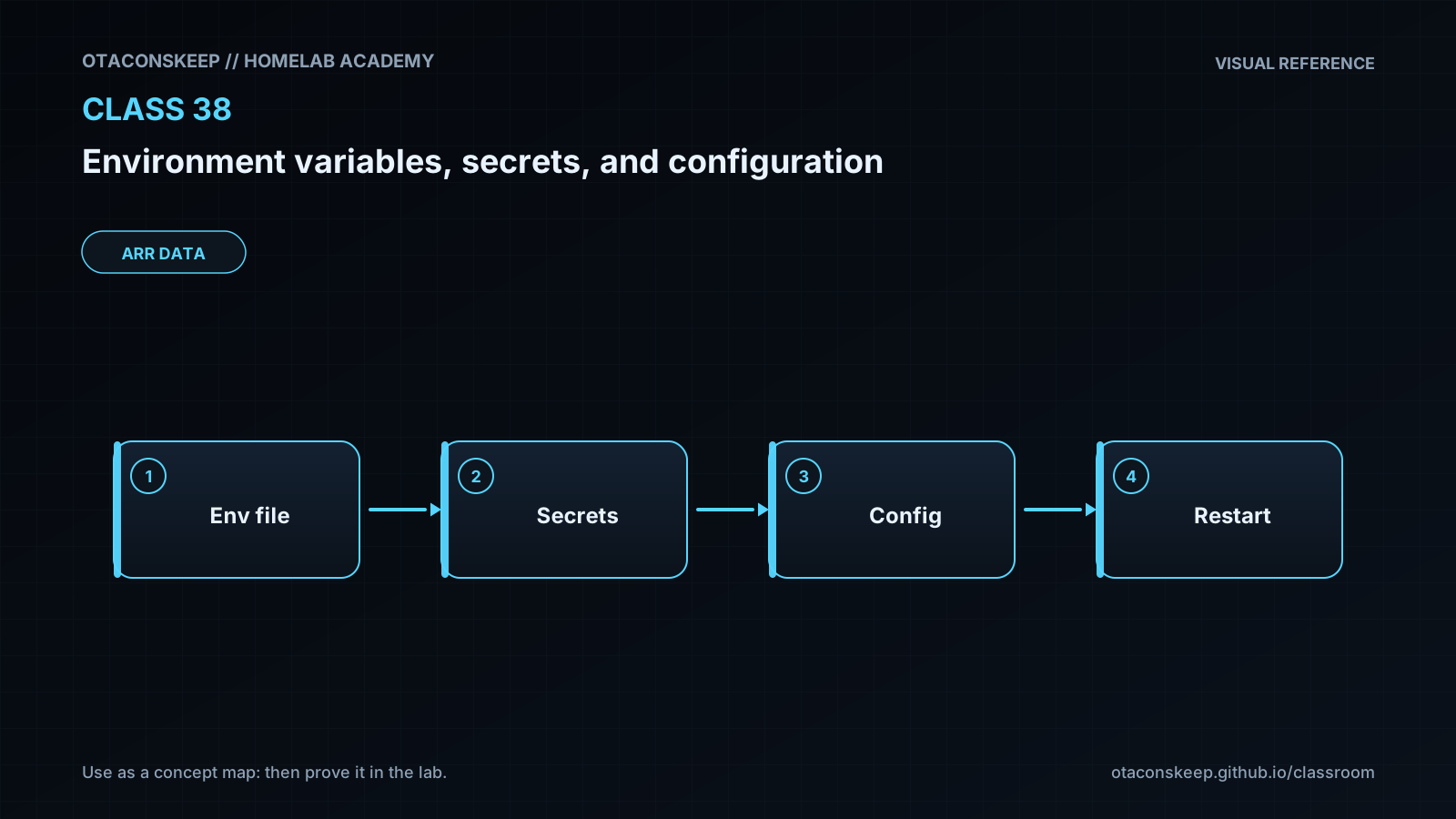
Overview
Module: ARR Data Model & Compose
Activity type: Lab (Practice)
Lab risk: low
Objective: Distinguish ordinary configuration values from sensitive values that require stronger handling.
Before you start
- Completion of introductory Linux shell, file permissions, and process-management lessons.
- Python 3.9 or newer available as python3.
- A POSIX-compatible shell with env, stat, install, and chmod.
- The directory /opt/lab-classroom already exists and the learner has permission to create /opt/lab-classroom/class38/.
- All commands must be executed on a disposable lab host or classroom virtual machine.
Guided lab
scope
Every filesystem mutation in this lab is confined to /opt/lab-classroom/class38/. The credential is randomly generated for the exercise, has no external privileges, and is never printed.
steps
step
1
title
Create the isolated lab directories
commands
install -d -m 0750 /opt/lab-classroom/class38
install -d -m 0750 /opt/lab-classroom/class38/config
install -d -m 0700 /opt/lab-classroom/class38/runtime
explanation
The configuration directory will hold non-sensitive data. The runtime directory has more restrictive permissions because it will hold the generated training credential.
step
2
title
Create non-sensitive structured configuration
commands
python3 - <<'PY'
import json
from pathlib import Path
path = Path('/opt/lab-classroom/class38/config/config.json')
data = {'app_mode': 'normal', 'log_level': 'info'}
path.write_text(json.dumps(data, indent=2) + '\n', encoding='utf-8')
path.chmod(0o640)
PY
explanation
The file contains only ordinary configuration. Python writes valid JSON directly, avoiding any need to treat configuration data as executable shell syntax.
step
3
title
Generate a disposable credential without displaying it
commands
python3 - <<'PY'
import os
import secrets
from pathlib import Path
path = Path('/opt/lab-classroom/class38/runtime/app.token')
flags = os.O_WRONLY | os.O_CREAT | os.O_TRUNC
fd = os.open(path, flags, 0o600)
with os.fdopen(fd, 'w', encoding='utf-8') as handle:
handle.write(secrets.token_urlsafe(32))
handle.write('\n')
path.chmod(0o600)
PY
explanation
The credential is generated locally, written with restrictive permissions, and never sent to standard output. It is valid only as lab data and grants access to no service.
step
4
title
Create the configuration-loading application
commands
python3 - <<'PY'
from pathlib import Path
program = '''import json
import os
import stat
from pathlib import Path
ROOT = Path("/opt/lab-classroom/class38").resolve()
CONFIG_PATH = ROOT / "config" / "config.json"
DEFAULTS = {"app_mode": "normal", "log_level": "warning"}
ALLOWED_MODES = {"normal", "maintenance"}
ALLOWED_LEVELS = {"debug", "info", "warning", "error"}
def require_choice(name, value, allowed):
if value not in allowed:
raise SystemExit(f"invalid {name}: {value!r}")
return value
def load_sensitive_file():
supplied = os.environ.get("APP_TOKEN_FILE")
if not supplied:
raise SystemExit("APP_TOKEN_FILE is required")
path = Path(supplied).resolve(strict=True)
if ROOT not in path.parents:
raise SystemExit("sensitive file must remain inside the class38 lab root")
info = path.stat()
if not stat.S_ISREG(info.st_mode):
raise SystemExit("sensitive path is not a regular file")
permissions = stat.S_IMODE(info.st_mode)
if permissions & 0o077:
raise SystemExit("sensitive file has group or other permission bits")
value = path.read_text(encoding="utf-8").rstrip("\n")
if not value:
raise SystemExit("sensitive file is empty")
return value
def main():
settings = dict(DEFAULTS)
file_settings = json.loads(CONFIG_PATH.read_text(encoding="utf-8"))
unknown = set(file_settings) - {"app_mode", "log_level"}
if unknown:
raise SystemExit(f"unknown configuration keys: {sorted(unknown)}")
settings.update(file_settings)
if "APP_MODE" in os.environ:
settings["app_mode"] = os.environ["APP_MODE"]
if "LOG_LEVEL" in os.environ:
settings["log_level"] = os.environ["LOG_LEVEL"]
settings["app_mode"] = require_choice("app_mode", settings["app_mode"], ALLOWED_MODES)
settings["log_level"] = require_choice("log_level", settings["log_level"], ALLOWED_LEVELS)
sensitive_value = load_sensitive_file()
safe_status = {
"app_mode": settings["app_mode"],
"log_level": settings["log_level"],
"sensitive_value_loaded": bool(sensitive_value)
}
print(json.dumps(safe_status, sort_keys=True))
if name == "main":
main()
'''
path = Path('/opt/lab-classroom/class38/app.py')
path.write_text(program, encoding='utf-8')
path.chmod(0o750)
PY
explanation
The application allow-lists configuration keys and values, constrains the sensitive path to the lab root, requires a regular file, rejects broad permissions, and emits only safe status information.
step
5
title
Observe environment inheritance using harmless data
commands
env LAB_DISPLAY=child-visible python3 -c 'import os; print(os.environ["LAB_DISPLAY"])'
explanation
The Python child process receives LAB_DISPLAY from its parent invocation. This demonstrates inheritance without placing sensitive data in the environment.
step
6
title
Run with file configuration and environment overrides
commands
env APP_MODE=maintenance LOG_LEVEL=debug APP_TOKEN_FILE=/opt/lab-classroom/class38/runtime/app.token python3 /opt/lab-classroom/class38/app.py
explanation
The environment overrides the JSON values for application mode and log level. APP_TOKEN_FILE carries only a path. The sensitive file contents are not included in the command or output.
step
7
title
Verify that unsafe permissions fail closed
commands
chmod 0644 /opt/lab-classroom/class38/runtime/app.token
env APP_TOKEN_FILE=/opt/lab-classroom/class38/runtime/app.token python3 /opt/lab-classroom/class38/app.py; test $? -ne 0
chmod 0600 /opt/lab-classroom/class38/runtime/app.token
explanation
The application must reject a sensitive file that has group or other permission bits. The final command restores the intended mode before continuing.
step
8
title
Rotate the credential with atomic replacement
commands
python3 - <<'PY'
import os
import secrets
from pathlib import Path
runtime = Path('/opt/lab-classroom/class38/runtime')
active = runtime / 'app.token'
staged = runtime / 'app.token.next'
fd = os.open(staged, os.O_WRONLY | os.O_CREAT | os.O_TRUNC, 0o600)
with os.fdopen(fd, 'w', encoding='utf-8') as handle:
handle.write(secrets.token_urlsafe(32))
handle.write('\n')
handle.flush()
os.fsync(handle.fileno())
staged.chmod(0o600)
os.replace(staged, active)
PY
env APP_TOKEN_FILE=/opt/lab-classroom/class38/runtime/app.token python3 /opt/lab-classroom/class38/app.py
explanation
The replacement file is fully written and synchronized before os.replace makes it active. Both paths reside in the same directory and filesystem, enabling atomic replacement under normal POSIX filesystem semantics.
step
9
title
Inspect metadata without reading sensitive content
commands
stat -c 'mode=%a type=%F path=%n' /opt/lab-classroom/class38/runtime/app.token
python3 -m json.tool /opt/lab-classroom/class38/config/config.json
explanation
Metadata and non-sensitive configuration are safe to inspect. Do not display, copy, or include the credential file in diagnostic output.
Expected results
- The harmless inheritance test prints child-visible.
- The first application run prints a JSON object showing app_mode as maintenance, log_level as debug, and sensitive_value_loaded as true.
- No command or application output displays the generated credential.
- The application exits unsuccessfully while the credential file mode is 0644 and reports that group or other permission bits are present.
- After mode 0600 is restored, the application starts successfully.
- The rotation procedure completes without producing the old or new credential on standard output.
- The post-rotation application run reports sensitive_value_loaded as true.
- The final stat command reports mode=600 and type=regular file for the active credential.
Verification
- [ ] Run: test -d /opt/lab-classroom/class38/config && test -d /opt/lab-classroom/class38/runtime. Success is indicated by exit status zero.
- [ ] Run: python3 -m json.tool /opt/lab-classroom/class38/config/config.json >/dev/null. Success confirms that the non-sensitive configuration is valid JSON.
- [ ] Run: test "$(stat -c '%a' /opt/lab-classroom/class38/runtime/app.token)" = 600. Success confirms the intended permission mode.
- [ ] Run: test -f /opt/lab-classroom/class38/runtime/app.token && test -s /opt/lab-classroom/class38/runtime/app.token. Success confirms that the active path is a non-empty regular file without revealing its contents.
- [ ] Run: env APP_MODE=maintenance LOG_LEVEL=debug APP_TOKEN_FILE=/opt/lab-classroom/class38/runtime/app.token python3 /opt/lab-classroom/class38/app.py. Verify that the output contains only effective non-sensitive settings and a true loaded status.
- [ ] Run: test ! -e /opt/lab-classroom/class38/runtime/app.token.next. Success confirms that the staged rotation path was replaced rather than left behind.
- [ ] Review the terminal history for the lab and confirm that no generated credential content was printed or supplied as a command argument.
Break/fix
| Symptom | Likely cause | Fix |
|---|---|---|
| Creating /opt/lab-classroom/class38 fails with permission denied. | The classroom parent directory was not provisioned as writable for the learner. | Ask the lab administrator to create /opt/lab-classroom and delegate access. Do not redirect the exercise to another path because the application intentionally enforces the assigned lab root. |
| python3 is not found. | Python 3 is not installed or is not available through the current PATH. | Use a lab image that satisfies the prerequisite or have the administrator install Python 3 through the operating system's trusted package-management process. |
| The application reports that APP_TOKEN_FILE is required. | The variable was omitted from the process invocation or was not exported to the child process. | Run the complete env command from the lab so APP_TOKEN_FILE contains the approved path to the lab credential file. |
| The application reports that the sensitive file is outside the lab root. | APP_TOKEN_FILE identifies another location or resolves through a link to another location. | Set APP_TOKEN_FILE to /opt/lab-classroom/class38/runtime/app.token and confirm that the active path is a regular file created by the lab. |
| The application reports group or other permission bits. | The sensitive file mode is broader than 0600, possibly because the deliberate failure test was not reversed. | Run chmod 0600 /opt/lab-classroom/class38/runtime/app.token and repeat the application test. |
| The application reports an invalid app_mode or log_level. | The JSON file or environment override contains a value outside the application's allow-list. | Use normal or maintenance for app_mode and debug, info, warning, or error for log_level. |
| The application reports unknown configuration keys. | An unsupported key was added to config.json. | Remove the unsupported key. The lab schema permits only app_mode and log_level. |
| Atomic replacement fails. | The staged file and active file are not on the expected filesystem, the directory is not writable, or a previous manual change altered the lab layout. | Confirm that both paths are directly under /opt/lab-classroom/class38/runtime, correct the directory permissions within the lab root, and rerun the rotation step. |
Security
principles
Classify values before choosing a delivery mechanism. A log level is not equivalent to an authentication credential.
Do not assume that environment variables are confidential merely because they are not stored in a normal configuration file.
Use allow-lists and explicit parsing rather than accepting arbitrary keys or values.
Place only the sensitive file path in the environment for this exercise, not the sensitive value.
Run services under dedicated identities and restrict sensitive files to the intended service identity.
Never print sensitive values during startup checks, debugging, verification, or rotation.
Exclude sensitive files from source control, image build contexts, backups that lack appropriate controls, and routine support archives.
Treat access to deployment systems, service managers, and container orchestrators as sensitive because they may be able to inject or retrieve runtime configuration.
Fail closed when a required sensitive file is missing, empty, unexpectedly typed, outside the approved root, or too broadly accessible.
Document rotation, revocation, audit, and service-reload behavior before deploying a real credential.
production_notes
A production secret-management system may provide identity-based access, encryption, short-lived credentials, audit records, automated rotation, and policy enforcement. A protected file is still useful as a delivery interface, but file permissions alone do not address host compromise, privileged users, backups, memory inspection, or accidental application logging. The lab credential is deliberately isolated and grants no external access.
Rollback
goal
Remove only the class-specific lab directory and all generated training data.
prechecks
Confirm that the exact cleanup target is /opt/lab-classroom/class38.
Confirm that no production service uses any file below the class38 directory.
Confirm that the current lesson work has been assessed before deletion.
command
python3 - <<'PY'
from pathlib import Path
import shutil
target = Path('/opt/lab-classroom/class38')
expected = Path('/opt/lab-classroom/class38')
if target != expected or target.parent != Path('/opt/lab-classroom'):
raise SystemExit('refusing unexpected cleanup target')
if target.exists():
shutil.rmtree(target)
PY
verification
Run: test ! -e /opt/lab-classroom/class38. Exit status zero confirms that the class directory was removed while /opt/lab-classroom itself was preserved.
recovery_note
Cleanup permanently removes the disposable credential and lab files. Recreate them by repeating the lesson from step 1.