Overview
Module: ARR Data Model & Compose
Activity type: Lesson (Orient → Recall → Learn → Explain → Reflect)
Learning objective: Distinguish ordinary configuration values from sensitive values that require stronger handling.
Bloom level: Understand / Apply
Last reviewed: 2025-03-08
Learning objective
Distinguish ordinary configuration values from sensitive values that require stronger handling.
Why this matters
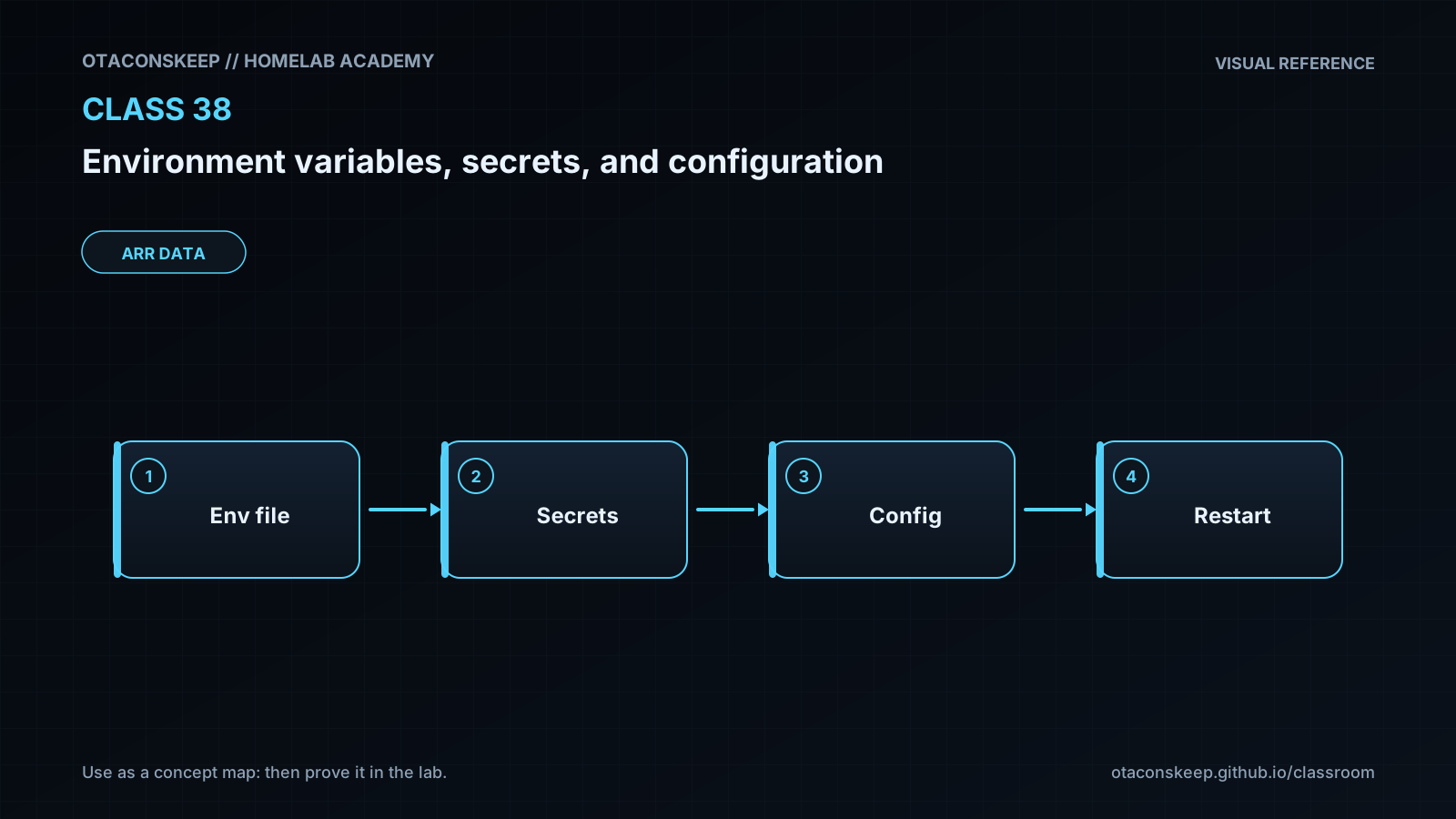
Teach learners to separate ordinary configuration from sensitive runtime material, understand environment inheritance, validate file-based secrets, apply configuration precedence deliberately, and rotate a training credential without exposing its contents.
Learn
Complete the module reading first:
Feynman teach-back: required
prompt
Explain the lesson to someone who knows how to run a program but has never managed application configuration.
model_explanation
Configuration tells a program how to behave, while a secret proves identity or protects data. Environment variables are notes handed from a parent process to a child process, so they are convenient but not automatically private. This application takes ordinary settings from defaults, JSON, and approved environment overrides. For the sensitive value, the environment carries only a file location. The application checks that the file is inside the expected directory, is a normal file, has restrictive permissions, and contains data. It then uses the value without printing it. During rotation, a complete new file is prepared first and replaces the old file in one operation so a reader does not observe a partially written value.
self_check
Can you state which source wins when the same non-sensitive setting appears in defaults, JSON, and the environment?
Can you explain why putting a value in the environment does not make it confidential?
Can you explain why writing a new file before replacement is safer than rewriting the active file in place?
Can you verify successful loading without revealing the loaded value?
Answers save in this browser (localStorage). Completing all five fields is part of the mastery unlock.
Reflection
- What did I learn?
- What did I struggle with?
- How does this connect to earlier classes?