Overview
Module: Sonarr & Radarr
Activity type: Lesson (Orient → Recall → Learn → Explain → Reflect)
Learning objective: Explain the difference between a quality definition, quality profile, custom format, and release restriction
Bloom level: Understand / Apply
Last reviewed: 2025-03-08
Learning objective
Explain the difference between a quality definition, quality profile, custom format, and release restriction
Why this matters
Teach students how Radarr uses quality profiles, release metadata, custom formats, monitored status, searches, download-client history, and import matching to select and organize movie files. The lab uses an isolated policy simulator under /opt/lab-classroom/class47/ so students can practice evaluating releases and import decisions without changing a live Radarr instance.
Learn
Complete the module reading first:
Feynman teach-back: required
prompt
Explain the Radarr pipeline to someone who believes a quality profile downloads and organizes a movie by itself.
model_explanation
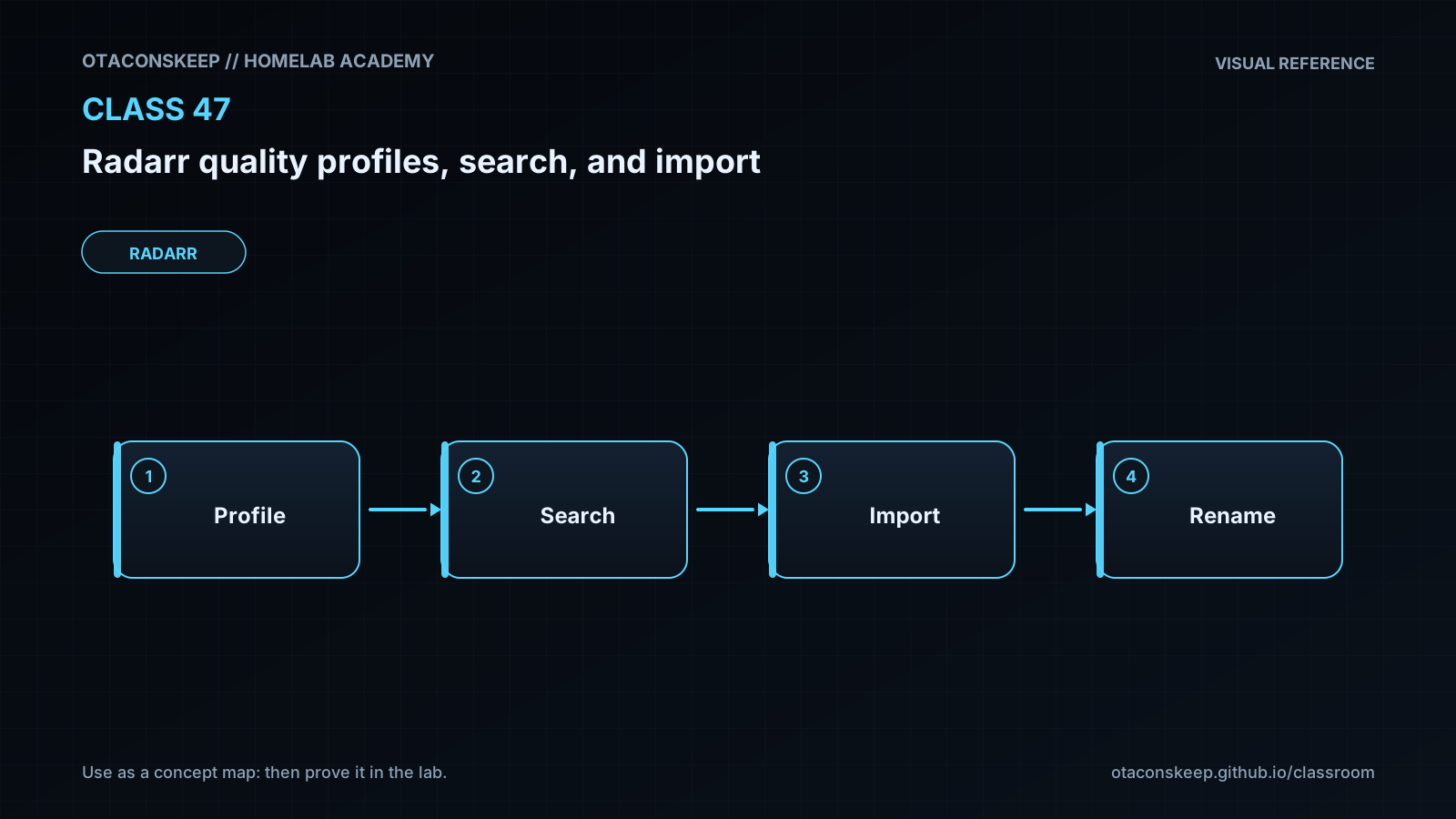
A quality profile is a rulebook, not a downloader. First, Radarr needs a movie entry and a reason to look, such as an automatic search, an interactive search, or a new indexer-feed item. It compares each candidate with the profile and other restrictions. If a candidate is accepted, Radarr sends it to a download client. After the client finishes, Radarr must still recognize the completed item, reach its path, identify the correct movie file, and import that file into the library. A failure in searching, downloading, path access, matching, or permissions can stop the pipeline even when the profile itself is correct.
self_check
The explanation should distinguish discovery, candidate evaluation, downloading, completed-download recognition, and filesystem import as separate stages.
Answers save in this browser (localStorage). Completing all five fields is part of the mastery unlock.
Reflection
- What did I learn?
- What did I struggle with?
- How does this connect to earlier classes?