Overview
Module: Sonarr & Radarr
Activity type: Reading (Learn)
Objective: Explain the difference between a quality definition, quality profile, custom format, and release restriction
Vocabulary
| Term | Meaning |
|---|---|
| Quality definition | A definition of a named source or resolution class, such as WEB-DL 1080p or Bluray-1080p, together with permitted file-size ranges. |
| Quality profile | A policy assigned to a movie that declares allowed qualities, their preference order or grouping, upgrade behavior, cutoff behavior, and custom-format score requirements. |
| Cutoff | The quality level at which Radarr considers the quality goal satisfied. A movie may stop receiving quality-based upgrades after reaching this point, although custom-format upgrade behavior can add further conditions. |
| Custom format | A set of release-name or metadata conditions used to identify characteristics such as codec, audio format, release group, edition, source attribute, or unwanted feature. |
| Custom-format score | A numeric preference associated with a matching custom format inside a quality profile. Positive scores express preference, negative scores express avoidance, and the profile can enforce a minimum acceptable total. |
| Monitored movie | A movie for which Radarr is permitted to watch for releases and evaluate upgrades according to its assigned profile. |
| Automatic search | A search in which Radarr queries configured indexers, evaluates results, and normally selects an acceptable candidate without requiring the user to choose a specific release. |
| Interactive search | A search that displays candidate releases and rejection reasons so an operator can inspect and deliberately choose a release. |
| RSS or feed processing | Periodic processing of newly announced releases from indexers. It is not a search of all historical releases and only helps monitored movies when a suitable new release appears. |
| Completed Download Handling | The workflow through which Radarr observes completed items from a configured download client, identifies the associated movie, and imports an eligible media file. |
| Manual import | An operator-guided workflow that scans an existing file or directory and allows its movie, quality, language, and other metadata to be reviewed before import. |
| Hardlink | A second directory entry referencing the same underlying file data. Hardlinks require source and destination to be on the same filesystem and avoid duplicating file data. |
| Remote path mapping | A translation used when a download client reports a path that is valid from its own perspective but differs from the path Radarr must use to access the same files. |
| Minimum availability | The release-state threshold, such as announced, in cinemas, or released, that influences when Radarr is allowed to search for or acquire a movie. |
Instruction
Radarr separates the decision to look for a movie from the decision to accept a particular release. A movie must first be known to Radarr, assigned a root folder and quality profile, and usually be monitored. A quality profile defines the qualities that are allowed, their relative preference, whether upgrades are enabled, and the point at which the desired quality has been reached. Quality definitions are related but separate: they place size boundaries on named qualities. A release can therefore use an allowed quality and still be rejected because its reported size falls outside the configured definition.
Custom formats add preference information that basic source and resolution labels cannot express. They can recognize attributes such as codec, audio format, release group, edition, HDR variant, or an unwanted naming pattern. Each profile assigns scores to matching custom formats. A negative score does not universally mean an automatic rejection; rejection depends on the resulting total and the profile's minimum custom-format score. Likewise, a high score does not override every hard rejection. A release may still be rejected because the quality is not allowed, the movie is not a match, the size is invalid, the indexer is unavailable, a required term is missing, or another policy condition fails. Operators should read the rejection explanations shown by interactive search instead of assuming that the highest visible score always wins.
An automatic search asks configured indexers for available releases and lets Radarr choose according to its rules. Interactive search asks the same broad question but exposes candidates and rejection reasons to the operator. Feed processing is different: it evaluates newly announced releases and does not search all historical indexer content. Enabling monitoring does not immediately guarantee a search, and assigning a stronger profile does not itself download a replacement. A separate search, a new feed announcement, or another configured trigger must present a candidate.
Importing is a distinct stage from searching and downloading. Radarr must associate the completed download with a known movie, identify a usable movie file, infer or receive its quality, and access both the download location and library destination. Completed Download Handling commonly uses download-client history and the category assigned to Radarr. If the client reports a path that Radarr cannot see, the import fails even though the download completed successfully. Container deployments frequently expose this problem when two applications mount the same storage under different internal paths. Consistent paths are preferable; remote path mappings should be used only when the client genuinely reports a different path namespace.
A successful import can use a hardlink, copy, or move depending on configuration and download type. Hardlinks require source and destination to reside on the same filesystem. They are especially useful when a seeding torrent must remain in the download directory while the organized library also presents the file. If a hardlink cannot be created, an application may copy instead, increasing storage consumption. Permissions must allow Radarr to traverse the source path, read the file, create entries in the destination, and apply the intended naming behavior. Granting broad permissions is not a substitute for aligning service users, groups, ownership, and directory modes.
Manual import is appropriate for pre-existing media, downloads that lost their client association, or ambiguous files requiring operator review. The operator should verify the matched movie, year, edition, quality, language, and destination before approving an import. Samples, trailers, extras, and unrelated videos should not be mistaken for the main feature. An ambiguous filename should be mapped explicitly rather than accepted based only on a partial title. The most reliable troubleshooting sequence follows the pipeline: confirm the movie is monitored and available, inspect the quality profile, inspect search rejection reasons, confirm the download-client category and history entry, verify the path visible to Radarr, check permissions, and finally review the proposed import mapping.
Architecture
flow
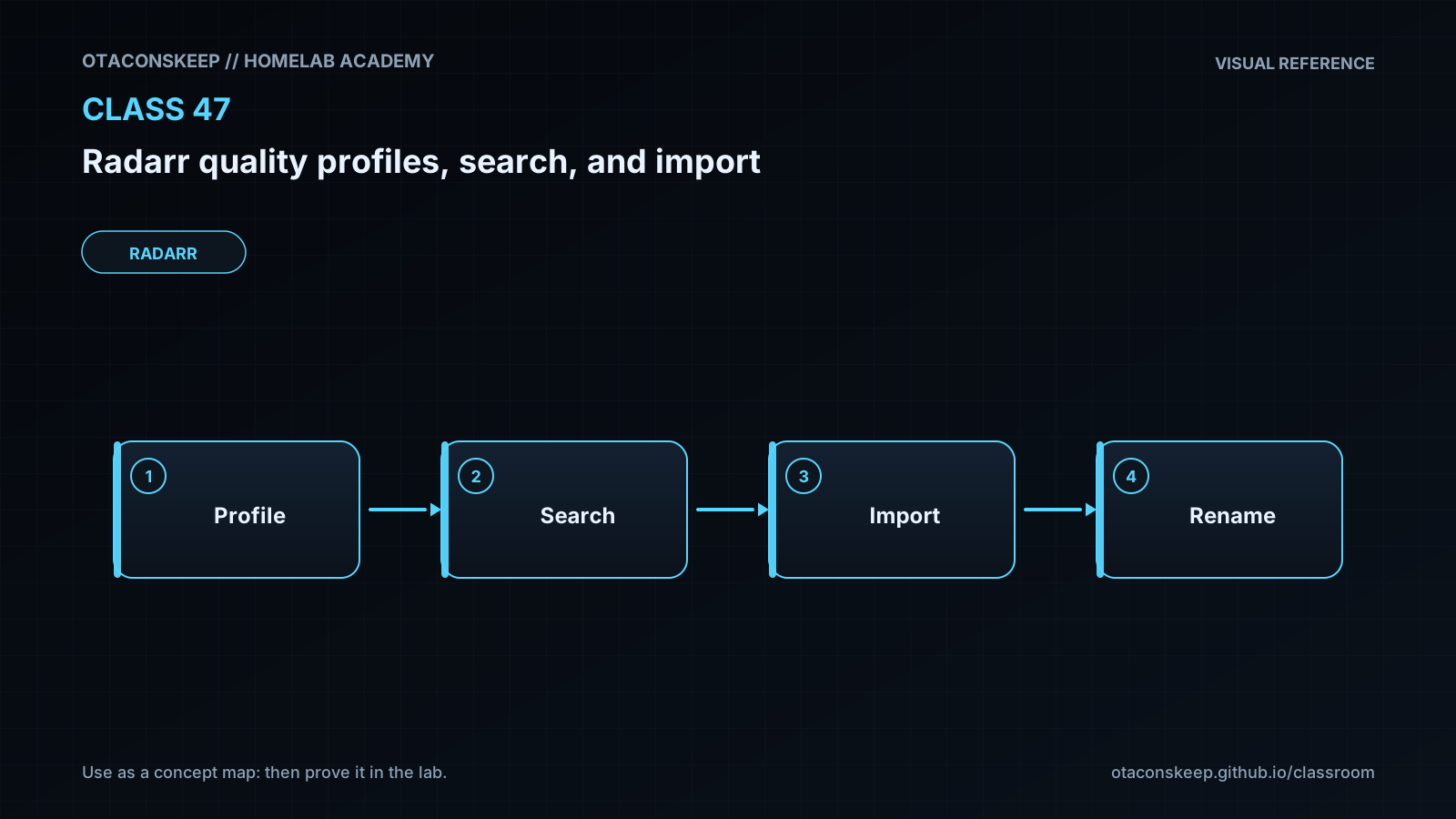
Movie entry and monitoring policy -> search trigger or indexer feed -> indexer candidates -> quality and custom-format evaluation -> download-client submission -> completed client item -> import matching -> library naming and placement
components
name
Radarr movie database
role
Stores the movie identity, monitored status, availability, assigned quality profile, existing file metadata, and root folder.
name
Quality profile evaluator
role
Determines whether qualities are allowed, whether an existing file can be upgraded, whether the cutoff is met, and whether custom-format scores satisfy policy.
name
Indexer
role
Returns release metadata and a download reference. Its results may be incomplete, incorrectly named, or temporarily unavailable.
name
Download client
role
Acquires the selected release and reports status, category, and completed path.
name
Import processor
role
Matches completed files to movies, determines quality and metadata, rejects unsuitable files, and creates the organized library entry.
name
Filesystem
role
Provides the download and library paths. Mount layout, ownership, permissions, and filesystem boundaries affect import behavior.
decision_boundaries
Searching finds candidates but does not prove they can be imported.
Downloading acquires data but does not prove Radarr can see the completed path.
Importing validates identity and filesystem access before updating the library.
Renaming controls the organized filename and does not repair an incorrect movie match.
Required reading
- Servarr Wiki: Radarr overview — https://wiki.servarr.com/radarr
- Servarr Wiki: Radarr settings — https://wiki.servarr.com/radarr/settings
- Servarr Wiki: Radarr library and movie management — https://wiki.servarr.com/radarr/library
- Servarr Wiki: Radarr FAQ — https://wiki.servarr.com/radarr/faq
References
- Radarr project site — https://radarr.video/
- Radarr source repository — https://github.com/Radarr/Radarr
- Servarr Wiki: Radarr — https://wiki.servarr.com/radarr
- Servarr Wiki: Radarr Settings — https://wiki.servarr.com/radarr/settings
- Servarr Wiki: Radarr Library — https://wiki.servarr.com/radarr/library
- Servarr Wiki: Radarr FAQ — https://wiki.servarr.com/radarr/faq
- Servarr Wiki: Docker Guide — https://wiki.servarr.com/docker-guide