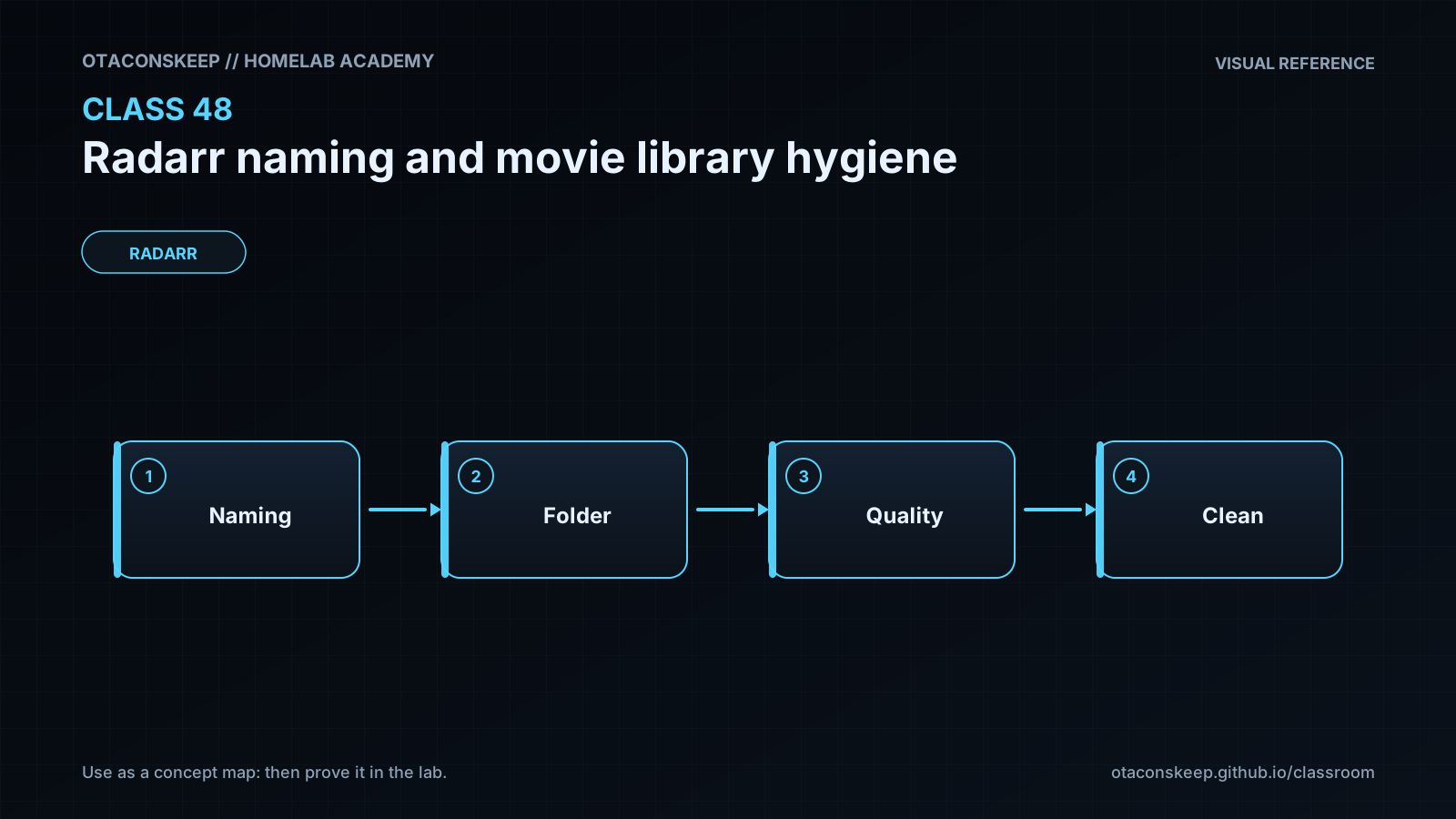
Overview
Module: Sonarr & Radarr
Activity type: Lesson (Orient → Recall → Learn → Explain → Reflect)
Learning objective: Explain the difference between a movie folder format and a movie file format in Radarr.
Bloom level: Understand / Apply
Last reviewed: 2025-03-08
Learning objective
Explain the difference between a movie folder format and a movie file format in Radarr.
Why this matters
Teach administrators how to design predictable Radarr movie folder and file naming, audit an existing library safely, preserve stable movie identity, detect naming collisions, and plan cleanup without disrupting playback or deleting media.
Learn
Complete the module reading first:
Feynman teach-back: required
prompt
Explain Radarr naming to a household member who knows folders but has never used media automation.
model_explanation
Radarr keeps a catalog entry for each movie and connects that entry to a file. The naming template is a recipe that turns trusted catalog facts into a predictable folder and file name. The title makes the path readable, the year separates many remakes, and an external identifier settles cases where text is ambiguous. Quality and edition describe the particular file. Before changing names, we calculate every destination and make sure two movies will not land in the same place. We then test one movie and confirm that subtitles and the media server still follow it.
self_check
Can you explain why the year is helpful but not always sufficient?
Can you explain why a clean name does not prove that the movie was matched correctly?
Can you explain why a path report is required before a bulk rename?
Can you explain the difference between movie identity and media-file properties without using Radarr jargon?
Answers save in this browser (localStorage). Completing all five fields is part of the mastery unlock.
Reflection
- What did I learn?
- What did I struggle with?
- How does this connect to earlier classes?