Overview
Module: Sonarr & Radarr
Activity type: Reading (Learn)
Objective: Explain the difference between a movie folder format and a movie file format in Radarr.
Vocabulary
| Term | Meaning |
|---|---|
| Movie folder format | The Radarr template used to construct the directory assigned to one movie, such as a title, release year, and metadata identifier. |
| Standard movie format | The Radarr template used to construct the primary movie file name inside its movie folder. |
| Naming token | A field in braces that Radarr replaces with metadata, such as movie title, release year, quality, edition, or an external database identifier. |
| Stable identifier | An external catalog identifier, such as a TMDB or IMDb identifier, that remains more reliable than title text for distinguishing movies. |
| Edition | A specific cut or presentation of a movie, such as a director's cut, final cut, theatrical cut, or extended edition. |
| Quality | Radarr's classification of the source and resolution associated with a release, which can be represented in a file name using an appropriate token. |
| Root folder | A top-level path registered with Radarr under which individual movie folders are stored. |
| Sidecar file | A related non-video file stored beside a movie, such as subtitles, artwork, metadata, chapters, or checksums. |
| Collision | A condition in which two source records would produce the same destination path under the proposed naming policy. |
| Dry run | An inspection that calculates and reports proposed changes without applying them to the media library. |
| Unicode normalization | The standardized representation of Unicode characters so that visually identical names do not have different underlying byte sequences. |
| Library hygiene | The ongoing practice of maintaining consistent paths, valid metadata associations, predictable permissions, unique identities, and controlled handling of sidecars. |
Instruction
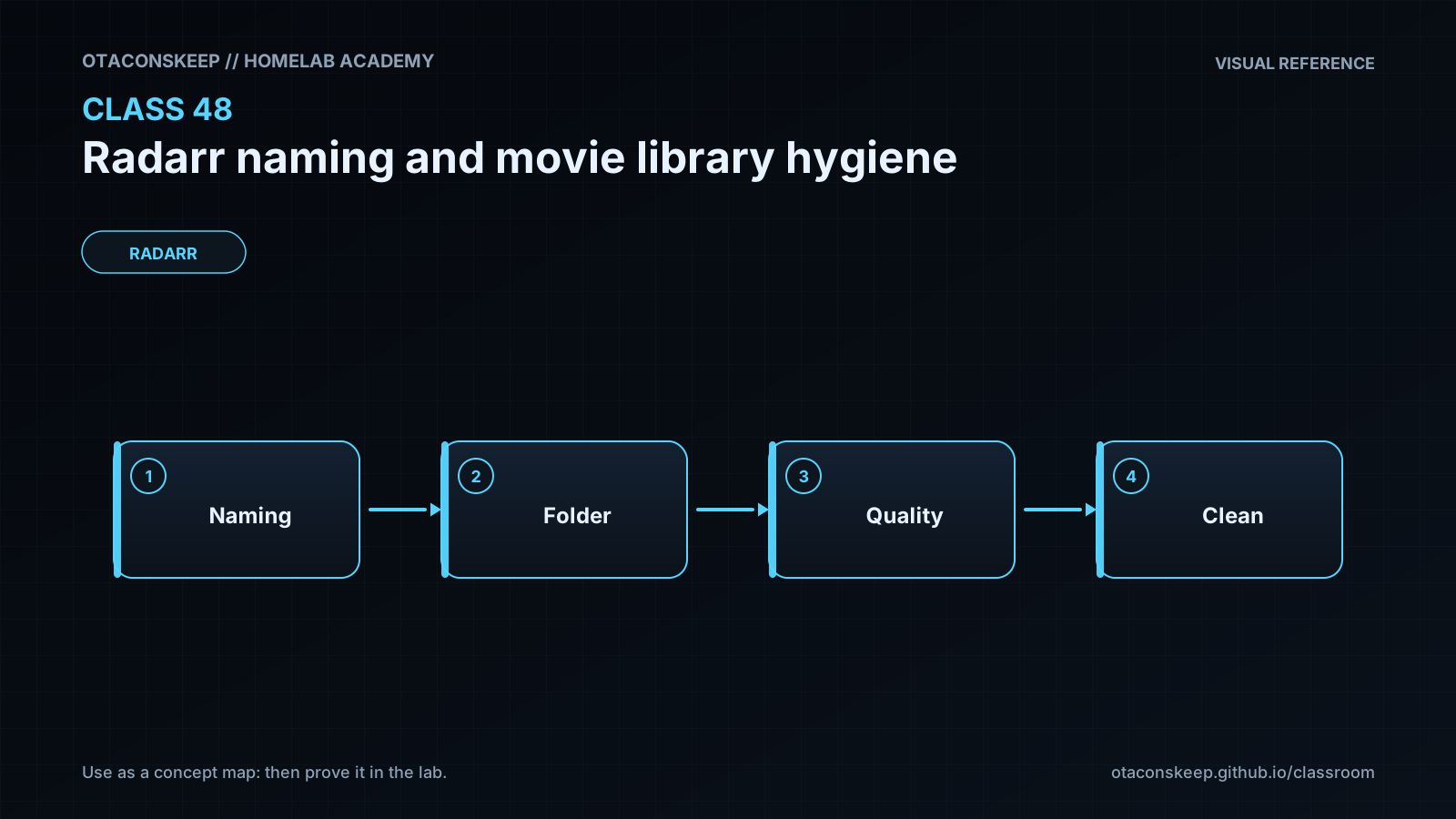
Radarr naming has two related but separate layers: the movie folder and the movie file. A folder identifies the logical movie managed by Radarr, while a file identifies a particular media asset currently satisfying that movie. A durable policy usually gives the folder a human-readable title, the release year, and, where supported by the surrounding tools, a stable external identifier. A conceptual folder could therefore resemble Arrival (2016) [tmdb-329865]. The year distinguishes many remakes, while the identifier resolves cases involving alternate titles, localization, punctuation, or two movies released in the same year. The media file may additionally carry quality and edition information because those properties describe the asset rather than merely the movie record.
Consistency matters more than decorative complexity. Every added token creates another dependency on metadata quality and tool compatibility. Before adopting a template, confirm that the installed Radarr version recognizes every token, inspect the example shown in the naming settings, and verify that media players, backup tools, subtitle applications, and indexers tolerate the resulting characters. Avoid manually typing identifier text into templates as if it were ordinary metadata; use supported Radarr tokens so each movie receives its own value. Token names and formatting capabilities can change across releases, so the live naming preview is authoritative for the installed instance.
Renaming is not the same as rediscovering metadata. Radarr renames files according to the movie records and media files it already knows. If a file is matched to the wrong movie, a perfectly formatted name can make that incorrect match look legitimate. Resolve unmatched files, duplicate records, incorrect editions, and bad metadata before bulk organization. The safest workflow is inventory, preview, small pilot, verification, and then staged expansion. Record current and proposed paths before making changes. A path mapping is useful for rollback, audit review, and diagnosing applications that retained an old path.
Folder and file changes can affect more than Radarr. A media server may need to rescan paths. Subtitle files can become detached when their base name no longer follows the movie file. Automation scripts may depend on old directories. Hard links remain links to the same inode when renamed on one filesystem, but a workflow that copies across filesystems behaves differently. Symbolic links can become stale when their stored target path changes. Backups may treat a mass rename as a large deletion and addition even when content bytes did not change. These consequences are why this class uses a synthetic library and generates proposals rather than changing a production collection.
A hygiene audit should separate warnings from confirmed faults. A missing year is an ambiguity warning, not proof that a movie is wrong. An unexpected extension may be a legitimate sidecar. A duplicate proposed target is a blocking fault because applying both mappings would overwrite or merge identities. Control characters, trailing spaces, platform-reserved characters, and inconsistent Unicode forms may cause portability problems. Edition labels should be explicit and consistently sourced instead of inferred from arbitrary release text. Quality labels are useful for humans and recovery, but Radarr's database remains the primary authority for upgrade decisions.
A practical naming policy should be deterministic: the same metadata should always produce the same path. It should also be reversible enough that an administrator can identify the movie from the path if the application database is unavailable. Keep folders stable when possible and allow asset-specific information to live in file names. Do not use a naming cleanup as a substitute for backups, metadata correction, permission design, or storage monitoring. Naming is one layer of library integrity, not the entire integrity model.
Architecture
components
name
Radarr database
role
Stores movie identity, metadata associations, monitored state, media-file records, quality information, and configured paths.
name
Radarr naming engine
role
Expands supported naming tokens into proposed folder and file names.
name
Movie root folder
role
Contains one managed directory per movie and must be accessible to Radarr and downstream media services.
name
Download or import workflow
role
Supplies releases that Radarr matches, imports, and optionally renames.
name
Media server
role
Indexes the organized library and may need a scan after controlled path changes.
name
Lab audit workspace
role
Provides a synthetic library, authoritative fixture manifest, and dry-run reports under /opt/lab-classroom/class48/.
data_flow
Radarr associates a release with a movie record.
Import processing evaluates the source file, quality, edition, and destination root.
The naming engine expands the configured format using known metadata.
The file is linked, moved, or copied according to the configured import environment.
Radarr records the resulting managed path.
The media server discovers the organized path during its library scan.
policy_example
folder_intent
Title, release year, and stable movie identifier
file_intent
Title, release year, optional edition, quality, and original media extension
important_note
Use only tokens confirmed by the naming preview in the installed Radarr version; the example expresses policy intent rather than guaranteeing identical token syntax in every release.
Required reading
- Radarr documentation: Settings, especially the Media Management and movie naming sections.
- Radarr documentation: Library organization, importing, and root folder behavior.
- TRaSH Guides: Radarr recommended naming scheme.
- Python documentation: pathlib for safe path inspection and construction.
References
- Radarr Wiki — Settings: https://wiki.servarr.com/radarr/settings
- Radarr Wiki — Radarr documentation index: https://wiki.servarr.com/radarr
- TRaSH Guides — Radarr recommended naming scheme: https://trash-guides.info/Radarr/Radarr-recommended-naming-scheme/
- Python documentation — pathlib: https://docs.python.org/3/library/pathlib.html
- Unicode Standard Annex #15 — Unicode Normalization Forms: https://unicode.org/reports/tr15/