Overview
Module: Download Clients & Indexers
Activity type: Lesson (Orient → Recall → Learn → Explain → Reflect)
Learning objective: Explain why Prowlarr connects to Sonarr and Radarr through their APIs
Bloom level: Understand / Apply
Last reviewed: 2025-03-08
Learning objective
Explain why Prowlarr connects to Sonarr and Radarr through their APIs
Why this matters
Teach learners how Prowlarr integrates with Sonarr and Radarr, how application URLs and API credentials are evaluated, how indexer synchronization works, and how to verify the design safely before changing a production media automation stack.
Learn
Complete the module reading first:
Feynman teach-back: required
prompt
Explain the integration to a learner who believes Sonarr connects directly to every tracker after Prowlarr is installed.
model_explanation
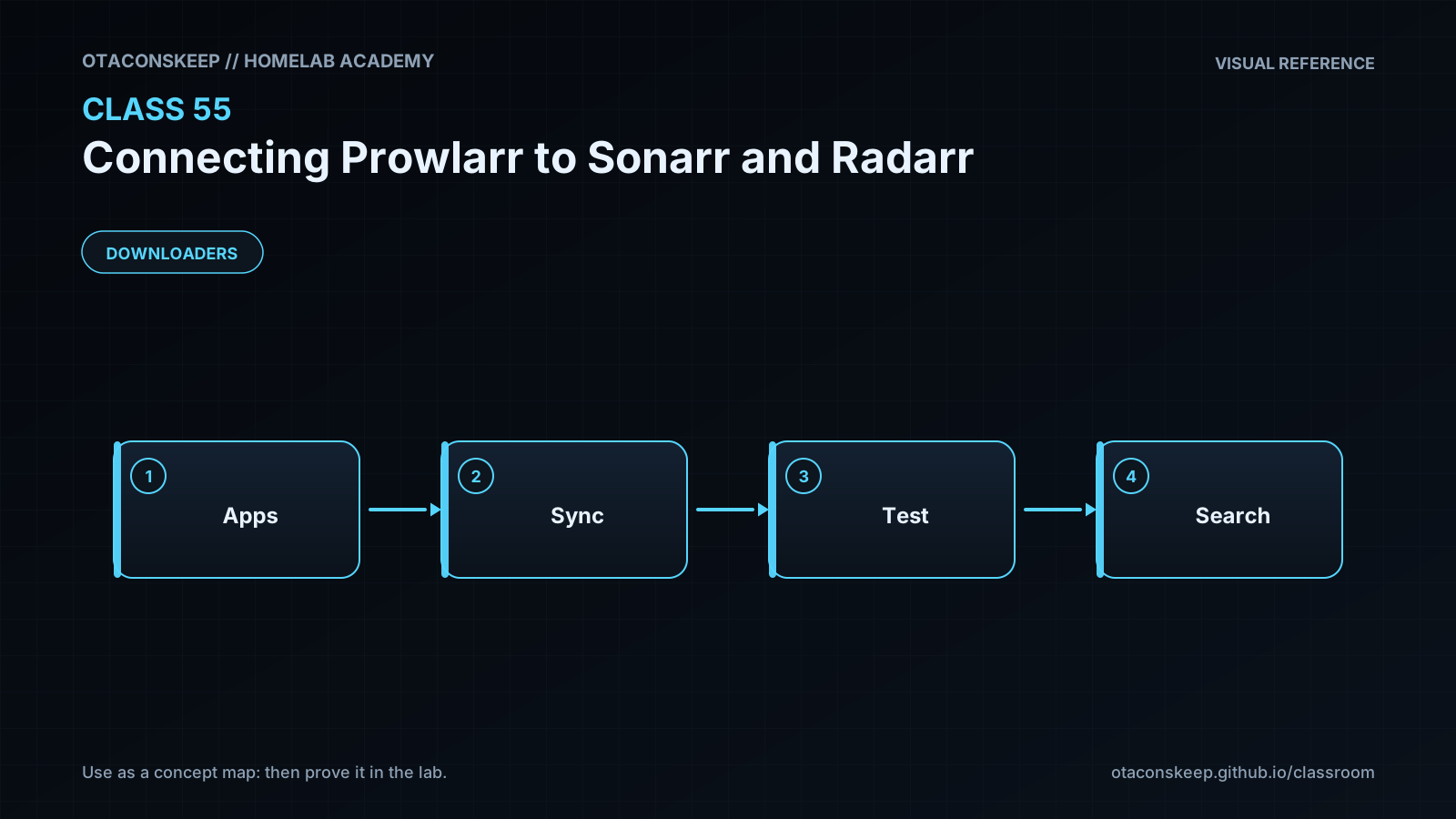
Prowlarr acts like a directory and translator for indexers. An administrator teaches Prowlarr about indexers and gives it permission to configure Sonarr and Radarr through their APIs. Prowlarr then creates compatible indexer entries in those applications. When Sonarr wants television results or Radarr wants movie results, it uses the synchronized entry to ask Prowlarr, and Prowlarr asks the eligible indexers. The address entered for Sonarr must be reachable from Prowlarr, while the Prowlarr address must be reachable from Sonarr. API keys prove that Prowlarr is allowed to configure the target application, and tags decide which indexers are sent where.
Answers save in this browser (localStorage). Completing all five fields is part of the mastery unlock.
Reflection
- What did I learn?
- What did I struggle with?
- How does this connect to earlier classes?