Overview
Module: Download Clients & Indexers
Activity type: Reading (Learn)
Objective: Explain why Prowlarr connects to Sonarr and Radarr through their APIs
Vocabulary
| Term | Meaning |
|---|---|
| Application integration | A Prowlarr configuration that permits Prowlarr to create and maintain compatible indexer entries in Sonarr or Radarr. |
| API key | A secret value used by one service to authenticate API requests to another service. |
| Application URL | The network address Prowlarr uses to contact Sonarr or Radarr. It must be valid from Prowlarr's network context. |
| Prowlarr URL | The address that Sonarr or Radarr can use when sending indexer queries through Prowlarr. |
| Full Sync | A synchronization mode in which Prowlarr can add, update, and remove managed indexer definitions in the connected application. |
| Add and Remove Only | A synchronization mode in which Prowlarr manages the presence of indexers but avoids synchronizing every editable indexer setting. |
| Base URL | An optional path prefix, such as /sonarr, used when an application is published beneath a subpath. |
| Category | A protocol-specific identifier used to distinguish content types such as television or movies. |
| Tag | A label that can limit which Prowlarr indexers are synchronized to a particular application. |
| Test action | A connection check performed before saving an application integration. |
Instruction
Prowlarr centralizes indexer management while Sonarr and Radarr remain responsible for monitoring titles, selecting releases, and sending downloads to a download client. Connecting the applications does not merge their libraries or transfer media files. Instead, Prowlarr authenticates to the Sonarr and Radarr APIs and creates compatible indexer definitions for them.
The most important addressing rule is that an application URL must work from Prowlarr's network context. A URL that opens in an administrator's browser is not automatically usable by Prowlarr. For example, http://localhost:8989 means the system or container making the request. If Prowlarr and Sonarr are separate containers, localhost inside Prowlarr refers to Prowlarr itself rather than Sonarr. On a shared container network, a service name such as http://sonarr:8989 is often appropriate. If services use host networking, separate systems, or a reverse proxy, the correct address may instead be a host address or internal DNS name. The same rule applies to Radarr on its configured port.
The Prowlarr URL has the opposite direction of concern: it must be usable by Sonarr or Radarr when they query an indexer managed through Prowlarr. Internal service names are generally preferable when all participants share the same trusted network. Public proxy addresses can work, but they add dependencies involving DNS, TLS certificates, authentication middleware, and proxy routing. Base URLs must be represented consistently. If Sonarr is configured with /sonarr, an address that omits that path may reach a proxy but still return a not-found response.
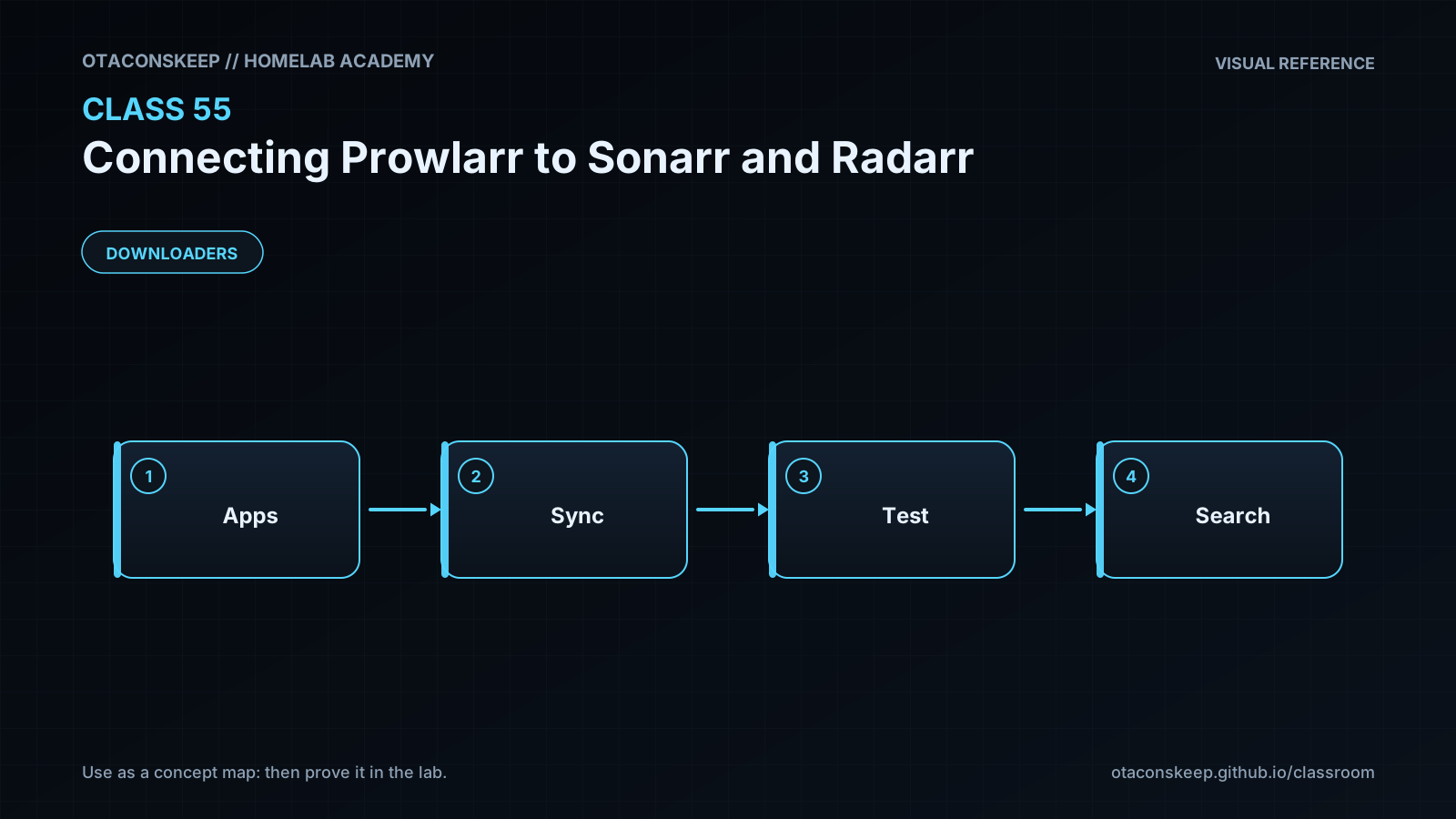
To prepare a real connection, retrieve the API key from the target application's General settings and treat it as a credential. In Prowlarr, open Settings, then Apps, add the appropriate Sonarr or Radarr application type, enter a descriptive name, synchronization level, application URL, Prowlarr URL, and the target application's API key. Use the Test action before Save. A successful test confirms basic addressability, API authentication, and API compatibility; it does not prove that every indexer supports the desired media categories.
Tags control scope. With no restrictive tags, eligible indexers can be synchronized broadly. If an application entry has tags, only appropriately tagged indexers are selected. This is useful when one tracker should provide television results but not movie results, or when separate applications require different indexer policies. A tag mismatch can therefore produce an apparently healthy application connection with no useful synchronized indexers.
Full Sync gives Prowlarr stronger authority over managed indexer definitions. Changes made directly to a Prowlarr-managed indexer in Sonarr or Radarr may be overwritten during a later synchronization. Add and Remove Only is useful when local tuning should remain under the target application's control, although exact options can vary by release. Choose ownership deliberately instead of treating the sync level as a cosmetic setting.
After saving a production integration, inspect the target application's Indexers page and identify the entries managed through Prowlarr. Run a test from the target application, then perform an interactive search for a known monitored title. Do not immediately enable automatic searching across a large library. A staged check makes authentication, category, rate-limit, and quality-profile mistakes easier to isolate. This lesson's executable lab does not alter live applications; it builds and validates an integration plan entirely under the required classroom directory.
Architecture
components
Prowlarr stores indexer definitions and application integration records.
Sonarr manages television monitoring, release selection, and import workflows.
Radarr manages movie monitoring, release selection, and import workflows.
Indexers provide searchable release metadata.
A download client receives approved download requests from Sonarr or Radarr.
control_flow
An administrator configures Sonarr and Radarr application records in Prowlarr.
Prowlarr authenticates to the target application API and synchronizes eligible indexer definitions.
Sonarr or Radarr sends a search request through the synchronized Prowlarr-backed indexer endpoint.
Prowlarr queries eligible upstream indexers and returns normalized results.
Sonarr or Radarr evaluates the results and can submit an accepted release to its configured download client.
trust_boundaries
API keys cross the boundary from Prowlarr to the target application.
Indexer credentials remain under Prowlarr's management.
Application-to-application traffic must use addresses valid on the participating services' network.
Reverse proxies and identity gateways can introduce additional authentication and routing boundaries.
example_internal_addresses
prowlarr
http://prowlarr:9696
sonarr
http://sonarr:8989
radarr
http://radarr:7878
Required reading
- Prowlarr documentation: https://wiki.servarr.com/prowlarr
- Sonarr settings documentation: https://wiki.servarr.com/sonarr/settings
- Radarr settings documentation: https://wiki.servarr.com/radarr/settings
- Servarr Docker guide: https://wiki.servarr.com/docker-guide
References
- Prowlarr documentation: https://wiki.servarr.com/prowlarr
- Prowlarr application settings documentation: https://wiki.servarr.com/prowlarr/settings
- Sonarr documentation: https://wiki.servarr.com/sonarr
- Radarr documentation: https://wiki.servarr.com/radarr
- Servarr Docker guide: https://wiki.servarr.com/docker-guide
- Python urllib.parse documentation: https://docs.python.org/3/library/urllib.parse.html
- Python json documentation: https://docs.python.org/3/library/json.html